 CoTester 2.0 is LIVE! Your Always-Available AI Teammate for Testing.
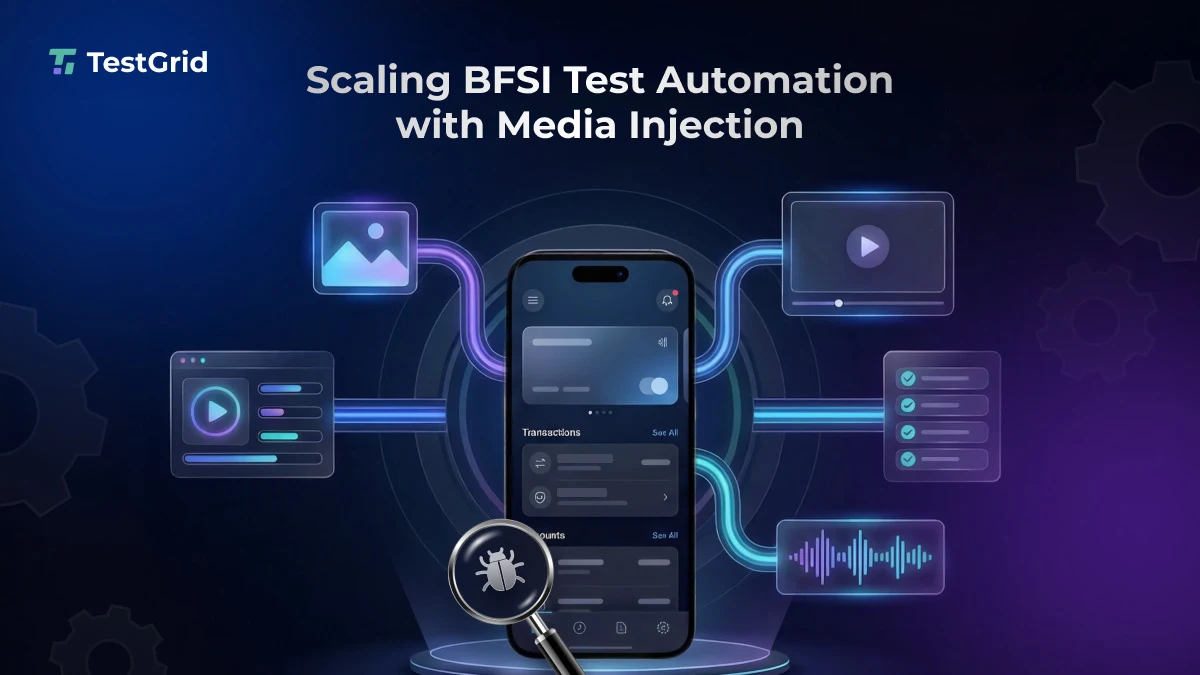
Applications across banking, financial services, and insurance depend on camera-based interactions for workflows such as identity verification, document capture, cheque deposits, QR-code scanning, and liveness checks.
For QA teams, these workflows can be difficult to incorporate into repeatable automation.
Tests may require the application to receive several images or videos at different stages of the same user journey while the application itself expects those inputs to come through the device camera.
A BFSI QA team needed a more efficient way to automate these media-dependent workflows without repeatedly reinstalling or re-signing the application between inputs.
The Challenge
The existing media injection implementation supported a single image per test run and accepted PNG or JPEG files. This worked for simpler scenarios but became restrictive when a workflow required successive media inputs or additional formats such as GIFs or videos.
Testing another verification scenario meant repeating the injection process rather than continuing naturally through the same application session.
Why the Existing Approach Fell Short
Many camera-dependent workflows require multiple documents or different media inputs at successive stages.
When each additional scenario required the injection process to be repeated, automation became less efficient and required greater intervention from the QA team. For iOS testing, repeated application installation and re-signing added further overhead.
In some security-sensitive application workflows, testers can’t simply upload a file from the device gallery because the application requires media to be captured through the camera.
This makes camera-dependent journeys particularly difficult to automate on remotely hosted devices.
The TestGrid Approach
The team used TestGrid’s enhanced Media Injection capability to support multiple media inputs within the same application session.
TestGrid installed the application and performed the initial media injection. Subsequent images or videos could then be injected through TestGrid’s lightweight Overlay UI and APIs without reinstalling or re-signing the application.
The implementation supports multiple media formats, including PNG, JPG, JPEG, GIF, MP4, and MOV. Using TestGrid, the team could:
- Inject multiple images during the same application session
- Introduce GIF or video inputs when required by the workflow
- Continue through successive camera-dependent stages without repeating application setup
- Integrate media injection into automated UI workflows through TestGrid APIs
- Kill and relaunch the application when required before moving to the next injection
The Impact
Supporting multiple media inputs within the same application session allowed the QA team to extend automation beyond isolated camera interactions and cover more complete verification journeys.
- Expanded end-to-end automation coverage: Camera-dependent stages that previously interrupted an automated flow could now remain part of the same test journey, allowing the team to automate more complete BFSI testing workflows.
- More efficient regression testing: By removing repeated installation, re-signing, and setup between media inputs, the team could execute multi-stage verification scenarios with considerably less operational overhead.
- Greater flexibility for complex test scenarios: The team could test workflows involving different combinations and sequences of images, GIFs, and videos without designing separate test runs around each media input.
As a result, camera input no longer had to become a break point in an otherwise automated end-to-end workflow.
“Earlier, every new media input added another break in the test flow. Now we can move through those steps in one session, which makes the automation easier to run, maintain, and repeat across verification scenarios.” — BFSI QA Team
Automate Camera-Dependent Workflows With TestGrid
Testing workflows that depend on camera input should not require repeated application setup every time the media changes.
TestGrid’s Media Injection capabilities allow QA teams to inject images, GIFs, and videos into application workflows and support multiple media inputs within the same application session.
Explore how TestGrid can help you automate camera-dependent testing across real devices.


