Cypress Test Execution
with TestGrid
Execute cypress test cases on TestGrid cloud on real browsers at scale.


Run Cypress tests on a wide range of real browsers

Chrome

Firefox

Edge

Safari
Get started with Cypress test execution

Download
Download the TestGrid JSON file, update the cypress_config_file path as per your project, and place the TestGrid JSON file in the Cypress project directory.

Install
Install TestGrid's Cypress CLI, Copy this code snippet and run it in your terminal to install CLI.

Execute
Navigate to the project directory by using cd command (For ex. cd /user/cypress) & execute ‘testgrid-cypress run’ command. See results on TestGrid's Dashboard.
Browser compatibility testing with Cypress
Perform browser compatibility of your website & web apps with TestGrid cloud of real browsers and their versions. Test on all the latest and legacy browsers for free with TestGrid.
Request Free Trial

Test fast, release with confidence
Perform parallel testing of your cypress tests with TestGrid and release your website faster. Cut down the feedback loop and debug issues faster.
Request Free Trial
Users can execute local Appium scripts on TestGrid’s scalable & secure Appium test execution cloud. Test native, hybrid and web applications on a combination of 1000+ real iOS and Android devices. Test better & release faster.
Industry Recognitions


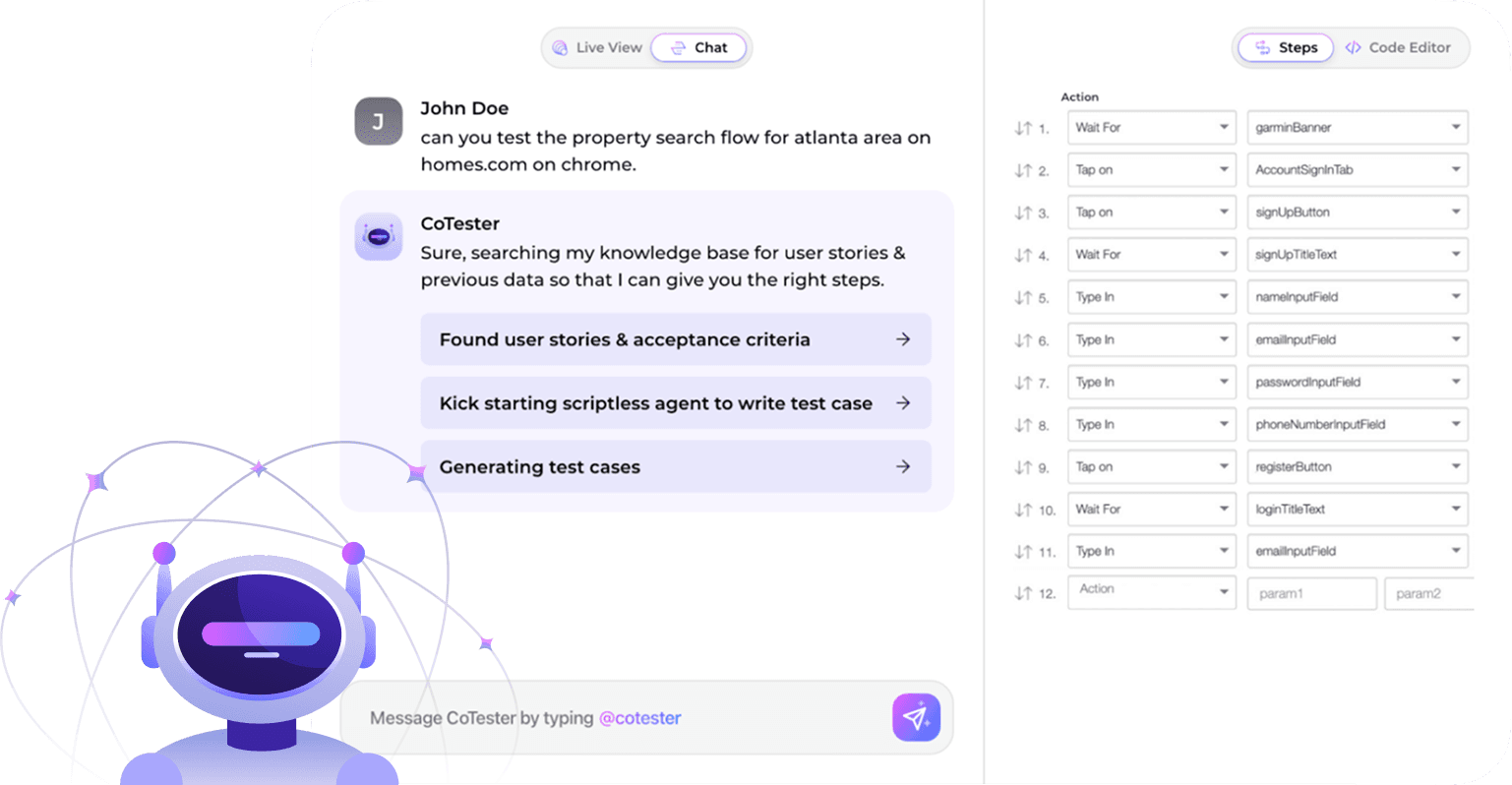
CoTester 
World's first AI agent
for Software Testing
See it in action!Test, Debug, Execute in a snap!