


TestGrid: A Smarter Alternative to Online Mobile Emulators
Is your emulator passing tests yet still missing the browser, hardware, network, and touch behavior that affects users on real phones? With TestGrid, you can test mobile websites and apps on real Android and iOS devices, right from your browser. No device lab to buy or maintain.

Move From a Web Mobile Emulator to Real Device Testing
TestGrid accommodates your technical, operational, and security requirements without forcing every workload into the same hosting model.
Access real Android and iOS devices online
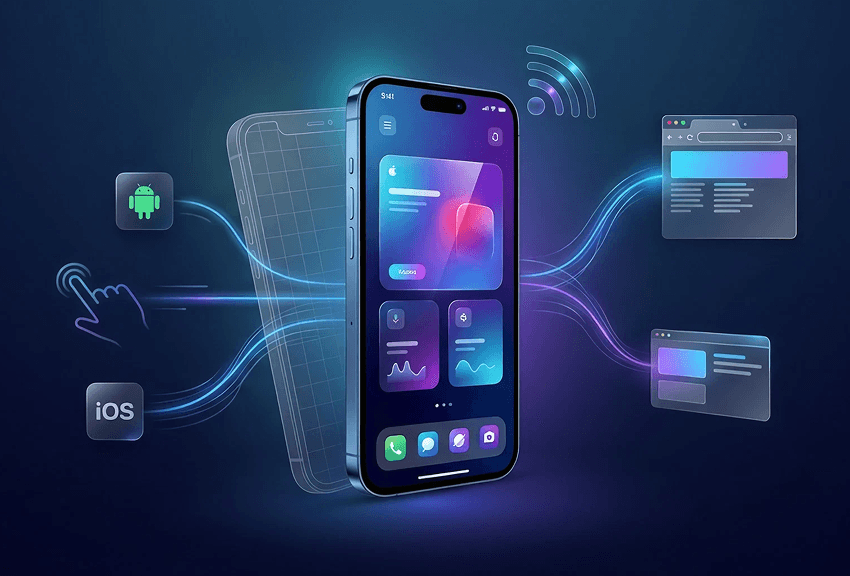
With TestGrid Real Device Cloud, you can open and control physical Android and iOS devices from your browser. Select the device model and OS version you need across available screen sizes, then check your mobile website or app on the same type of hardware your users rely on..
Test across real mobile browsers
Perform cross-browser compatibility testing across Safari, Chrome, Firefox, Opera, and Samsung Internet on physical mobile devices. With TestGrid, your mobile website testing can cover CSS, JavaScript, forms, navigation, storage, redirects, and touch events across browser and OS combinations.
Validate Responsive, Visual, and Accessible Experiences
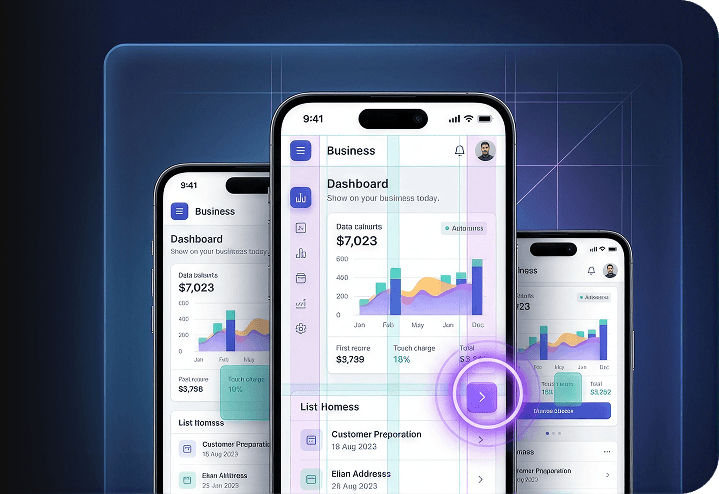
TestGrid enables you to conduct responsive testing across screen sizes, resolutions, and portrait or landscape orientations. Identify clipped text, overlapping elements, hidden controls, incorrect breakpoints, and visual regressions.
Cross-device and accessibility testing also help you verify readability, touch-target placement, keyboard behavior, and form usability across mobile configurations.
Recreate Mobile Conditions and Native Interactions
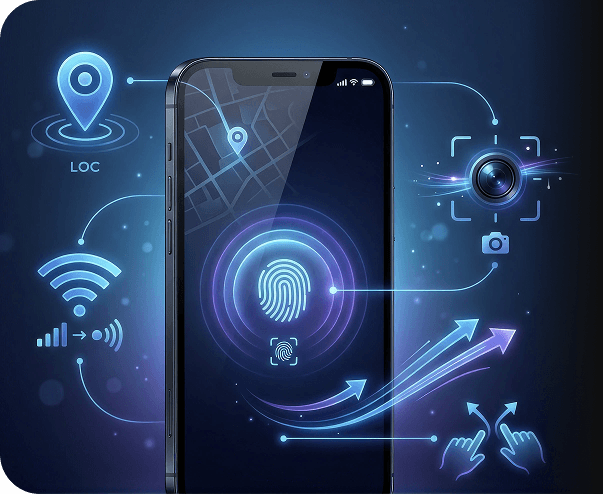
Do geolocation testing with simulated GPS locations and use network throttling to check behavior under different connection conditions. Test orientation changes and touch-screen gestures such as tap, swipe, scroll, pinch, and zoom. TestGrid also enables you to validate camera input and biometric authentication on supported devices.
Request Free TrialRun Exploratory and Automated Tests Through CI/CD
With manual and exploratory testing, you can create codeless workflows or run existing Appium, Selenium, and Cypress suites on real devices. Execute tests in parallel and connect TestGrid with Jenkins, GitHub Actions, GitLab, and Azure DevOps to trigger regression testing from pull requests, releases, or scheduled pipelines.
Request Free Trial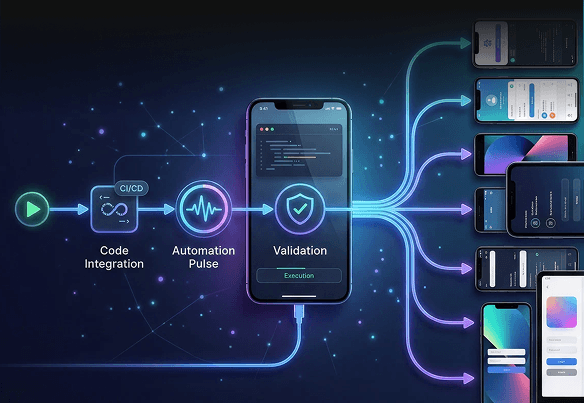
Test Localhost, Staging, and Protected Applications
Open localhost and staging URLs on real mobile devices through TestGrid’s secure tunnel. For restricted applications, TestGrid provides VPN-enabled environments, MDM requirements, dedicated devices, and cloud, private-cloud, on-premise, or hybrid deployment options, giving you controlled access to mobile testing.

Investigate Failures With Device-Level Diagnostics
Review screenshots, session recordings, console output, device logs, network captures, and crash reports when a test fails. TestGrid also supports Appium Inspector, browser developer tools, ADB commands, and monitoring for CPU, memory, battery, network usage, and UI response time.
Request Free Trial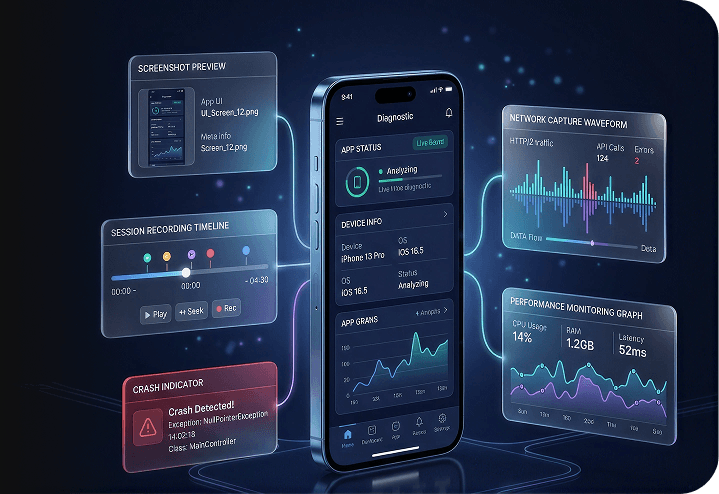
Why Use TestGrid for Mobile Testing?
These three reasons show where TestGrid delivers the clearest advantages for your team, infrastructure, and ongoing testing effort.
Your test data never leaves your perimeter
Choose public cloud, private cloud, hosted dedicated, on-premise, or hybrid deployment. With TestGrid, you can align device access, test data, internal networks, and application environments with your organization’s security, governance, and infrastructure requirements.
Built for every role on the QA team
Your manual testers can explore applications, non-technical users can create codeless flows, and automation engineers can run Appium, Selenium, or Cypress suites in the same environment. Your team works with the same devices, execution context, and results with TestGrid.
Keeps your maintenance overhead low
TestGrid combines record-and-playback, codeless authoring, AI-assisted automation, reusable test suites, real-device execution, and diagnostics. You can reduce repetitive scripting, simplify failure investigation, and limit the effort required to manage separate tools for test creation, execution, and analysis.
Frequently Asked Questions (FAQs)
What is an online mobile emulator?

An online mobile emulator, also called a mobile device emulator online, gives you a virtual environment for testing mobile websites or applications without connecting a physical phone. Android Studio Emulator uses Android Emulator and Android SDKs to support virtual Android testing, while Xcode includes Simulator for iOS development.
The terms mobile emulator and mobile simulator are often used interchangeably, although they use different methods to reproduce device behavior.
What is an online mobile emulator?
An online mobile emulator, also called a mobile device emulator online, gives you a virtual environment for testing mobile websites or applications without connecting a physical phone. Android Studio Emulator uses Android Emulator and Android SDKs to support virtual Android testing, while Xcode includes Simulator for iOS development.
The terms mobile emulator and mobile simulator are often used interchangeably, although they use different methods to reproduce device behavior.
What is the difference between a mobile emulator and a real device?
A mobile emulator reproduces selected device characteristics in software. A real device has its own processor, memory, screen, battery, sensors, camera, browser, and network interface.
Emulators are useful for early development checks, while real devices provide more representative results for performance, browser behavior, touch input, biometrics, cameras, GPS, and changing network conditions.
What is the difference between a mobile emulator and a real device?
A mobile emulator reproduces selected device characteristics in software. A real device has its own processor, memory, screen, battery, sensors, camera, browser, and network interface.
Emulators are useful for early development checks, while real devices provide more representative results for performance, browser behavior, touch input, biometrics, cameras, GPS, and changing network conditions.
How reliable is mobile emulator testing?
Mobile emulator testing is reliable for early functional checks, controlled test scenarios, and development work. A mobile phone emulator may not fully reproduce hardware performance, browser-specific behavior, battery use, sensors, cameras, biometrics, or unstable network conditions.
How reliable is mobile emulator testing?
Mobile emulator testing is reliable for early functional checks, controlled test scenarios, and development work. A mobile phone emulator may not fully reproduce hardware performance, browser-specific behavior, battery use, sensors, cameras, biometrics, or unstable network conditions.
Why should I use TestGrid Real Device Cloud instead of an online mobile emulator?
TestGrid lets you validate websites and apps on physical Android and iOS devices, real mobile browsers, and supported native device capabilities. You can run manual, codeless, and automated tests without maintaining your own device inventory, while also choosing cloud, private, on-premise, or hybrid deployment options based on your security requirements.
Why should I use TestGrid Real Device Cloud instead of an online mobile emulator?
TestGrid lets you validate websites and apps on physical Android and iOS devices, real mobile browsers, and supported native device capabilities. You can run manual, codeless, and automated tests without maintaining your own device inventory, while also choosing cloud, private, on-premise, or hybrid deployment options based on your security requirements.
Can I test Android, iPhone, and mobile websites online without owning physical devices?
Yes. With TestGrid Real Device Cloud, you can select a supported Android or iOS device, choose the required OS and browser, and open your website or app remotely. Whether you are comparing a mobile website emulator, searching for a way to test website on mobile online, or evaluating an emulator online mobile option, TestGrid lets you run the same checks on physical devices without purchasing the phones yourself.
Can I test Android, iPhone, and mobile websites online without owning physical devices?
Yes. With TestGrid Real Device Cloud, you can select a supported Android or iOS device, choose the required OS and browser, and open your website or app remotely. Whether you are comparing a mobile website emulator, searching for a way to test website on mobile online, or evaluating an emulator online mobile option, TestGrid lets you run the same checks on physical devices without purchasing the phones yourself.