


Speed Up Chrome Browser Testing With TestGrid
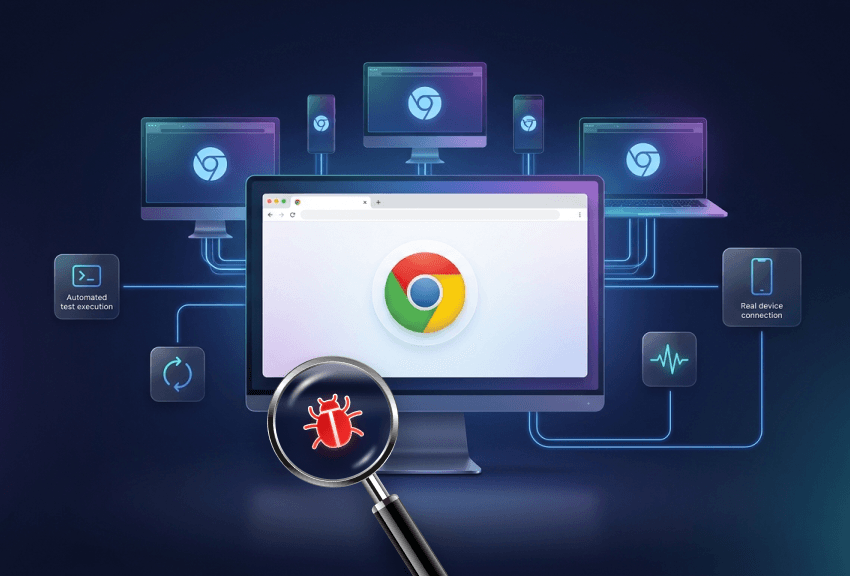
Losing hours chasing Chrome bugs you can’t reproduce across every version, OS, and device? With TestGrid, you can recreate the exact conditions your users depend on across real Chrome environments and run manual and automated checks. Catch issues without maintaining local setups, VMs, or device labs.
Chrome Testing for Real User Conditions
Test closer to production behavior while keeping Chrome validation repeatable and easier to act on with TestGrid
Request Free TrialLive Chrome browser sessions
Access browser sessions for Chrome remotely to test staging builds, reproduce customer-reported defects, and verify fixes, and investigate app performance in real time.
CI/CD-ready Chrome test execution
Trigger Chrome browser tests through CI/CD tools such as Jenkins, GitHub Actions, GitLab CI, and CircleCI. Detect browser-specific behaviors via testing during production, pull requests, and release cycles.
Chrome test reporting and failure analysis
Use TestGrid execution data, logs, screenshots, recordings, and environment details so you can identify broken flows, layout issues, script failures, and recurring regressions.
Chrome Version Testing Across Release Channels
Chrome updates frequently, and even a small browser change can affect rendering, JavaScript behavior, browser APIs, cookies, storage, and extension behavior. With TestGrid, you can perform Chrome version testing across supported Chrome versions, including stable releases and, where available, pre-release channels such as Chrome Beta and Chrome Canary.

Desktop and Mobile Chrome Browser Coverage
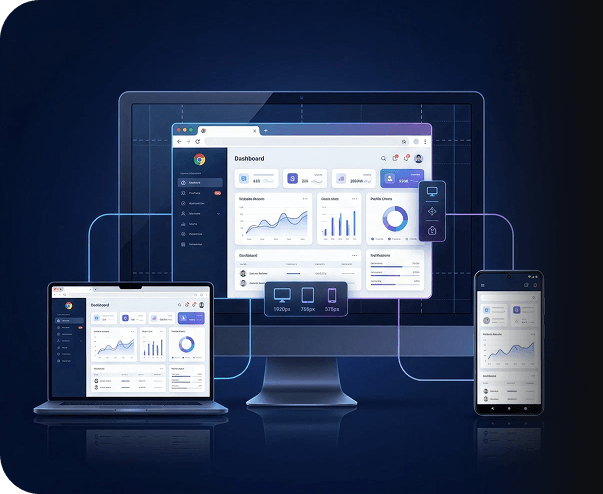
Users may access your app on Chrome for Windows 10, Windows 11, Chrome on macOS, or Chrome for Android – each with different screen sizes, viewport behavior, input methods, and device conditions. TestGrid enables you to carry out tests on a wide range of desktop and mobile environments. Review Chrome browser behavior as users expect it – checkout flows, responsive layouts, touch interactions.
Request Free TrialAutomated Chrome Browser Testing
Need to avoid repeating the same Chrome checks after every build? With TestGrid, you can run automated Chrome browser tests using frameworks such as Selenium WebDriver, Playwright, Cypress, and WebDriverIO.
Reuse your existing automation scripts to validate critical workflows such as login, search, checkout, payments, and form submissions.

Ease Chrome Test Maintenance With CoTester
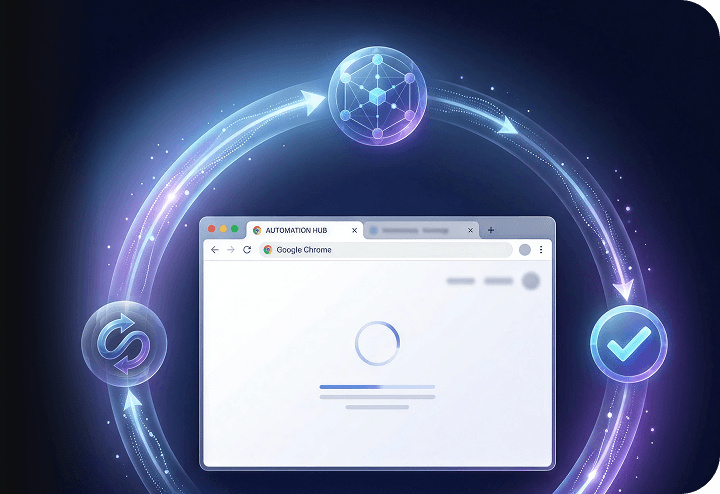
Chrome browser testing doesn’t end once your scripts run. You still need to generate test cases from requirements, user stories, or approved workflows and execute them across real browser environments. TestGrid’s CoTester AI testing agent handles all of that. It also helps you spot locator failures caused by UI changes, identify updated elements using visual and page signals, and keep Chrome test flows easier to maintain.
Request Free TrialWhy TestGrid for Chrome Browser Testing?
Our platform is built for teams that need faster coverage without heavier infrastructure
Consolidate more of your efforts in one place
Bring browser testing, real device access, automation, visual checks, and performance validation into one platform. With TestGrid, your team reduces dependency on separate tools for browsers, mobile infrastructure, scriptless automation, and reporting, while keeping execution connected in one workflow.
Choose the deployment model your team needs
You can run TestGrid in a way that matches your security, access, and infrastructure requirements, including cloud, private dedicated hosting, on-premise, or hybrid environments. You get full browser and device access while keeping control of their own test environment.
Give every team a practical path into automation
Your QA analysts, engineers, product teams, and business users can contribute to testing without relying on one narrow skill set. TestGrid supports existing scripts, record-and-playback, codeless authoring, a built-in IDE, and CoTester-led test generation. It’s easy to get started with the platform.
Frequently Asked Questions (FAQs)
What Chrome versions are available to test on TestGrid?

TestGrid lets you perform Chrome browser testing across supported Chrome versions and real Chrome environments. You can validate your website on Chrome Stable and, where available, pre-release Chrome channels such as Chrome Beta and Chrome Canary. If your team needs Chromium coverage, confirm the available Chromium or Chromium-based browser options with the TestGrid team before you finalize your test matrix.
What Chrome versions are available to test on TestGrid?
TestGrid lets you perform Chrome browser testing across supported Chrome versions and real Chrome environments. You can validate your website on Chrome Stable and, where available, pre-release Chrome channels such as Chrome Beta and Chrome Canary. If your team needs Chromium coverage, confirm the available Chromium or Chromium-based browser options with the TestGrid team before you finalize your test matrix.
Can I test my website on Chrome for Android without needing a real physical device?
Yes. With TestGrid, you can test your website on Chrome for Android through real Android devices in the cloud without buying or maintaining physical devices. This helps you verify application performance across different screen sizes, Android versions, viewport behavior, touch interactions, and real device conditions.
Can I test my website on Chrome for Android without needing a real physical device?
Yes. With TestGrid, you can test your website on Chrome for Android through real Android devices in the cloud without buying or maintaining physical devices. This helps you verify application performance across different screen sizes, Android versions, viewport behavior, touch interactions, and real device conditions.
What is the difference between using a Chrome browser emulator and testing on a real Chrome browser?
A Chrome emulator online, google Chrome emulator, or browser emulator Chrome setup can help with quick layout checks. However, it may not fully reflect how your website behaves on a real Chrome browser, real OS, or real Android device. Testing on real Chrome browsers gives you more dependable results for rendering, JavaScript execution, cookies, storage, touch input, device behavior, and performance.
What is the difference between using a Chrome browser emulator and testing on a real Chrome browser?
A Chrome emulator online, google Chrome emulator, or browser emulator Chrome setup can help with quick layout checks. However, it may not fully reflect how your website behaves on a real Chrome browser, real OS, or real Android device. Testing on real Chrome browsers gives you more dependable results for rendering, JavaScript execution, cookies, storage, touch input, device behavior, and performance.
Does TestGrid support running automated tests with Selenium or Playwright on Chrome?
TestGrid supports automated Chrome browser testing with Selenium WebDriver across real Chrome browser environments. You can also perform Cypress tests on supported real browsers through TestGrid. For Playwright-based Chrome testing, please confirm current framework support with the TestGrid team for your selected environment. This way, you can plan Chrome browser automation testing without assuming framework availability before implementation.
Does TestGrid support running automated tests with Selenium or Playwright on Chrome?
TestGrid supports automated Chrome browser testing with Selenium WebDriver across real Chrome browser environments. You can also perform Cypress tests on supported real browsers through TestGrid. For Playwright-based Chrome testing, please confirm current framework support with the TestGrid team for your selected environment. This way, you can plan Chrome browser automation testing without assuming framework availability before implementation.
Is there a free plan available for Chrome browser testing on TestGrid?
You can request a free trial to evaluate Chrome browser testing online with TestGrid. During the trial process, your team can review available Chrome browser environments, real device Chrome testing options, Chrome browser cloud testing capabilities, automation support, and the deployment model that fits your testing requirements.
Is there a free plan available for Chrome browser testing on TestGrid?
You can request a free trial to evaluate Chrome browser testing online with TestGrid. During the trial process, your team can review available Chrome browser environments, real device Chrome testing options, Chrome browser cloud testing capabilities, automation support, and the deployment model that fits your testing requirements.
How do I drive automated Chrome browser tests inside my CI/CD pipeline using TestGrid?
You can connect TestGrid with CI/CD tools such as Jenkins, GitHub Actions, GitLab CI, and CircleCI, then trigger automated Chrome browser tests during builds, pull requests, and release cycles. This helps you catch Chrome-specific regression issues earlier and keep browser compatibility testing closer to your development workflow.
How do I drive automated Chrome browser tests inside my CI/CD pipeline using TestGrid?
You can connect TestGrid with CI/CD tools such as Jenkins, GitHub Actions, GitLab CI, and CircleCI, then trigger automated Chrome browser tests during builds, pull requests, and release cycles. This helps you catch Chrome-specific regression issues earlier and keep browser compatibility testing closer to your development workflow.
How quickly can I launch a Chrome browser session on TestGrid?
You can launch a remote Chrome browser session after selecting the Chrome version, operating system, and device environment you want to test on. TestGrid gives your team remote browser access to test websites on Chrome, live test Google Chrome, debug staging builds, validate fixes, and initiate interactive Chrome testing without setting up local browsers, VMs, or device labs.
How quickly can I launch a Chrome browser session on TestGrid?
You can launch a remote Chrome browser session after selecting the Chrome version, operating system, and device environment you want to test on. TestGrid gives your team remote browser access to test websites on Chrome, live test Google Chrome, debug staging builds, validate fixes, and initiate interactive Chrome testing without setting up local browsers, VMs, or device labs.
Can I use TestGrid for Chrome testing and cross-browser testing together?
Yes. You can use TestGrid for Chrome-specific validation and wider cross-browser testing across supported browsers, operating systems, and devices. This helps your team handle browser compatibility testing across Chrome, Safari, Firefox, Edge, and mobile browsers from the same testing platform.
Can I use TestGrid for Chrome testing and cross-browser testing together?
Yes. You can use TestGrid for Chrome-specific validation and wider cross-browser testing across supported browsers, operating systems, and devices. This helps your team handle browser compatibility testing across Chrome, Safari, Firefox, Edge, and mobile browsers from the same testing platform.