


Prevent UI Breakage With a Visual Regression Agent
Ensure every change made to test suites, test data, and testing projects is automatically recorded in version control. Our agent commits updates into your repository so test assets follow the same governance, history, and traceability standards as application code.


When Visual Regression Testing Is Applied
During automated UI test execution
After UI-related code changes
Before releases affecting layout or styling
Across browsers, resolutions, and devices
What the AI Visual Testing Agent Evaluates
Layout shifts and alignment changes
Missing, overlapping, or clipped UI elements
Typography, spacing, and component rendering
Visual differences across browsers and viewports
AI Visual Regression Analysis Beyond Pixel Diffs
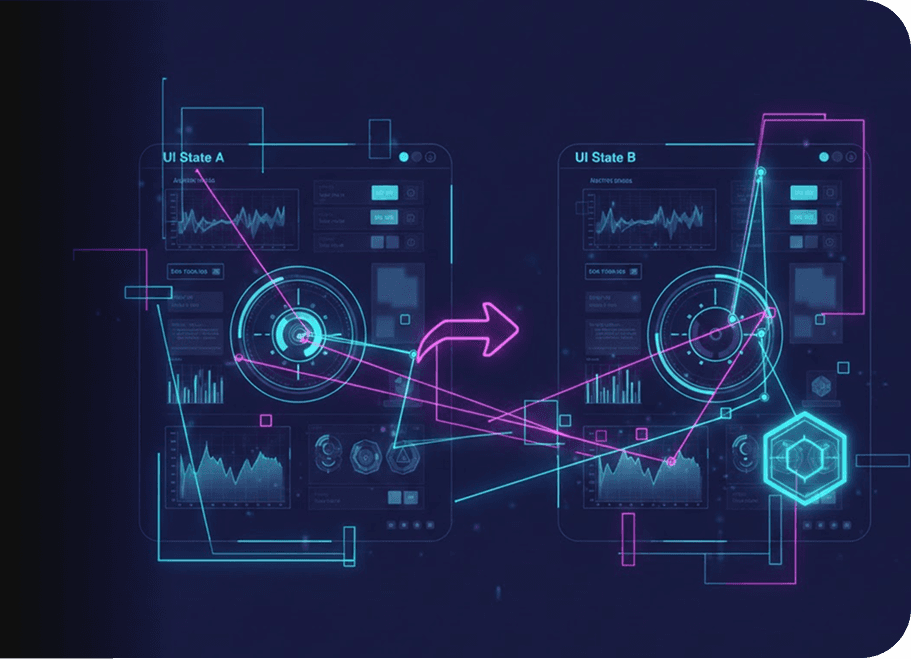
Instead of relying on brittle pixel-by-pixel diffs, the Visual Regression Agent applies AI-based comparison to distinguish meaningful visual changes from acceptable variation. This minimizes false positives caused by rendering differences, animations, or minor environment variation.

Autonomous Visual Testing Without Silent Decisions
The Visual Regression Agent surfaces visual differences but doesn’t approve or reject builds automatically. You decide which visual changes are acceptable, when baseline updates are allowed, and how visual findings impact release decisions. All visual evidence is presented with screenshots and execution context.
Request Free TrialVisual Evidence Captured During Test Execution
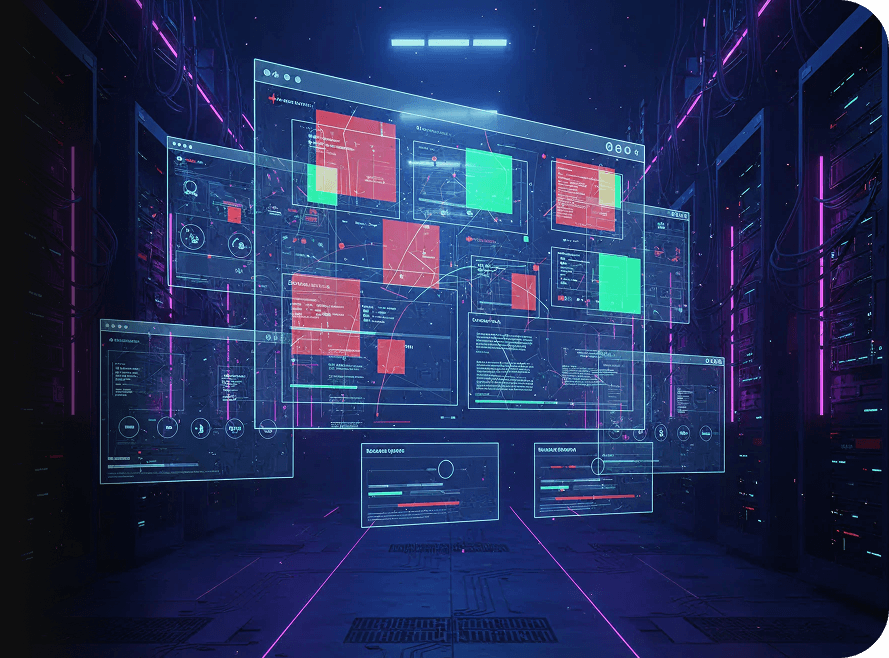
Every visual finding is linked to the test step where it occurred, the browser or device used, the execution environment, and the specific UI state under evaluation. This ensures visual regressions are actionable, not just flagged.
Frequently Asked Questions (FAQs)
How does a visual regression agent differ from functional UI testing?

Functional UI tests validate behavior and logic. A visual regression agent focuses on how the application looks, detecting layout shifts, styling issues, and rendering problems that functional assertions cannot capture.
How does a visual regression agent differ from functional UI testing?
Functional UI tests validate behavior and logic. A visual regression agent focuses on how the application looks, detecting layout shifts, styling issues, and rendering problems that functional assertions cannot capture.
What makes this an AI visual regression agent instead of simple screenshot comparison?
Unlike pixel-diff tools, an AI visual regression agent applies intelligent comparison to distinguish meaningful visual changes from acceptable variation, reducing noise caused by animations, fonts, or rendering differences.
What makes this an AI visual regression agent instead of simple screenshot comparison?
Unlike pixel-diff tools, an AI visual regression agent applies intelligent comparison to distinguish meaningful visual changes from acceptable variation, reducing noise caused by animations, fonts, or rendering differences.
Can visual regression testing scale across browsers and devices?
Yes. The visual testing agent evaluates UI consistency across browsers, resolutions, and devices, ensuring that visual regressions are detected even when issues appear only in specific environments.
Can visual regression testing scale across browsers and devices?
Yes. The visual testing agent evaluates UI consistency across browsers, resolutions, and devices, ensuring that visual regressions are detected even when issues appear only in specific environments.
How are baselines managed in autonomous visual testing?
In autonomous visual testing, baselines are never updated silently. Teams control when baselines are approved or modified, ensuring that visual changes are intentional and reviewed.
How are baselines managed in autonomous visual testing?
In autonomous visual testing, baselines are never updated silently. Teams control when baselines are approved or modified, ensuring that visual changes are intentional and reviewed.
How do teams act on visual regression findings?
Each AI visual testing agent finding includes screenshots and execution context. Teams review visual differences, decide whether changes are acceptable, and determine how findings impact release decisions without automated enforcement.
How do teams act on visual regression findings?
Each AI visual testing agent finding includes screenshots and execution context. Teams review visual differences, decide whether changes are acceptable, and determine how findings impact release decisions without automated enforcement.
Does visual regression testing replace manual visual review?
No. The AI visual regression agent reduces reliance on manual spot checks by systematically detecting visual changes, but human review remains central for approving design or UI updates.
Does visual regression testing replace manual visual review?
No. The AI visual regression agent reduces reliance on manual spot checks by systematically detecting visual changes, but human review remains central for approving design or UI updates.