


AI Accessibility Testing Agent for Continuous, Evidence-Based Reviews
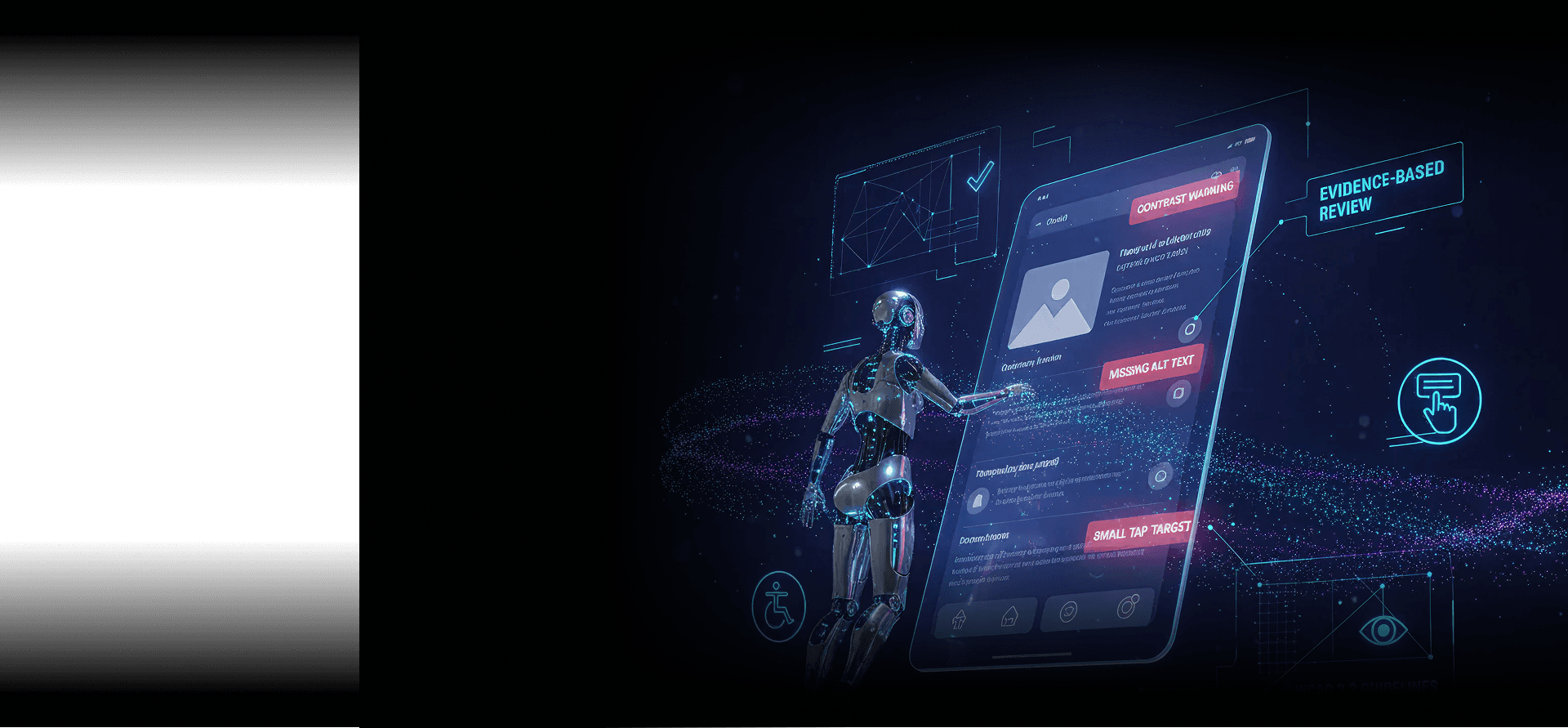
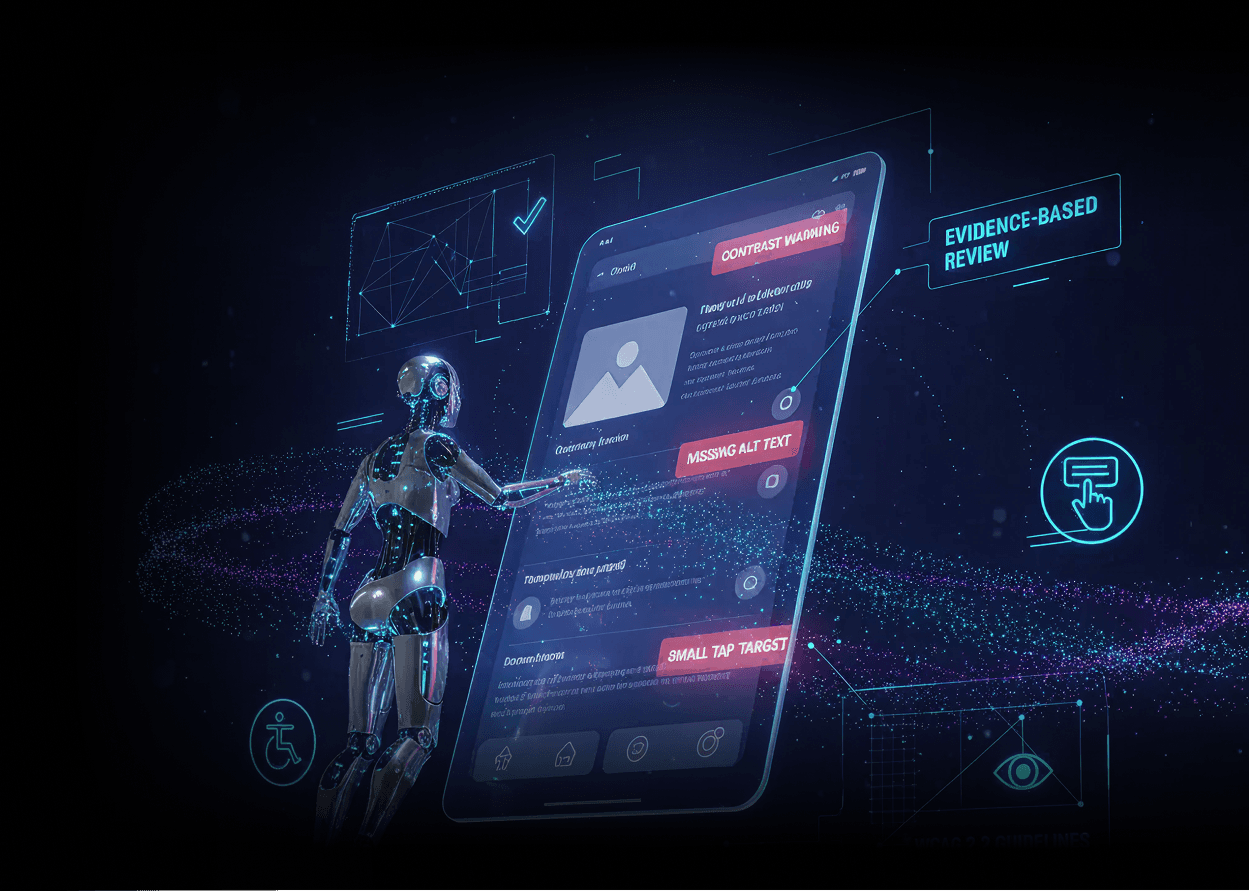
Evaluate accessibility risks as part of your normal testing flow with our AI accessibility agent. Analyze your app during test execution and highlight potential accessibility issues with clear, reviewable evidence while you remain in control of decisions and remediation.
Where AI Accessibility Testing Is Applied in Modern QA Workflows
To validate UI changes before release
To prepare for audits or internal accessibility reviews
To review new components, layouts, or forms
To check accessibility behavior across browsers, devices and resolutions.
What the AI Accessibility Testing Agent Evaluates During Execution
Page structure and semantic HTML
Keyboard navigation and focus order
Browser-level accessibility signals
ARIA roles, labels, and attributes
Color contrast and visual visibility checks
Form labels, error messaging, and focus handling
Accessibility Findings With Execution Context
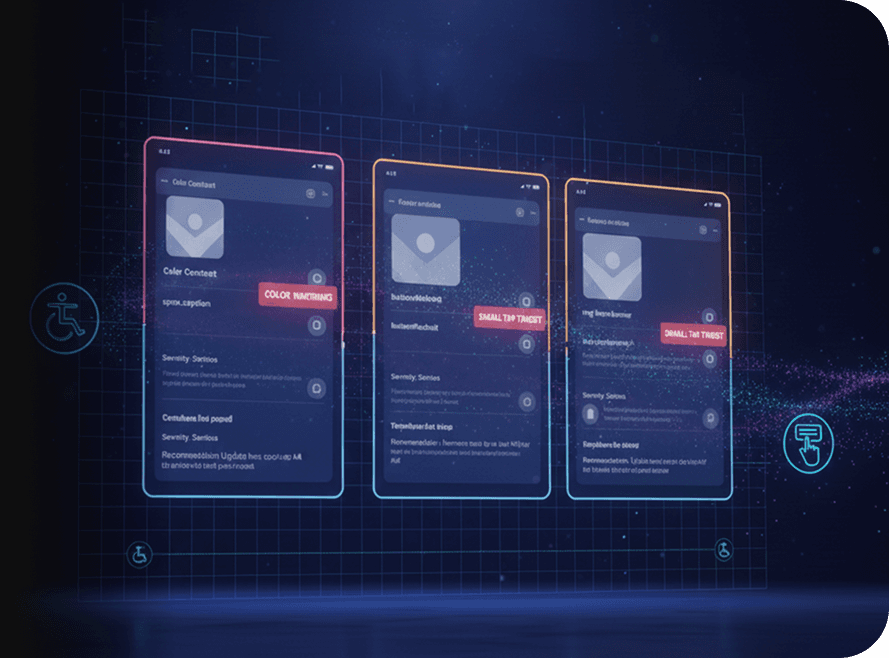
Accessibility issues rarely exist in isolation. You need to understand where they appear in the user journey and why they matter. The AI Accessibility Testing Agent links each finding directly to the step you were executing, the specific UI element involved, and the relevant accessibility guideline.

Built for Incremental Accessibility Improvement
Most teams address accessibility gradually, alongside feature work and regressions. The AI Accessibility Testing Agent supports this reality by keeping findings consistent across test runs and allowing you to revalidate the same flows as UI changes evolve.
Request Free TrialFrequently Asked Questions (FAQs)
Which accessibility standards does the accessibility agent evaluate?

The accessibility agent evaluates apps against widely adopted accessibility standards such as WCAG. Each finding is mapped to the relevant guideline so teams can assess impact, severity, and remediation priority with confidence.
Which accessibility standards does the accessibility agent evaluate?
The accessibility agent evaluates apps against widely adopted accessibility standards such as WCAG. Each finding is mapped to the relevant guideline so teams can assess impact, severity, and remediation priority with confidence.
Does the accessibility agent replace manual accessibility testing?
No. The accessibility agent doesn’t replace manual accessibility audits or user testing. It helps identify common and high-impact accessibility issues earlier, so manual reviews can focus on deeper review and real user needs.
Does the accessibility agent replace manual accessibility testing?
No. The accessibility agent doesn’t replace manual accessibility audits or user testing. It helps identify common and high-impact accessibility issues earlier, so manual reviews can focus on deeper review and real user needs.
Is the accessibility agent suitable for enterprise and regulated teams?
Yes. The accessibility agent doesn’t modify app behavior or make automated compliance decisions. All findings are presented with clear execution evidence, making it suitable for enterprise and regulated environments that require transparency and governance.
Is the accessibility agent suitable for enterprise and regulated teams?
Yes. The accessibility agent doesn’t modify app behavior or make automated compliance decisions. All findings are presented with clear execution evidence, making it suitable for enterprise and regulated environments that require transparency and governance.
How is AI used in accessibility testing?
AI is used to correlate UI structure, execution context, and accessibility signals during real test execution. The agent evaluates accessibility behavior as workflows run, rather than relying on isolated scans or static rule checks.
How is AI used in accessibility testing?
AI is used to correlate UI structure, execution context, and accessibility signals during real test execution. The agent evaluates accessibility behavior as workflows run, rather than relying on isolated scans or static rule checks.
What does AI-assisted accessibility testing mean in practice?
AI-assisted accessibility testing means AI helps detect and contextualize accessibility issues, not decide compliance outcomes. The agent provides evidence-backed findings so teams can review, prioritize, and remediate issues based on their own standards and obligations.
What does AI-assisted accessibility testing mean in practice?
AI-assisted accessibility testing means AI helps detect and contextualize accessibility issues, not decide compliance outcomes. The agent provides evidence-backed findings so teams can review, prioritize, and remediate issues based on their own standards and obligations.