


Know Why A Test Failed With An AI Root Cause Analysis Agent
Have your automated tests failed? Don’t lose time figuring out whether the issue is a real defect, a UI change, or test flakiness. Analyse execution context and surface evidence-backed insights with the Root Cause Analysis Agent.
When to Use AI Root Cause Analysis After Test Failures
Business workflows often span Sales, Finance, and Service, increasing cross-application testing complexity
Custom configurations and Power Platform extensions make standard test automation difficult to maintain
Platform upgrades and migrations risk regressions in legacy data, workflows, and user permissions
Integrations with internal systems and third-party tools introduce additional failure points across environments
What the AI Root Cause Analysis Platform Analyzes During Execution
Test step sequence and checkpoints
Expected versus actual assertions
Runtime logs and error traces
Screenshots & visual diffs captured during test runs
Environment & configuration context
Role, permission, and data-state conditions
Clarity Beyond Pass/Fail With the Root Cause Analysis Platform
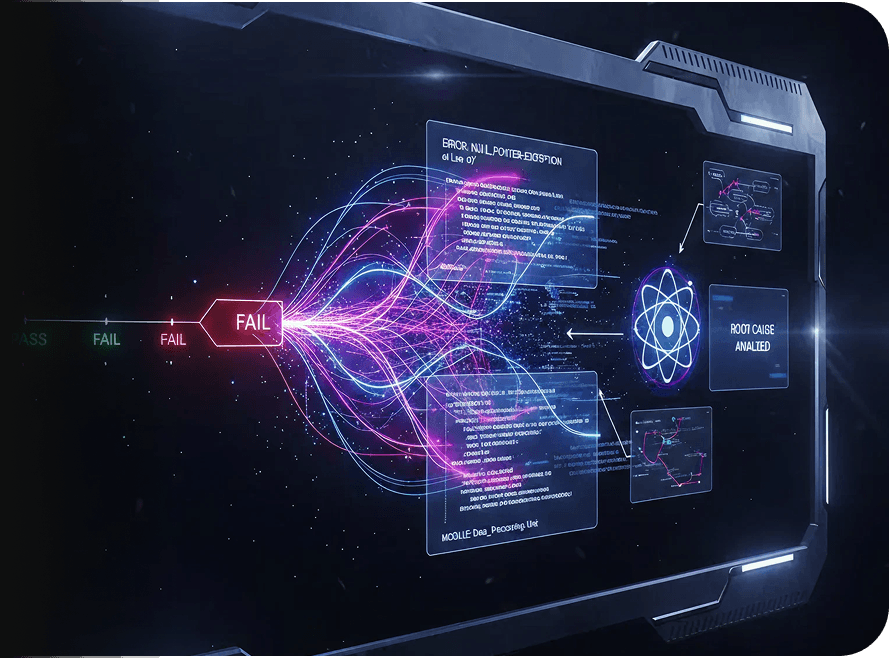
Instead of stopping at a pass or fail signal, examine what happened during test execution using the AI-powered Root Cause Analysis Agent. It correlates test steps, expected versus actual behavior, runtime signals, and captured evidence to highlight the most likely causes behind the breakdown.

Assist Diagnosis Without Overriding Judgment
The Root Cause Analysis Agent supports engineering decisions without automating them away. It doesn’t auto-fix tests or silently modify logic. All insights are generated alongside execution-level evidence, so you can review the findings, validate the root cause, and decide the next action. Nothing changes without your approval.
Request Free TrialFrequently Asked Questions (FAQs)
How does a root cause analysis AI agent differ from traditional RCA software?

Traditional RCA software often relies on static rules, logs, or manual inspection. A root cause analysis AI agent correlates execution steps, assertions, runtime signals, and visual evidence together, making it easier to analyze root causes using AI without manually stitching information across tools.
How does a root cause analysis AI agent differ from traditional RCA software?
Traditional RCA software often relies on static rules, logs, or manual inspection. A root cause analysis AI agent correlates execution steps, assertions, runtime signals, and visual evidence together, making it easier to analyze root causes using AI without manually stitching information across tools.
What inputs does the root cause analysis platform use to analyze failures?
The root cause analysis platform evaluates test step execution, expected versus actual outcomes, logs, screenshots, environment configuration, and role or data-state context. These inputs are analyzed together to highlight patterns that explain why a test failed.
What inputs does the root cause analysis platform use to analyze failures?
The root cause analysis platform evaluates test step execution, expected versus actual outcomes, logs, screenshots, environment configuration, and role or data-state context. These inputs are analyzed together to highlight patterns that explain why a test failed.
Can the root cause analysis AI agent distinguish between flaky tests and real defects?
Yes. By examining execution context across UI behavior, environment conditions, and configuration state, the AI Root Cause Analysis Agent helps you understand indicators of test instability, environmental issues, UI changes, or genuine application defects.
Can the root cause analysis AI agent distinguish between flaky tests and real defects?
Yes. By examining execution context across UI behavior, environment conditions, and configuration state, the AI Root Cause Analysis Agent helps you understand indicators of test instability, environmental issues, UI changes, or genuine application defects.
When should teams use automated root cause analysis during testing?
Automated root cause analysis is most useful after test execution, when failures need deeper explanation. Teams typically enable it for complex workflows, role-based behavior, environment-specific issues, or when failures are difficult to diagnose from logs alone.
When should teams use automated root cause analysis during testing?
Automated root cause analysis is most useful after test execution, when failures need deeper explanation. Teams typically enable it for complex workflows, role-based behavior, environment-specific issues, or when failures are difficult to diagnose from logs alone.
Does the root cause analysis software work for enterprise and regulated environments?
Yes. The root cause analysis software operates with guardrails. It doesn’t modify test logic, suppress failures, or override approvals, making it suitable for enterprise and regulated testing environments that require transparency and governance.
Does the root cause analysis software work for enterprise and regulated environments?
Yes. The root cause analysis software operates with guardrails. It doesn’t modify test logic, suppress failures, or override approvals, making it suitable for enterprise and regulated testing environments that require transparency and governance.
How does AI help analyze root causes without creating black-box decisions?
AI helps analyze root causes by correlating signals and surfacing patterns, without making autonomous or irreversible decisions. All findings are presented alongside execution evidence so teams can review, validate, and decide the next steps with confidence.
How does AI help analyze root causes without creating black-box decisions?
AI helps analyze root causes by correlating signals and surfacing patterns, without making autonomous or irreversible decisions. All findings are presented alongside execution evidence so teams can review, validate, and decide the next steps with confidence.