


Scaled Audio Testing with TestGrid’s Audio Testing Platform
Want to detect audio issues in your applications before they impact users? TestGrid enables you to run audio tests, analyze playback and recording behavior, and validate sound performance across devices, networks, and environments.
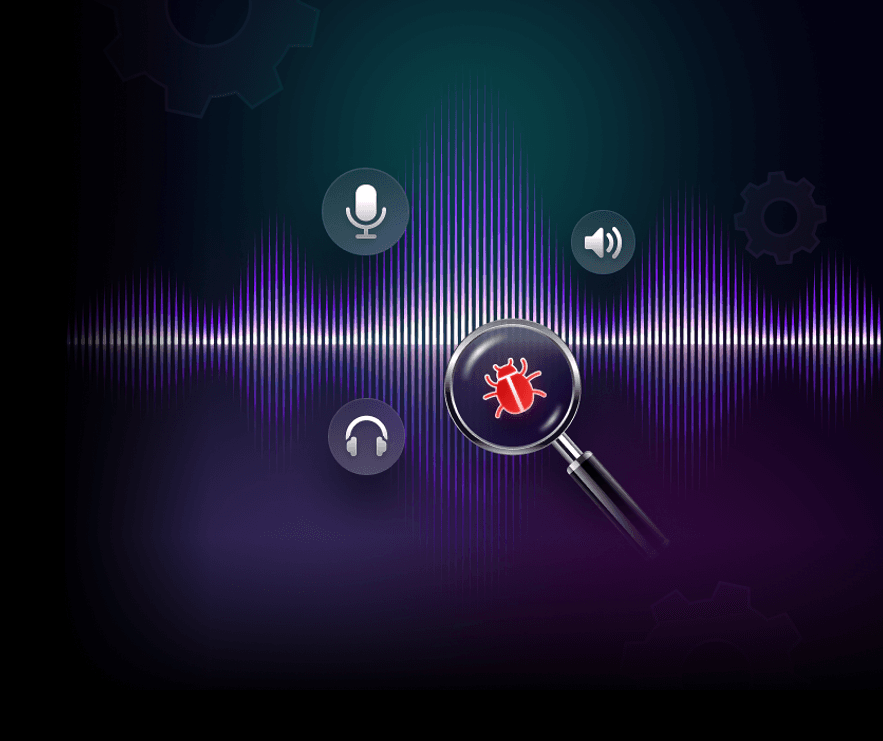

Analyze Audio Quality With Precision
TestGrid's Zebra device testing software unifies device coverage, hardware behavior, and OS compatibility.
Request Free TrialReplicate real-world audio input with audio injection
Inject pre-recorded audio or stream live microphone input directly into your application to test voice interactions, speech processing, and end-to-end audio workflows.
Compare reference and recorded audio signals
Upload reference audio samples and assess them across formats and codecs (MP3, WAV, AAC, OGG). Pinpoint waveform deviations, output mismatches, and decoding errors.
Detect distortion now and signal inconsistencies
Capture playback output from your application and identify clipping, background interference, or degraded signal quality that can affect the listening experience.
Automate End-to-End Audio Application Testing Workflows
With TestGrid’s audio test automation platform, you can trigger playback, capture microphone input, and compare signal patterns across your application workflows. Run regression tests to spot sound quality changes after releases or codec updates.
Request Free Trial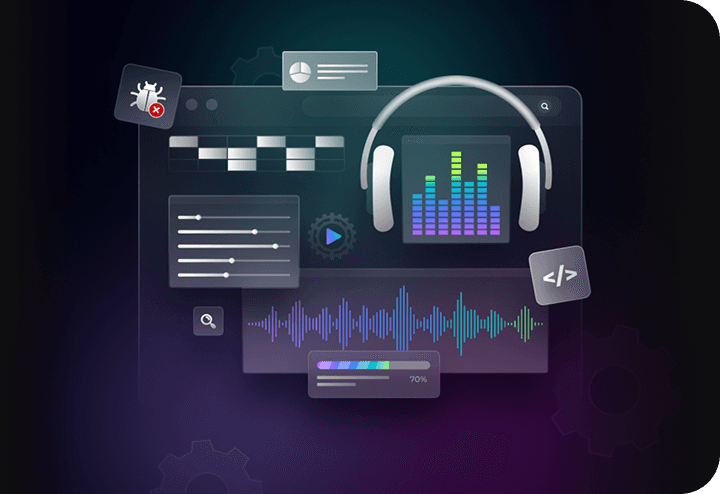
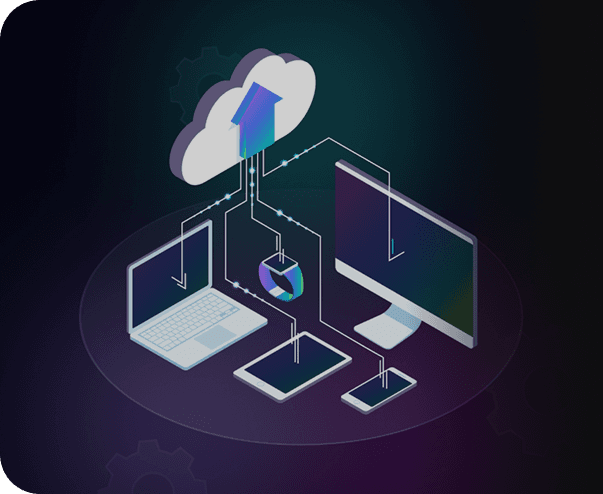
Replace Physical Device Labs with TestGrid’s Cloud Infrastructure
Evaluate playback across multiple devices, operating systems, and browsers from a single environment. Check how your application interacts with built-in microphones, external speakers, Bluetooth connections, and wired headsets. Recreate real-world scenarios such as incoming calls, notifications, and device switching to ensure uninterrupted experiences. All tests run on real devices with actual audio drivers, so behavior reflects real user conditions.
Request Free TrialSimulate Real Network Conditions for Audio Applications
Analyze how bitrate fluctuations, jitter, and packet loss impact audio quality, latency, and synchronization in real-time scenarios. Measure buffering, playback stability, and overall performance across varying network conditions.
Request Free Trial
Validate Audio Behavior Across User Interactions
Validate consistent audio performance across user interactions and streaming scenarios. Test playback behaviour such as play, pause, seek, and resume, monitor buffering events and interruptions, and maintain audio-video synchronization across devices and environments.
Request Free Trial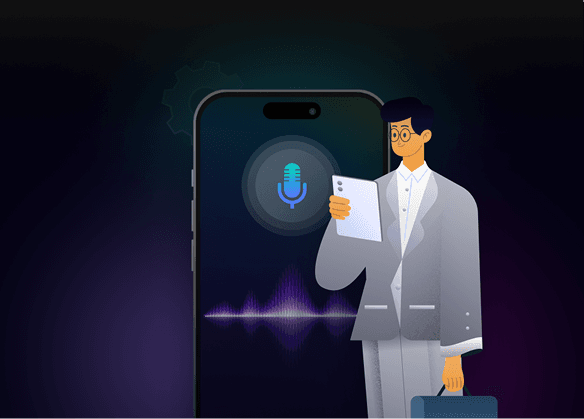
Test Voice Interfaces and Speech Interactions
TestGrid helps you test spoken commands, validate input capture accuracy, and ensure that interactions trigger the correct actions across multi-step workflows, and ensure interactions trigger the correct actions across multi-step workflows.
Request Free Trial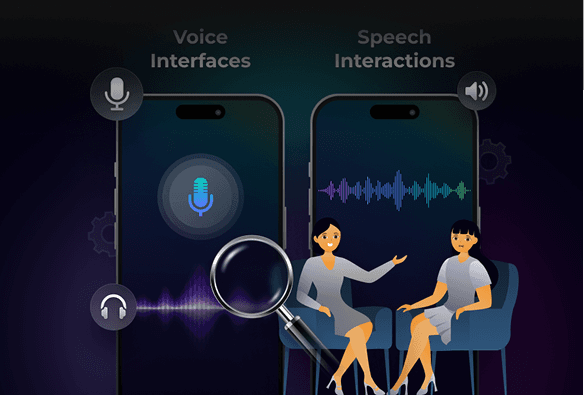
Frequently Asked Questions (FAQs)
What audio formats can I test with TestGrid?

TestGrid supports testing across commonly used audio formats such as MP3, WAV, AAC, and OGG. These formats differ in compression methods, quality, and file size, which can impact playback behavior, decoding, and overall performance.
What audio formats can I test with TestGrid?
TestGrid supports testing across commonly used audio formats such as MP3, WAV, AAC, and OGG. These formats differ in compression methods, quality, and file size, which can impact playback behavior, decoding, and overall performance.
Can I run an audio quality test online on real devices without maintaining my own device lab?
Yes. TestGrid lets you run audio application testing across real devices hosted in the cloud. You can access multiple operating systems, browsers, and hardware configurations without purchasing or maintaining physical devices. This allows you to examine playback, microphone input, and headset behavior across environments while keeping your testing infrastructure scalable.
Can I run an audio quality test online on real devices without maintaining my own device lab?
Yes. TestGrid lets you run audio application testing across real devices hosted in the cloud. You can access multiple operating systems, browsers, and hardware configurations without purchasing or maintaining physical devices. This allows you to examine playback, microphone input, and headset behavior across environments while keeping your testing infrastructure scalable.
Can TestGrid simulate network conditions for VoIP or real-time audio applications?
Yes. TestGrid allows you to simulate packet loss, jitter, latency spikes, and bandwidth limitations to evaluate how your application behaves under unstable network conditions. This is especially useful for VoIP, conferencing, and real-time audio applications where connectivity changes can affect voice clarity, synchronization, and overall communication stability.
Can TestGrid simulate network conditions for VoIP or real-time audio applications?
Yes. TestGrid allows you to simulate packet loss, jitter, latency spikes, and bandwidth limitations to evaluate how your application behaves under unstable network conditions. This is especially useful for VoIP, conferencing, and real-time audio applications where connectivity changes can affect voice clarity, synchronization, and overall communication stability.
Is TestGrid's audio testing platform suitable for enterprise audio testing workflows?
Yes. TestGrid provides an enterprise audio testing solution that supports scalable testing environments, automated workflows, and CI/CD integration. You can run audio tests across multiple devices and environments simultaneously using cloud infrastructure.
Is TestGrid's audio testing platform suitable for enterprise audio testing workflows?
Yes. TestGrid provides an enterprise audio testing solution that supports scalable testing environments, automated workflows, and CI/CD integration. You can run audio tests across multiple devices and environments simultaneously using cloud infrastructure.
How does automated audio application testing work on TestGrid?
TestGrid runs structured test scenarios automatically. You can trigger audio playback, capture microphone input, and compare recorded output against expected signal patterns. These tests can run continuously during development, helping you detect sound quality changes, playback issues, or recording problems introduced by new releases.
How does automated audio application testing work on TestGrid?
TestGrid runs structured test scenarios automatically. You can trigger audio playback, capture microphone input, and compare recorded output against expected signal patterns. These tests can run continuously during development, helping you detect sound quality changes, playback issues, or recording problems introduced by new releases.