 CoTester 2.0 is LIVE! Your Always-Available AI Teammate for Testing.
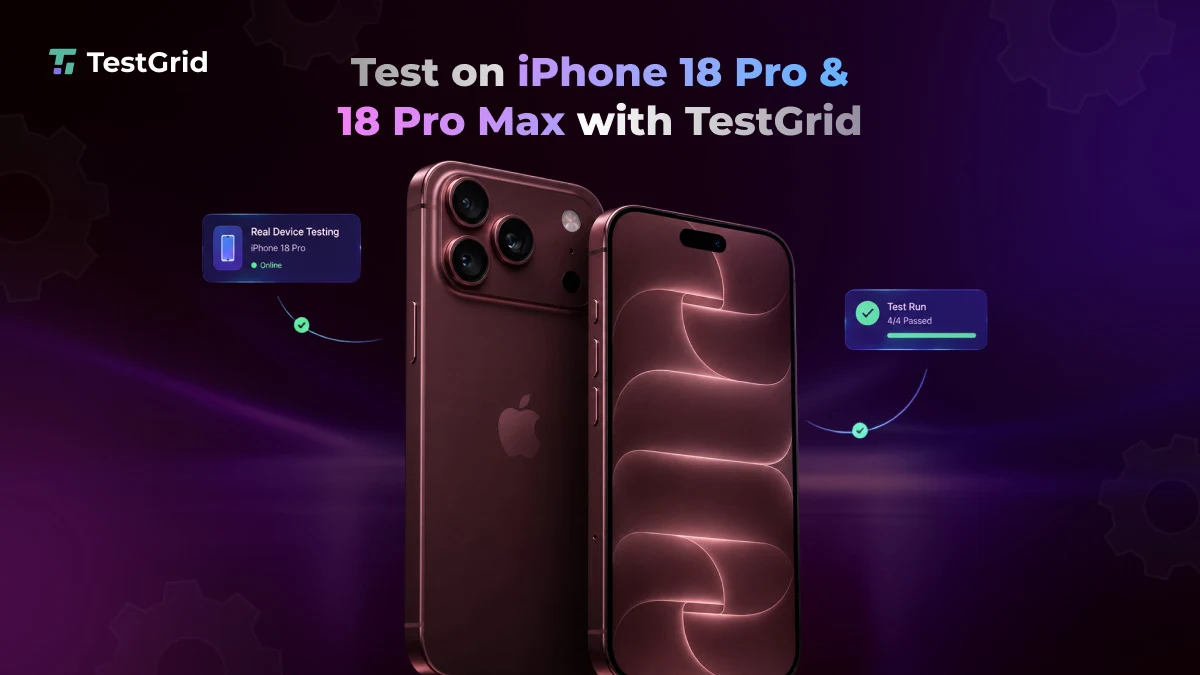
You can now test your apps on real iPhone 18 Pro and iPhone 18 Pro Max devices running iOS 27 through TestGrid’s Real Device Cloud.
Apple’s new release introduces software and hardware changes that can affect how your app behaves on the latest Pro devices.
With remote access to the target environment, you can validate those changes as part of your current testing process with TestGrid. Let’s learn more about that.
What’s Changed in iOS 27 and iPhone 18 Pro, and How Can You Test It on TestGrid?
1. App launch and lifecycle requirements
Starting with iOS 27, apps built with the latest SDK must use the scene-based lifecycle or they will fail to launch. Apps built with the iOS 27 SDK or later must also include a launch screen configuration.
That makes these behaviors an important part of iOS app testing for the new release.
On real iPhone 18 Pro and Pro Max devices in TestGrid, you can run updated builds and verify launch and relaunch behavior, foreground and background transitions, state restoration, and user journeys that depend on lifecycle events.
2. Liquid Glass refinements and system UI changes
Apple introduced Liquid Glass in iOS 26 and has refined the interface further with iOS 27. A new setting lets users adjust its appearance from ultraclear to fully tinted, adding another system configuration for your app to account for.
With TestGrid, you can inspect your app on the new real iPhones to check text, controls, navigation elements, overlays, and custom UI under the updated appearance.
Screenshots and session recordings can help you document visual or interaction issues for further investigation.
3. Expanded Dynamic Island and Live Activities
Apple has redesigned the Dynamic Island on iPhone 18 Pro and Pro Max to create room for more information. It can now display up to three Live Activities at the same time.
If your app uses Live Activities for deliveries, travel, sports, timers, media, or other time-sensitive experiences, you can exercise those flows on the new hardware through TestGrid.
4. Camera, processing, and connectivity updates
The iPhone 18 Pro lineup introduces a 48MP Fusion Main camera with variable aperture and the A20 Pro chip. Apple has also added its N1 wireless networking chip, which supports Wi-Fi 7, Bluetooth 6, and Thread, along with the C2 cellular modem.
If your app relies on camera capture, scanning, media processing, gestures, orientation changes, biometric authentication, or network-sensitive workflows, you can exercise those journeys on physical devices through TestGrid’s mobile testing lab.
For performance-intensive applications, you can also monitor CPU usage, memory consumption, battery impact, network behavior, and UI response times while your tests run. Network throttling helps you evaluate important flows under different connection conditions.
You can also run your existing Appium and XCUITest suites on iPhone 18 Pro and Pro Max, adding iOS 27 to your existing mobile app testing and regression coverage.
This lets you extend your current workflow to Apple’s latest environment without setting up a separate process for the release.


