


The Mobile Testing Lab That Adapts to Your Infrastructure
Test your mobile apps on 500+ physical Android and iOS devices without building or maintaining your own lab. Get remote access to iPhones, Samsung Galaxy, Google Pixel, OnePlus, Motorola, Redmi/Xiaomi, Zebra, rugged hardware, and more to validate new features, reproduce device-specific bugs, and run automated regression tests on real hardware.

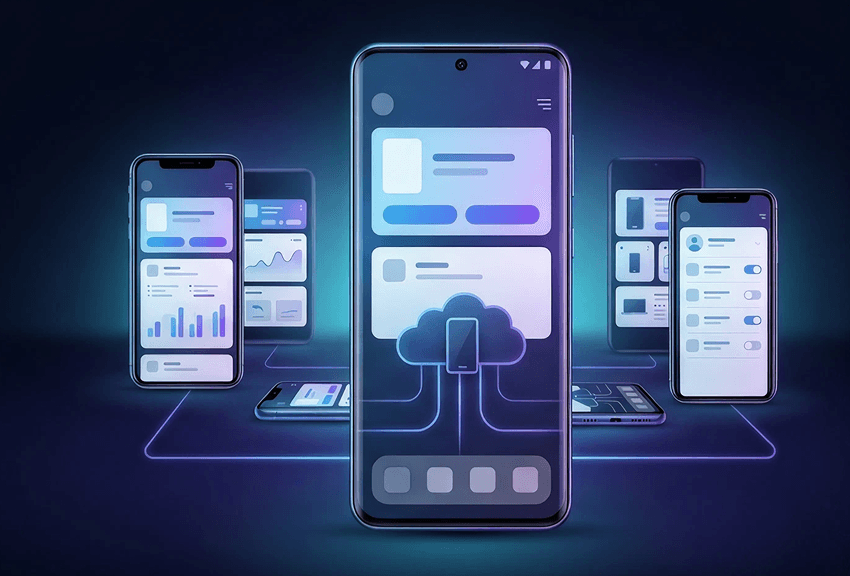
Choose the Mobile Testing Lab Model That Fits Your Device Strategy
Benefit from flexible TestGrid deployment options based on your access and infrastructure requirements.
In-house, on-premises setup for regulated testing
Need internal network access or tighter control over test data? Keep devices inside your infrastructure and use TestGrid on-premises for manual and automated testing — on real iOS and Android devices.
Cloud-based access with less upkeep
When maintaining phones starts taking time away from testing, use TestGrid Real Device Cloud to access physical Android and iOS devices remotely. No need to procure and maintain the full inventory yourself anymore.
Hybrid access for mixed requirements
Different testing workflows have different security, access, or infrastructure requirements. With TestGrid, you can choose private cloud, hosted dedicated, customer-owned, or hybrid environments.
Device Coverage Across Fragmented Mobile Environments
Your users are spread across device families, OS versions, screen sizes, and resolutions, creating device fragmentation, OS fragmentation, and screen fragmentation that can expose different issues in the same app.
With TestGrid Real Device Cloud, you can use a smartphone testing lab with physical Samsung Galaxy, Google Pixel, OnePlus, Motorola, Redmi/Xiaomi, Zebra, rugged hardware, and other Android and iOS devices.
Real-World Device and Network Conditions
What happens when the network slows down, the device rotates, or biometric authentication enters the flow? TestGrid enables you to validate GPS, biometrics, gestures, camera input, orientation, and changing network conditions on physical devices. You can also monitor CPU, memory, battery impact, network performance, and UI response to isolate issues tied to a particular device or OS configuration.
Request Free Trial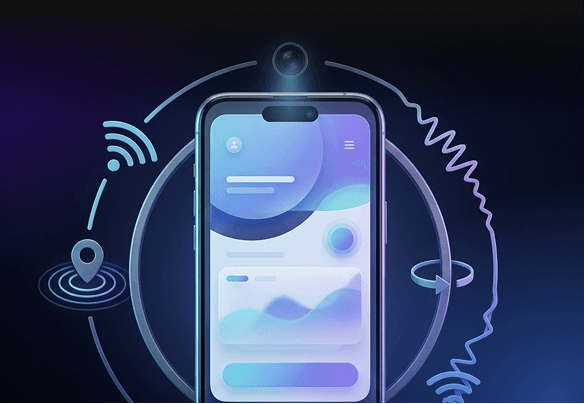
Manual and Automated Testing in One Device Pool
When you need to explore a feature, assess usability, or reproduce a defect, work directly with the device. With TestGrid, execute existing automation, create codeless tests, use record-and-playback, and run automated tests in parallel across real devices. Keep exploratory testing, automated regression, and cross-platform testing within the same mobile test lab.
Real-Device Testing in Your CI/CD Pipeline
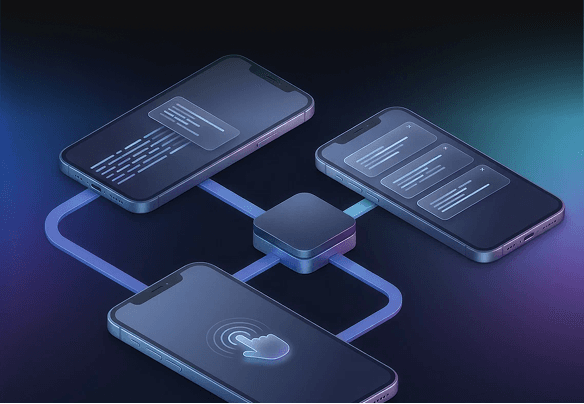
Connect TestGrid with Jenkins, GitHub Actions, GitLab, or Azure Pipelines/DevOps, then trigger automated real-device tests from your existing CI/CD workflow.
You can run those tests in parallel across device and OS combinations and send defects to Jira or Slack, keeping execution and issue reporting connected to the tools your QA and engineering teams already use.
Request Free Trial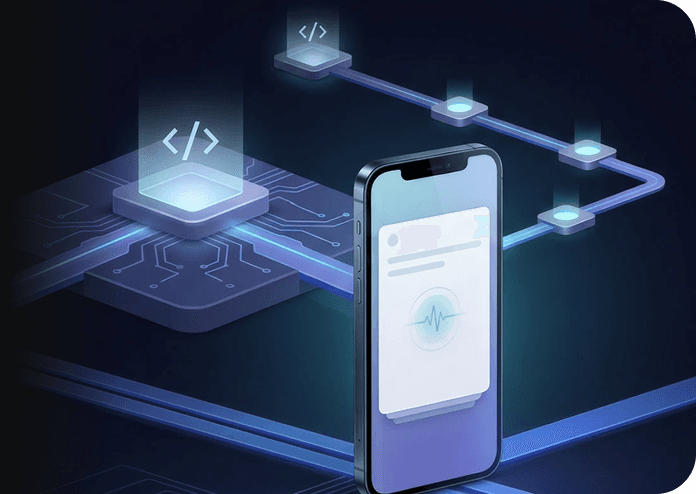
Enterprise App Testing Under Managed-Device Policies
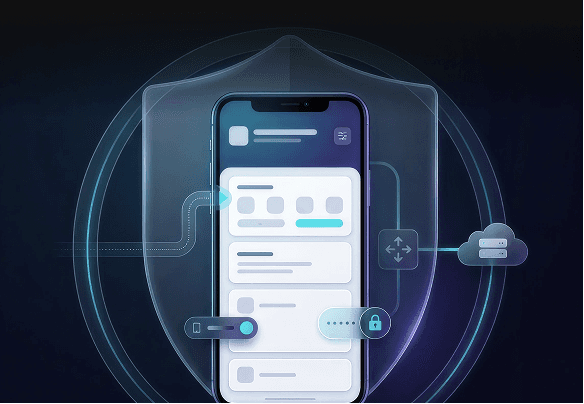
Does your app operate behind MDM policies or VPN requirements? With TestGrid, you can test on managed devices and VPN-enabled environments, then assess application behavior under the same access restrictions applied to regulated or internal workflows.
Device-Level Evidence for Failed Tests
A failed assertion rarely tells you what happened on the handset. TestGrid gives you Appium Inspector integration, DevTools, ADB commands, network capture, logs, crash reports, screenshots, and video playback for device-level investigation. Use that evidence to trace failures to application steps, network activity, device state, or OS-specific behavior.
Request Free Trial
Frequently Asked Questions (FAQs)
What is a mobile testing lab?

A mobile testing lab gives you access to mobile devices and operating systems for manual and automated application testing. You may maintain the hardware in-house or access it remotely through a device cloud. A smartphone testing lab typically focuses on real phone configurations across Android and iOS. With TestGrid, you can use real Android and iOS devices through its Real Device Cloud or enterprise deployment options.
What is a mobile testing lab?
A mobile testing lab gives you access to mobile devices and operating systems for manual and automated application testing. You may maintain the hardware in-house or access it remotely through a device cloud. A smartphone testing lab typically focuses on real phone configurations across Android and iOS. With TestGrid, you can use real Android and iOS devices through its Real Device Cloud or enterprise deployment options.
Real device testing vs. emulator/simulator testing: which should you choose?
Use emulators and simulators for early development checks when you need quick access to virtual configurations. Move to real devices when hardware behavior, networks, performance, sensors, or device-specific interactions matter to your release. With TestGrid Real Device Cloud, you can run those checks on physical Android and iOS hardware.
Real device testing vs. emulator/simulator testing: which should you choose?
Use emulators and simulators for early development checks when you need quick access to virtual configurations. Move to real devices when hardware behavior, networks, performance, sensors, or device-specific interactions matter to your release. With TestGrid Real Device Cloud, you can run those checks on physical Android and iOS hardware.
When should you opt for a remote device lab over an in-house lab?
Choose a remote device lab when device procurement cost, device lab maintenance cost, and the hardware refresh cycle make an in-house lab difficult to maintain. Remote access also works well when distributed teams need the same devices. With TestGrid Real Device Cloud, you can access physical Android and iOS devices without maintaining the complete inventory yourself.
When should you opt for a remote device lab over an in-house lab?
Choose a remote device lab when device procurement cost, device lab maintenance cost, and the hardware refresh cycle make an in-house lab difficult to maintain. Remote access also works well when distributed teams need the same devices. With TestGrid Real Device Cloud, you can access physical Android and iOS devices without maintaining the complete inventory yourself.
Why are cloud-based mobile testing labs gaining popularity?
Cloud-based mobile testing labs give teams remote access to different devices and OS versions without requiring every device to remain physically available in the office. They also support manual testing, automated testing, and parallel execution for distributed QA teams. TestGrid Real Device Cloud provides access to 500+ physical Android and iOS devices for these workflows.
Why are cloud-based mobile testing labs gaining popularity?
Cloud-based mobile testing labs give teams remote access to different devices and OS versions without requiring every device to remain physically available in the office. They also support manual testing, automated testing, and parallel execution for distributed QA teams. TestGrid Real Device Cloud provides access to 500+ physical Android and iOS devices for these workflows.
How do you get started with a remote mobile testing lab?
Start with the device and OS combination your test requires, upload your application, and choose manual or automated execution. Once the test finishes, you can review the results, investigate failures, and connect repeatable scenarios to your CI/CD workflow. TestGrid gives you this workflow through its Real Device Cloud.
How do you get started with a remote mobile testing lab?
Start with the device and OS combination your test requires, upload your application, and choose manual or automated execution. Once the test finishes, you can review the results, investigate failures, and connect repeatable scenarios to your CI/CD workflow. TestGrid gives you this workflow through its Real Device Cloud.
Why choose TestGrid Real Device Cloud for mobile testing?
TestGrid Real Device Cloud gives you remote access to 500+ physical Android and iOS devices, including iPhone, Samsung, Pixel, and Xiaomi. You can run manual and automated tests, inspect device-level failures, monitor performance, and connect execution to CI/CD workflows. Parallel testing also lets you validate multiple device and OS combinations within the same regression cycle.
Why choose TestGrid Real Device Cloud for mobile testing?
TestGrid Real Device Cloud gives you remote access to 500+ physical Android and iOS devices, including iPhone, Samsung, Pixel, and Xiaomi. You can run manual and automated tests, inspect device-level failures, monitor performance, and connect execution to CI/CD workflows. Parallel testing also lets you validate multiple device and OS combinations within the same regression cycle.