CoTester 2.0 is LIVE! Your Always-Available AI Teammate for Testing.
- What are Cloud Testing Tools?
- 10 Cloud Testing Tools for Automation and Scalability
- End-to-End Cloud Testing Platforms
- Cloud Test Automation Tools (AI and codeless)
- Cloud Performance Testing Tools
- Cloud Testing Tools Comparison
- Benefits of Cloud Testing Platforms You Should Know About
- How to Select the Right Cloud Software Testing Tools
- Finalizing A Cloud Testing Tool for Your Team
- Frequently Asked Questions (FAQs)
Infrastructure management is becoming a major pain point for software development teams today. When you have to manually maintain device labs, update configurations, check compatibility, and troubleshoot environment issues, your release velocity takes a hit.
This is exactly why many teams are opting for cloud testing tools.
Cloud testing tools are platforms that make virtual infrastructure, browsers, and devices instantly available to you, so you can easily verify your app’s performance and functionality at scale without maintaining physical hardware.
In fact, the global cloud testing market is expected to grow from $2.02 billion in 2025 to $4.04 billion by 2034.
In this blog, we have designed a list of the top cloud testing platforms suitable for QA teams across startups and enterprises.

Scale cloud automation and software delivery with TestGrid. Request a free trial.
TL;DR
- TestGrid: AI-powered cloud testing platform for web, mobile, API, and end-to-end automation with self-healing tests
- SauceLabs: Enterprise cloud testing platform with broad browser, OS, and real-device coverage
- Perfecto: Advanced mobile and web testing with AI-based analytics and network simulation
- Pcloudy: Real-device mobile testing platform with app diagnostics and performance monitoring
- AWS Device Farm: AWS cloud service for testing Android and iOS apps on real devices at scale
- ACCELQ: Codeless AI automation platform for web, mobile, API, and desktop testing
- mabl: Low-code AI testing tool for fast test creation, maintenance, and visual testing
- Tricentis Testim: AI-powered test automation platform for stable and fast end-to-end UI testing
- Apache JMeter: Open-source tool for load, API, and performance testing
- LoadRunner: Enterprise performance testing tool for large-scale load and stress testing
What are Cloud Testing Tools?
Cloud testing tools give you access to devices, operating systems, browsers, and computing resources on demand and let you perform functional, performance, security, end-to-end, and continuous testing without having to manage heavy physical infrastructure.
How do cloud testing tools differ from traditional testing tools?
Usually, if you use traditional testing tools, you have to manage the test infrastructure, device labs, software updates, and test environments internally. This can significantly increase your maintenance load and slow down your testing process.
Cloud testing tools eliminate this burden by providing you with scalable test environments, which you don’t have to manage yourself. The vendor takes care of the maintenance and updates. This allows you to focus more on release quality rather than infrastructure management.
10 Cloud Testing Tools for Automation and Scalability
End-to-End Cloud Testing Platforms
1. TestGrid

TestGrid is an AI-powered end-to-end cloud testing platform that helps you efficiently test your web and mobile apps via no-code/low-code interfaces. You can author your tests in plain English, execute them across scalable environments, and get instant test results.
You can test on real devices hosted in the cloud, get actionable performance metrics, spot issues early, and ensure your apps stay stable under real-world traffic conditions.
The platform offers you integrations with CI/CD tools such as Jenkins and CircleCI, and support for various testing frameworks and languages, including Selenium, Cypress, JUnit, Python, Java, and C#.
Key features
- Perform cross-browser testing online to verify your app on hundreds of iOS and Android devices, as well as browsers like Chrome, Safari, Firefox, Opera, and Edge
- Track your system’s CPU, memory, battery drain, network usage, and UI responsiveness during live test sessions
- Provision devices, enforce enterprise security policies, and monitor device usage in real time
- Simplify your test maintenance with the help of the autoheal technology
- Leverage cross-platform visual assurance to deliver visually stunning mobile and web apps
- Create custom dashboards, visualize results, and share them across your team
Supported integrations
- Jenkins, CircleCI, Azure DevOps, Jira, Slack, Teams
Best for: AI-powered codeless testing across real devices and browsers with self-healing automation and flexible cloud deployment options
Pricing

- CoTester Starter Package: Starts at $199 per seat/month (minimum 4 seats; includes 4 devices/browsers and 5,000 tokens)
- CoTester Growth Package: Custom pricing (includes all Starter features + marketplace integrations)
- Enterprise Test Infra (On-Prem / Hosted): Custom pricing (dedicated test lab for segregated enterprise teams)
Ratings
- G2 – 4.7/5
2. SauceLabs
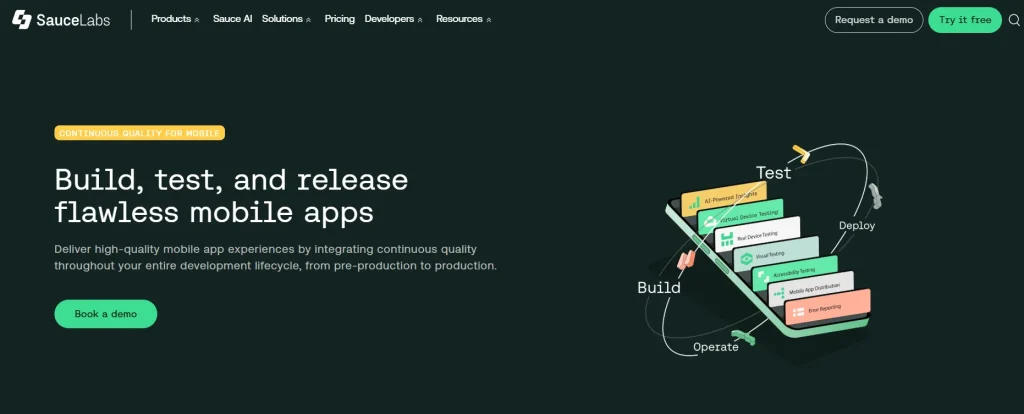
SauceLabs is an all-in-one web and mobile testing platform that helps you author, automate, and execute your test suites at scale in the cloud. It supports automation frameworks like Selenium, Appium, Cypress, and Espresso that you can leverage to create your test scripts and then integrate with your CI/CD pipeline to run tests on every commit. You get real-time visibility into high-impact issues, so you can address them promptly.
Key features
- Get instant access to multiple real iOS and Android devices like iPhones, iPads, Samsung Galaxy, Google Pixel, and Xiaomi
- Manage OS updates, hardware refreshes, and device procurement automatically with Sauce Labs’ fully managed infrastructure
- Receive detailed device logs, test results, and crash reports, and quickly fix issues
- Accelerate your time to market by testing thousands of scenarios in under minutes
Supported integrations
- Bamboo, Jenkins, TeamCity, GitHub, CircleCI, Azure DevOps, Travis CI
Best for: Large-scale cross-browser and cross-platform testing with extensive real device coverage
Pricing
- Live Testing: $49 per month
- Virtual Device Cloud: $199 per month
- Real Device Cloud: $249 per month
Ratings
- G2 – 4.3/5
- Capterra – 4.4/5
3. Perfecto
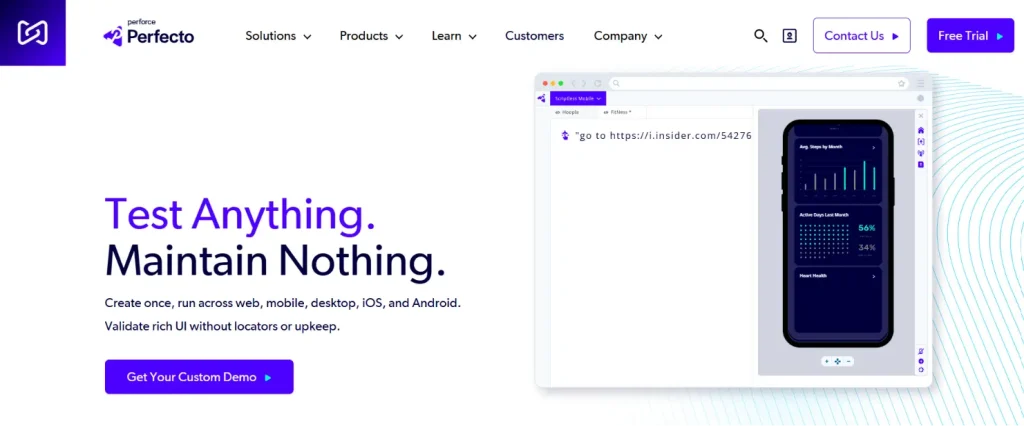
Perfecto unifies test creation, execution, AI analysis, and visual validation in one single platform and allows you to test your apps across 200+ devices, both virtual and real. You can design your tests for even the most complex scenarios, including geolocation, biometrics, and network virtualization, in plain English. And the platform’s enterprise-grade cloud helps you do continuous, real device testing efficiently.
Key features
- Test your apps on Android and iOS phones, tablets, and phablets
- Perform your tests in interactive mode or automate advanced scenarios that depend on network connectivity or device sensors
- Eliminate popups and locked screens before they interfere with your tests with AI-powered self-healing
- Leverage a private dedicated cloud in case you want better control over your test data and business operations
Supported integrations
- Robot Framework, Cypress, Jest, Botium, Selenium, Espresso, Appium, Jira, CircleCI, Travis CI
Best for: Enterprise-grade continuous testing with AI-driven root cause analysis and zero-maintenance automation
Pricing
- Starter: Free
- Basic: Starting at $83 per month
- Pro: Starting at $125 per month
- Enterprise: Custom
Ratings
- G2 – 4.4/5
- Capterra – 4.4/5
4. pCloudy
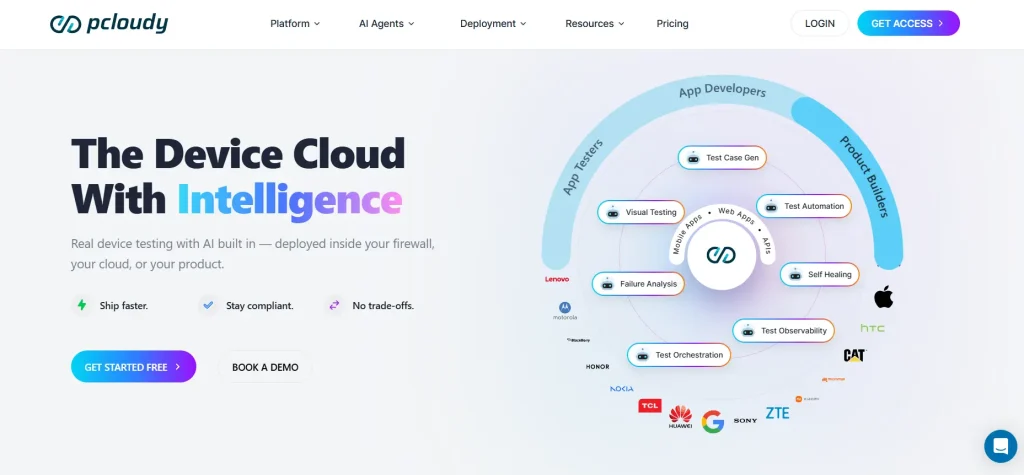
Pcloudy is an AI-powered mobile and web app testing platform where you can test on real devices hosted in the cloud, no emulators or simulators. You can track performance metrics like speed, memory, battery, CPU, and network, and catch performance lags before your users do. The platform helps you self-heal tests, orchestrate test runs, triage failures, and find root causes immediately.
Key features
- Scale your tests by accessing 5000+ real iOS and Android devices, as well as browsers
- Run your Appium, Selenium, Espresso, and XCUITest tests easily on the device cloud
- Instantly get screenshots, logs, and session recordings as soon as your session ends
- Click on any element to examine properties, hierarchy, or locators with UI element inspector
Supported integrations
- Appium, Jira, Android Studio, GitHub, Playwright, Bitrise, Robot Framework, Jenkins, Bamboo, Azure Pipeline
- Best for: Intelligent real device and network-condition testing with advanced device instrumentation and in-depth mobile diagnostics
Pricing
For Device Cloud:
- Manual Testing: $1258 per year (5 parallel tests)
- Automation Testing: $5587 per year (5 parallel tests)
Ratings
- G2 – 4.4/5
- Capterra – 4.6/5
5. AWS Device Farm
AWS Device Farm is an app testing platform where you can enhance the quality of your mobile and web apps by testing them on real devices and browsers. You can verify your apps on the devices your users actually use, reproduce and fix the issues you find during execution faster, run only the tests you want, and even set up your own private device lab in the cloud and avoid execution conflicts with other users altogether.
Key features
- Interact with a large selection of devices and run your tests under real usage factors like memory, CPU, location, and modifications made by manufacturers
- Automatically collect videos, logs, and performance data, and reproduce and resolve issues easily
- Simulate actual customer conditions by configuring location, language, network conditions, and app data
- Customize your tests with the help of open source test frameworks like Appium, Espresso, and Calabash
Supported integrations
- Jenkins, Gradle, CodePipeline, GitHub
Best for: Scalable mobile app testing within AWS-native development and DevOps ecosystems
Pricing: Request a quote to get customized pricing
Ratings
- G2 – 4.5/5
- Capterra – 5/5
Cloud Test Automation Tools (AI and codeless)
6. ACCELQ

ACCELQ is an AI-powered testing tool that mainly focuses on business process automation. Its no-code testing features help you build tests for complex business scenarios at scale and enable you to verify mobile, web, API, database, and packaged apps via a unified workspace. ACCELQ seamlessly integrates with your existing ecosystem of tools like Jenkins, TFS, Jira, and Bamboo.
Key features
- Execute cross-browser testing in the Record and Play model with integrated Device Cloud Labs
- Cover your mobile, web, API, and backend flows via one unified test automation workspace
- Create codeless tests with the help of the automation flow recorder and natural language no-code editor
- Enhance your test stability drastically using the self-healing element identification
Supported integrations
- Jenkins, TeamCity, Bamboo, Azure Pipeline, GitHub Actions, CircleCI
Best for: Codeless end-to-end business workflow test automation across web, mobile, API, and desktop apps
Pricing
- Automate Web
- Automate Mobile
- Automate API
- Automate Manual
Custom pricing is available for all plans.
Ratings
- G2 – 4.8/5
- Capterra – 4.9/5
7. mabl
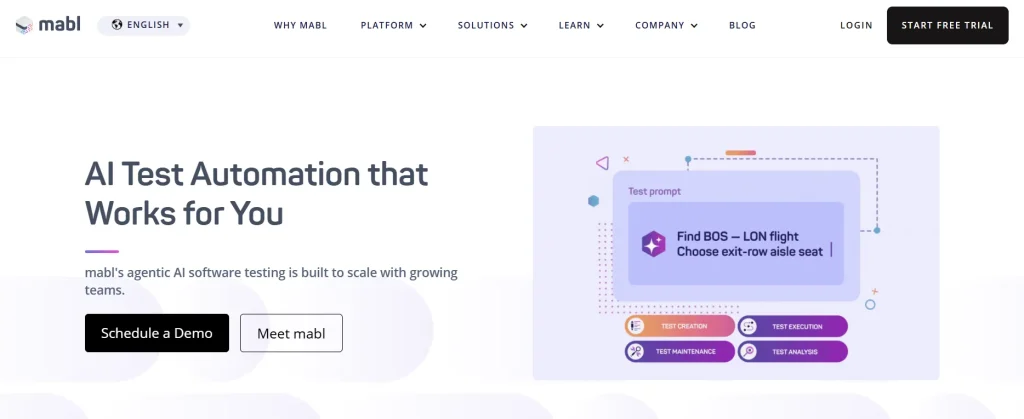
Mabl is an AI-powered cloud-based testing tool that gives you robust support for web, mobile, and API testing. You also have the option to import your tests from Postman or create your own low-code, comprehensive API tests. This platform enables you to design tests faster, speed up execution, automate test result analysis, and minimize test maintenance.
Key features
- Run your mobile app tests automatically in parallel across iOS and Android environments in the cloud
- Keep your tests running even when layouts shift across devices or DOM structure changes with Visual Assist
- Investigate and distinguish real regressions from environmental noise with robust Failure Analysis
- Autonomously triage all your test failures and get insights and recommendations directly into Jira tickets
Supported integrations
- Jira, Jenkins, Bamboo, Azure Pipelines, Bitbucket, CircleCI, GitLab
Best for: Low-code AI-powered test automation with automatic test maintenance and visual testing
Pricing
- Request a quote for customized pricing
Ratings
- G2 – 4.4/5
- Capterra – 4/5
8. Tricentis Testim
Testim is one of the AI-powered cloud software testing tools that let you accelerate your overall quality assurance process with faster and more accurate test building. You can author your tests by capturing realistic user actions with AI-based recordings. With its auto-grouping feature, you can quickly identify similar steps when testing and then automatically suggest shared groups as replacements.
Key features
- Run parallel, cross-browser web tests at scale, either on Testim Cloud or on Selenium compatible grids
- Execute your tests across a large number of mobile devices, operating systems, and configurations, and ensure high coverage with Tricentis Device Cloud
- Aggregate errors, diagnose issues faster, and fix them efficiently with rich dashboards and visualizations
- Delete, add, or reorder the steps of your recorded tests via the Testim visual editor
Supported integrations
- Bamboo, CircleCI, Jenkins, Codeship, TeamCity, Azure Pipelines, GitHub
Best for: Stable UI test automation using smart locators and self-healing tests
Pricing
- Testim Salesforce
- Testim Web
- Testim Mobile
Custom pricing is available for all plans.
Ratings
- G2 – 4.5/5
- Capterra – 4.6/5
Cloud Performance Testing Tools
9. Apache JMeter
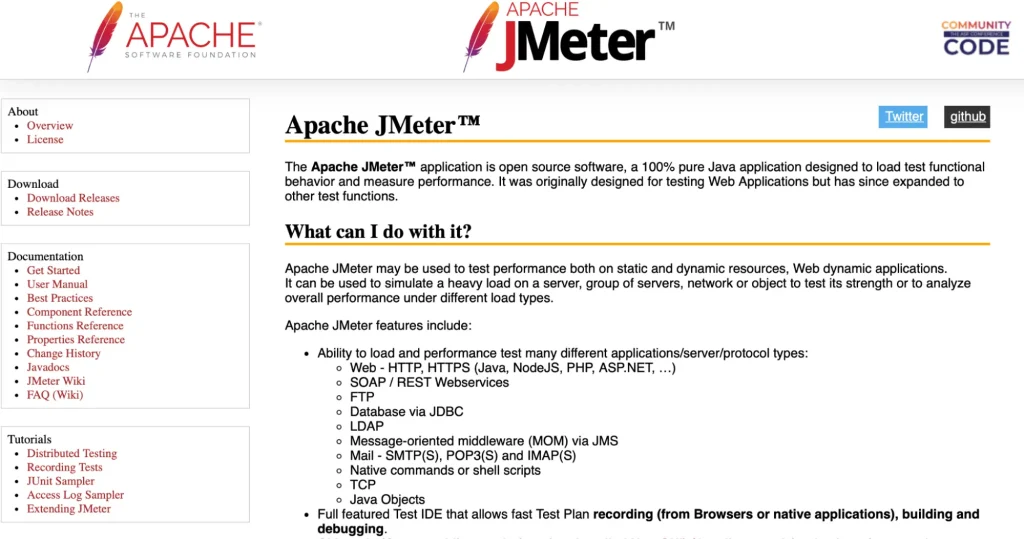
Apache JMeter is one of the top open-source Java cloud performance testing tools for web, FTP, database, and API testing. This platform allows your QA team to simulate high traffic and then measure metrics like response times, error rates, and throughput, and spot any performance gaps in your apps. You can also perform concurrent sampling across many threads and simultaneously sample different functions in separate thread groups.
Key features
- Load test from any Java-compatible operating system, including Linux, Windows, and Mac OSX, with CLI mode
- Extract data from some of the most popular data formats like HTML, XML, JSON, or any textual format, for easy correlation
- Record test plans for your browsers or native apps, as well as debug issues with the help of the full-featured Test IDE
- Seamlessly analyze or replay your test results in the cache or offline mode
Supported integrations
- Jenkins, Maven, Gradle, GitHub Actions
Best for: API, load, and performance testing at scale
Pricing: Free, as it’s an open-source project
Ratings
- G2 – 4.3/5
- Capterra – 4.6/5
10. LoadRunner
LoadRunner (OpenText Core Performance Engineering) is a cloud-native performance testing platform that helps you test mobile, web, packaged, and legacy apps without the burden of managing infrastructure like load generators and controllers. After testing, you get detailed insights like response times, user concurrency, and backend throughput, which allows you to enhance the performance of your apps.
Key features
- Create your tests using the REST APIs, CSV files, or HAR files, or leverage the platform’s scripts and open source tools
- Precisely simulate your customer experiences across any app or device, and also capture client slide metrics like Largest Contentful Paint
- Perform shift-left testing to detect and resolve your issues faster
- Benefit from the extensive protocol coverage for all your web, mobile, packaged, and legacy apps
Supported integrations
- Jenkins, Azure Pipelines, GitHub, Datadog
Best for: Performance engineering and protocol-level load testing across complex apps
Pricing: Custom pricing on request
Ratings
- G2 – 4.4/5
Cloud Testing Tools Comparison
All the cloud test automation tools we talked about in this blog have unique strengths and capabilities. This simple table evaluates them against aspects that matter the most for your QA team.
| Tool name | Cloud type | Best for | Pricing | Free trial |
| TestGrid | Real devices, emulators, simulators | Codeless test automation, real device testing, parallel execution, cross-browser testing, and self-healing maintenance | Starts at $199 per seat/month | Yes |
| SauceLabs | Real devices, emulators, simulators | Cross-browser testing, visual regression validation, and continuous testing | Starts at $49 per month | Yes |
| Perfecto | Real devices, emulators, simulators | AI-powered scriptless testing, mobile and web testing, and defect analysis | Starts at $83 per month; free tier available | Yes |
| pcloudy | Real devices, emulators | Cross-device compatibility testing, self-healing automation, test orchestration | Starts at $1258 per year | Yes |
| AWS Device Farm | Real devices | Real device testing, manual issue reproduction, testing across multiple browser instances | Custom | Yes |
| ACCELQ | Real devices, emulators | Codeless business process automation, packages app testing, and AI-driven test maintenance | Custom | Yes |
| mabl | Emulators, simulators, real devices | Agentic test automation, visual regression testing, and continuous testing | Custom | Yes |
| Tricentis Testim | Real devices, simulators, emulators | AI-powered test automation, fast UI test creation, E2E web app testing | Custom | Yes |
| Apache JMeter | Simulators | Load and stress testing, backend performance testing, and scalable execution | Free | Not applicable; it’s a free tool |
| LoadRunner | Real devices | Enterprise-scale load testing, protocol-level performance analysis, and faster issue detection | Custom | Yes |
Benefits of Cloud Testing Platforms You Should Know About
If you want to build a robust app for your users that can function consistently well on every device, browser, or platform, you need an enterprise-level setup and reliable infrastructure. But managing this in-house can be expensive.
Cloud automation testing tools help you:
- Scale testing with growing test suites and workflows
- Get real device and browser access for precise testing in realistic user environments
- Test web, mobile, desktop, and hybrid apps via a single workspace
- Improve collaboration between your QA, development, and DevOps teams
- Ease environment setup and maintenance through cloud infrastructure management
How to Select the Right Cloud Software Testing Tools
1. Cross-device and cross-browser testing support: The users might access your app from different devices and OS configurations. Therefore, you must look for cloud test automation tools that let you test across multiple browsers, operating systems, device models, and screen resolutions, so you can verify responsive behavior, UI consistency, and functionality.
You might run the risk of missing compatibility issues if you don’t thoroughly execute cross-platform testing.
2. Parallel execution and scalability: Parallel execution helps you run many test cases at the same time and optimize compute resources. So, make sure the cloud testing platforms you pick support parallel testing across environments, browsers, and devices. This will actually minimize the overall execution time and keep your releases on track.
Scalability is important too. When your app’s workflows, features, user base, and release frequency grow, the tool you select should be able to handle heavy workloads and large-scale testing.
3. Robust reporting and analytics features: When evaluating cloud testing tools, search for features like real-time dashboards, live feedback, screenshots, video recording, detailed logs, and network traces so you can quickly detect failures and debug efficiently.
Other than this, make sure you get insights such as pass/fail rates, defect patterns, and test coverage for better root cause analysis and release decisions.
4. CI/CD, DevOps, automation framework integration: Strong integrations with CI/CD pipelines, DevOps workflows, and automation frameworks allow you to enable continuous testing throughout your software development lifecycle. See if the cloud testing tool offers compatibility with the tools and frameworks you use, like Jenkins, GitHub Actions, Selenium, Cypress, and Playwright, which will help you automate your testing cycles and minimize manual effort.
5. Security and compliance: Testing platforms generally work with sensitive app and user data, which is why assessing security and compliance is important. Make sure whichever tool you finalize follows strong data protection measures like encryption, role-based access controls, multi-factor authentication, and audit logging.
Also, if you’re operating in regulated industries, then ensure the tool complies with standards like GDPR, HIPAA, SOC 2, and ISO 27001. A secure test environment is critical to avoid security risks and regulatory penalties.
Finalizing A Cloud Testing Tool for Your Team
You now have a thorough understanding of the best cloud testing platforms available in the market, along with the factors you should be looking at before you select a tool. But, still, picking out one testing tool from this long list can seem daunting.
Just take a moment to gather what you’ve learnt. See what matters the most for your team, whether it’s speed, ease of use, test coverage, budget, or scalability. The right tool should align well with your architecture, integrate seamlessly with your testing pipelines, and give your team the flexibility it needs to improve quality assurance.
TestGrid’s cloud testing is designed to help modern development and QA teams simulate real user scenarios, execute tests on a scalable cloud infrastructure, and debug faster with deep insights, all while maintaining full control.
Request a free trial to experience this firsthand.
Frequently Asked Questions (FAQs)
1. Can cloud testing tools support both manual and automated testing?
Yes. Most modern cloud testing platforms help you do both automated and manual testing. Your testers can perform exploratory and usability testing manually and also automate tests like regression, performance, compatibility, and system tests.
2. What types of tests can you perform with cloud testing frameworks and tools?
Cloud testing tools allow you to run different types of functional as well as non-functional tests, so you can achieve maximum coverage. You can run tests such as functional, cross-browser, real-device, load, stress, security, integration, and API tests, all via one intuitive platform.
3. What are the best cloud testing platforms for cross-browser testing?
Some of the best cloud based testing tools that offer you strong support for cross-browser testing include TestGrid, SauceLabs, Perfecto, mabl, and AWS Device Farm. These tools provide you with broad browser coverage, including the most popular ones like Chrome, Firefox, Opera, Safari, and Edge.
4. Are cloud testing automation tools suitable for Agile and DevOps teams?
Yes, cloud testing tools are well-suited for Agile and DevOps teams because they enable CI/CD integration, continuous testing, parallel execution, and faster feedback. This helps your teams find issues in the earlier development stages, resolve them before they get too complex, and avoid release delays.
5. Which cloud testing platforms are best for mobile app testing?
The best cloud testing tools to test your mobile apps are TestGrid, pCloudy, AWS Device Farm, ACCELQ, and Testim. These tools come with features like real device infrastructure, mobile app automation, network simulation, performance testing, and visual reports to help you build high-quality apps.