


Smart TV Testing That Catches What Emulators Miss
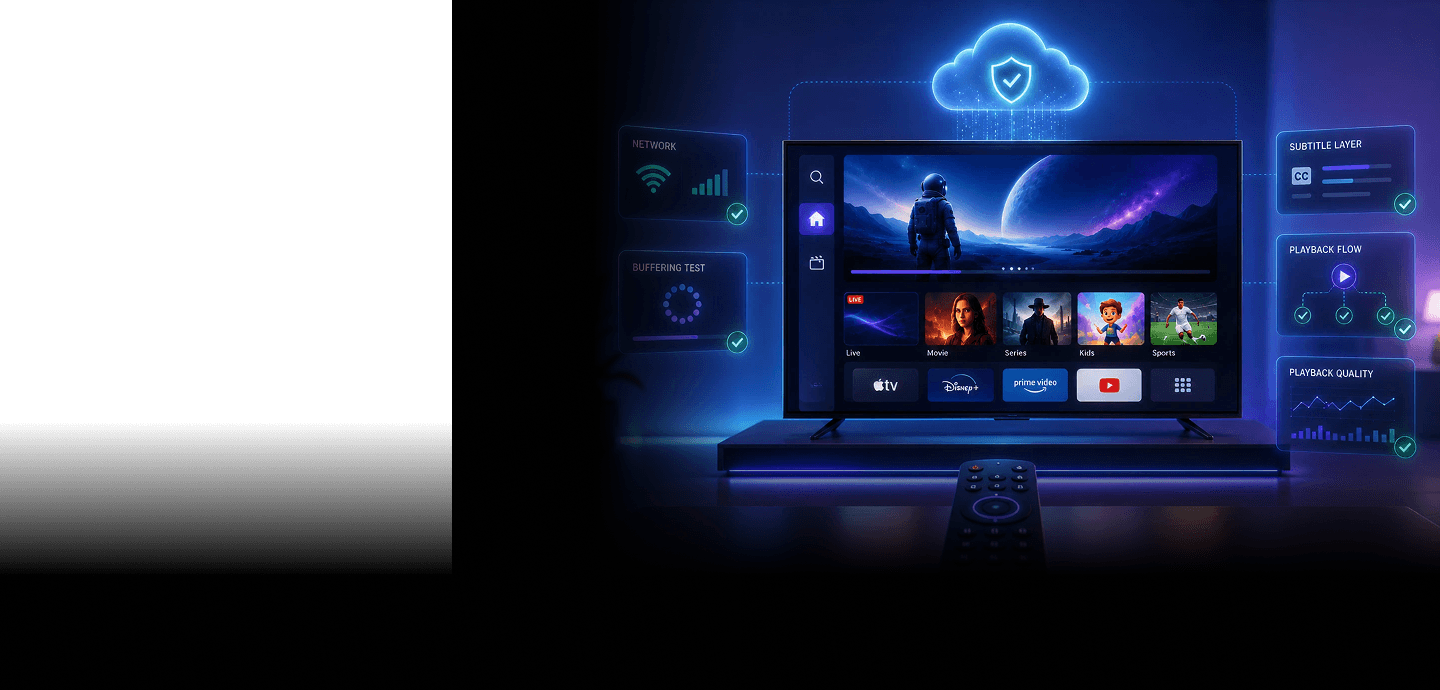
Are your Smart TV apps actually ready for real living rooms or just for controlled test environments? Playback freezes, broken remote navigation, subtitle issues, and audio sync problems only surface on real TVs under real network conditions. With TestGrid, you can catch all of it before your users do.
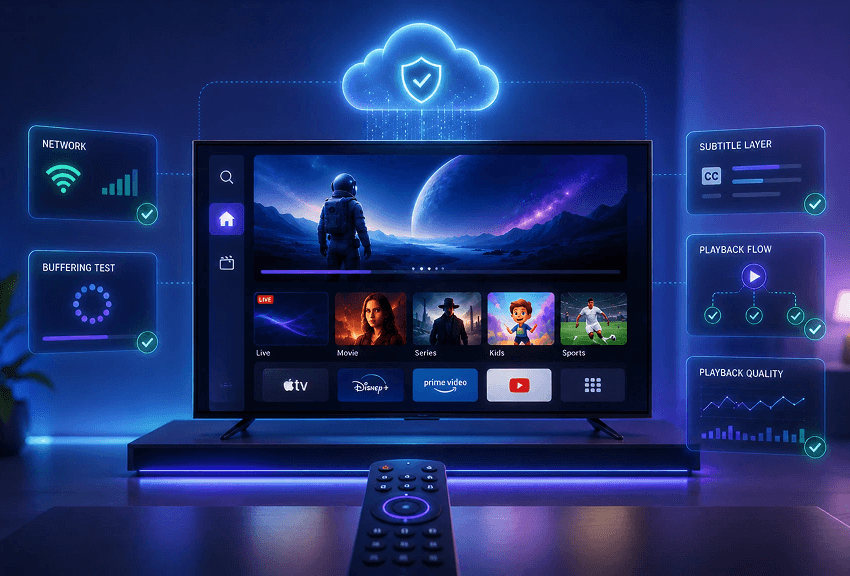
Your Go-To Option for Smart TV App Testing
Stop stitching together multiple tools across different devices and platforms. TestGrid keeps your testing efforts organized.
Test on every major TV platform
Your app needs to work within a fragmented ecosystem of TVs — Samsung Tizen, LG WebOS, Android TV, Fire TV, Apple TV, and more. TestGrid lets you test on real Smart TV apps without maintaining an in-house device lab.
Check device, app, and network performance
Track CPU usage, memory consumption, startup responsiveness, playback performance, and network instability across multiple Smart TV environments. Monitor how your Smart TV apps behave under real device and network constraints.
Automate, scale, release faster
Your regression cycles shouldn’t be the reason releases slow down. Run automated Smart TV tests on multiple devices simultaneously, monitor performance in real time, and catch regressions earlier without adding to your testing overhead.
Smart TV Remote Navigation & Focus Testing
One broken remote interaction is enough to frustrate your users and send them elsewhere. TestGrid empowers you to verify D-pad navigation, focus traversal, playback controls, and back-button behavior across real Smart TV interfaces to ensure smooth, intuitive navigation experiences.
Request Free Trial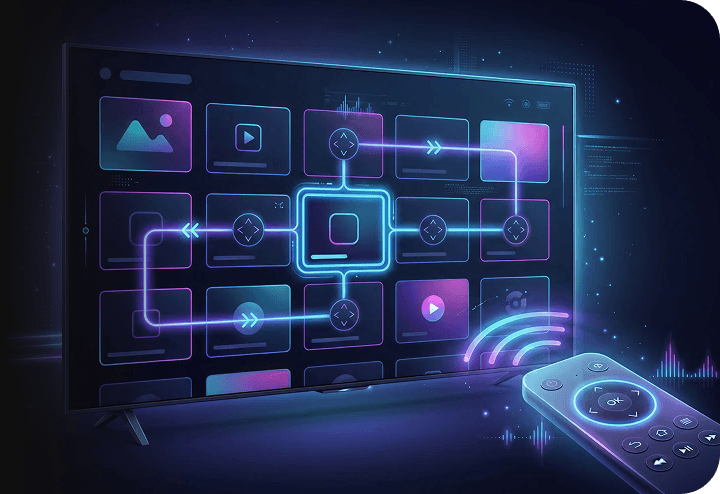
Live Audio Input Testing
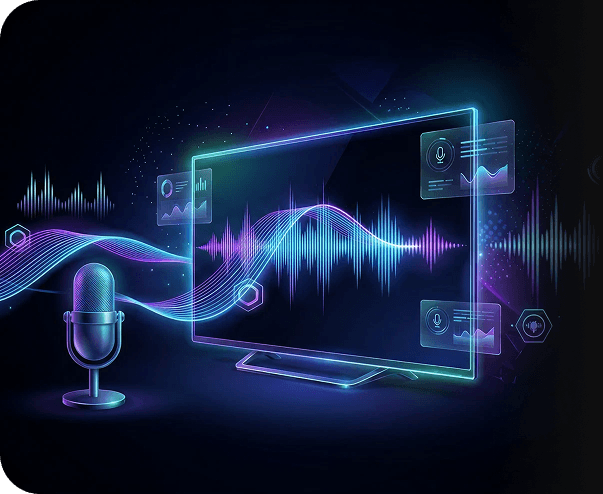
Test voice interactions the way your users actually experience them. Stream live microphone audio directly to connected Smart TVs, or upload pre-recorded audio files for repeatable voice validation and audio regression testing workflows using TestGrid.
Smart TV AV Playback Validation
Playback issues during streaming sessions are difficult to ignore and even harder to recover from. With TestGrid, you can detect buffering issues, subtitle rendering problems, adaptive bitrate switching failures, playback recovery issues, audio-video synchronization gaps, and frame stability problems before your next production release.
Request Free Trial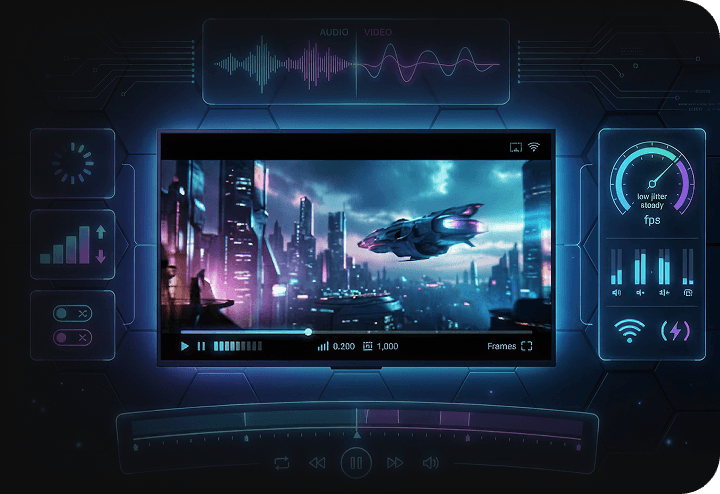
Real-World Network Condition Testing
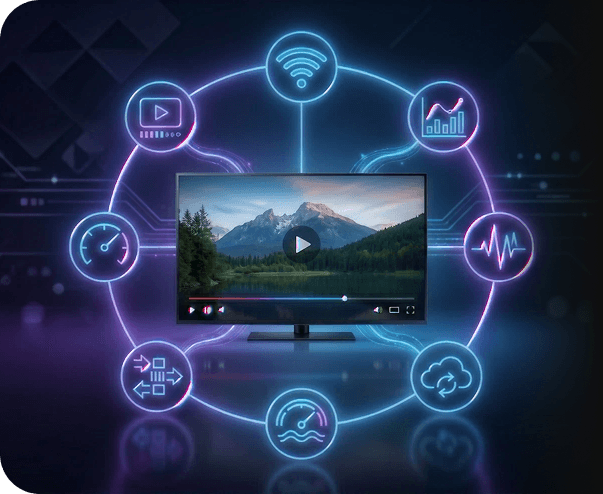
Your app may work perfectly in controlled environments and still fail on unstable home WiFi, which is where most of your users actually watch. Simulate bandwidth drops, latency spikes, packet loss conditions, and region-specific network environments to evaluate real-world streaming reliability across Smart TVs using TestGrid.
Session-Level Debugging and Diagnostics
Debug Smart TV failures with session recordings, logs, playback events, and performance reports so your team can reproduce issues faster and reduce troubleshooting time across releases.
Request Free Trial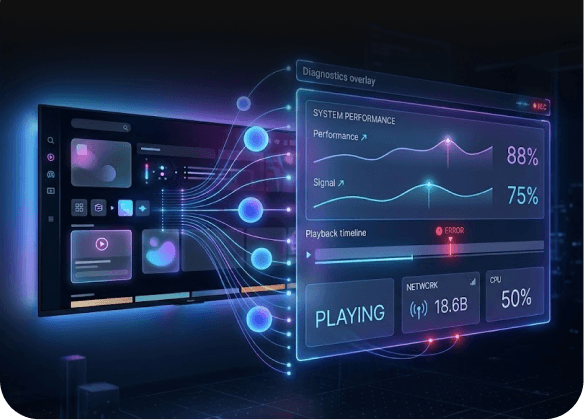
Parallel Smart TV Automation Testing
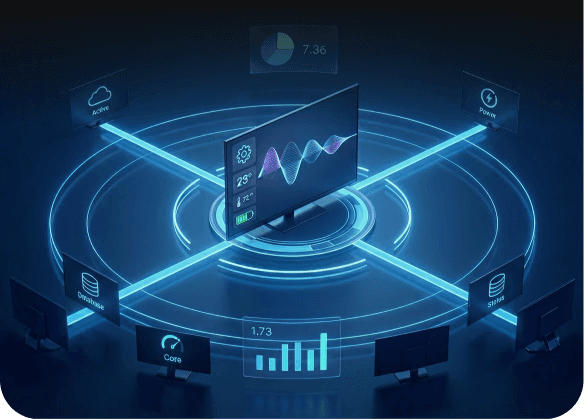
Plug Appium-based Smart TV automation testing directly into your existing QA workflows and CI/CD pipeline without rebuilding your setup. Perform automated Smart TV application testing on multiple devices simultaneously to speed up regression cycles, expand your test coverage, and release updates faster.
Smart TV Testing Is Better With TestGrid
No production surprises. No unnecessary overhead. Just testing that works the way it should.
Reduce your manual testing efforts
Smart TV testing involving different devices, remotes, and network conditions can quickly become repetitive and time-consuming. Automate repetitive workflows and scale testing without slowing engineering teams with TestGrid.
Test local & staging environments
Check unreleased builds against internal QA environments and locally hosted services without exposing your applications publicly. TestGrid helps your QA teams move faster without second-guessing Smart TV app quality.
Work with real hardware
Emulators can’t fully replicate playback behavior, remote interactions, or audio handling. TestGrid enables you to use real Smart TVs to test experiences the way your viewers actually experience them. It’s that simple.
Frequently Asked Questions (FAQs)
Why do Smart TV apps behave differently on real devices compared to emulators?

Emulators can simulate environments, but they can’t fully recreate how Smart TVs handle playback, remote interactions, memory usage, audio processing, or unstable home networks. That’s why teams that test Smart TV apps on real hardware catch issues that controlled environments often miss.
Why do Smart TV apps behave differently on real devices compared to emulators?
Emulators can simulate environments, but they can’t fully recreate how Smart TVs handle playback, remote interactions, memory usage, audio processing, or unstable home networks. That’s why teams that test Smart TV apps on real hardware catch issues that controlled environments often miss.
Why is remote navigation such a big part of Smart TV app testing?
Unlike mobile apps, Smart TV experiences depend heavily on D-pad navigation, focus movement, playback controls, and directional inputs. One broken focus state or delayed remote interaction can quickly disrupt the viewing experience and frustrate users.
Why is remote navigation such a big part of Smart TV app testing?
Unlike mobile apps, Smart TV experiences depend heavily on D-pad navigation, focus movement, playback controls, and directional inputs. One broken focus state or delayed remote interaction can quickly disrupt the viewing experience and frustrate users.
What makes Smart TV testing more difficult than mobile or web testing?
Smart TV ecosystems are fragmented across operating systems, device manufacturers, playback engines, remote behaviors, and screen environments. Testing for Smart TV apps often requires validating playback quality, navigation behavior, network reliability, and performance under real device conditions.
What makes Smart TV testing more difficult than mobile or web testing?
Smart TV ecosystems are fragmented across operating systems, device manufacturers, playback engines, remote behaviors, and screen environments. Testing for Smart TV apps often requires validating playback quality, navigation behavior, network reliability, and performance under real device conditions.
Can automated Smart TV testing fit into existing QA workflows?
Yes. TestGrid supports Appium-based automation workflows so your team can run parallel tests, reduce repetitive manual testing efforts, and integrate Smart TV automation testing into existing CI/CD pipelines.
Can automated Smart TV testing fit into existing QA workflows?
Yes. TestGrid supports Appium-based automation workflows so your team can run parallel tests, reduce repetitive manual testing efforts, and integrate Smart TV automation testing into existing CI/CD pipelines.
How can QA teams reproduce inconsistent playback or streaming issues faster?
Playback issues are often tied to device limitations, unstable networks, or app-specific behavior that only appears under certain conditions. TestGrid provides session recordings, logs, playback events, and performance reports to help teams recreate failures faster and spend less time troubleshooting unpredictable issues.
How can QA teams reproduce inconsistent playback or streaming issues faster?
Playback issues are often tied to device limitations, unstable networks, or app-specific behavior that only appears under certain conditions. TestGrid provides session recordings, logs, playback events, and performance reports to help teams recreate failures faster and spend less time troubleshooting unpredictable issues.