


Web Test Execution on Real Browsers for Real World Insights With TestGrid
Run Selenium, Playwright, Cypress, and other compatible test scripts on real Chrome, Safari, Firefox, Edge, Opera, and Samsung Internet browsers inside TestGrid’s scalable execution platform. Validate the exact behavior your users experience, not a simulated version of it.

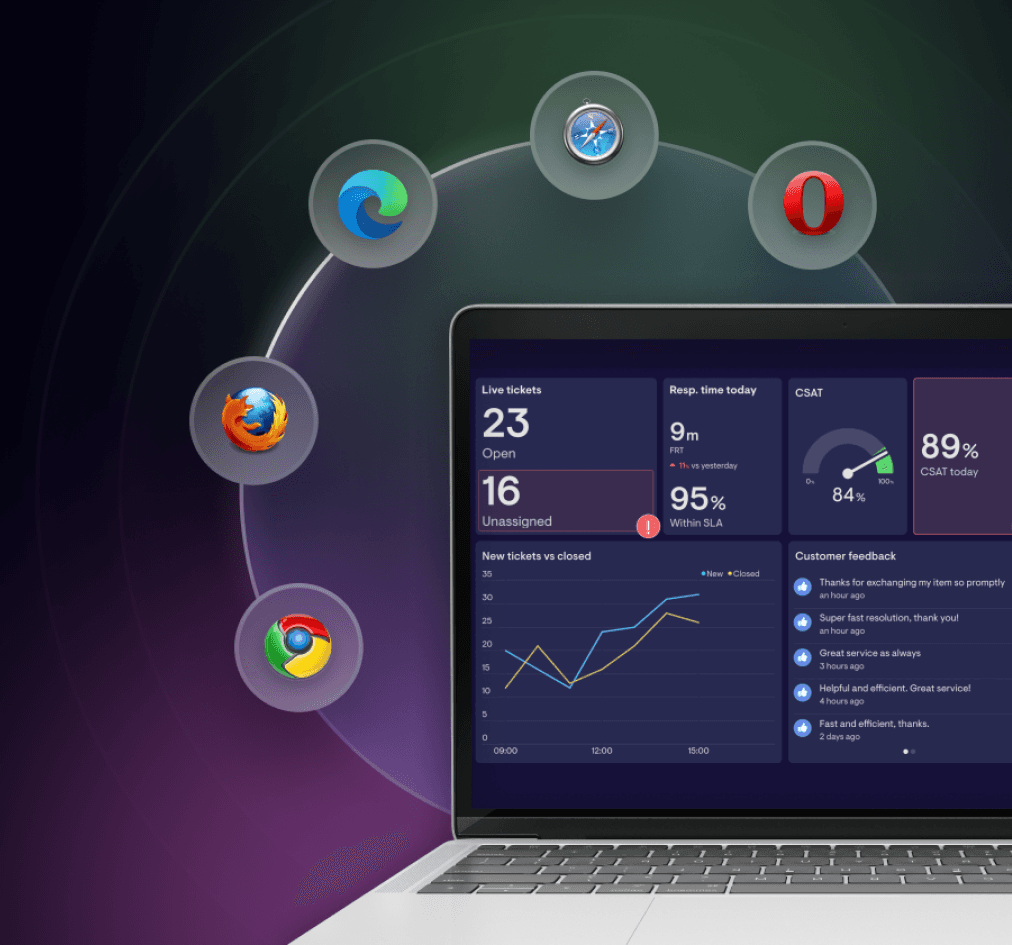
Using Emulators for Real-Browser Execution? Change That.
With TestGrid, perform automated and manual web testing directly on real browser instances hosted in the cloud or your own infrastructure.
Request Free TrialInstant access to staging and private environments
Run tests on staging URLs, localhost builds, and internal applications using TestGrid’s secure TG Tunnel without exposing them publicly.
Accurate execution under real-world conditions
Confirm rendering, layout, navigation, and business-critical interactions across browsers without simplifying real user paths. Ensure cross-browser behavior is consistent before production.
No local setup needed
Perform testing in secure, isolated browser sessions without installing or maintaining browsers locally. Reduce setup overhead and keep teams focused on releasing quality.
Functional Web Test Execution on Real Browsers
Deploy complete workflows across forms, navigation paths, and business logic to ensure stable functionality at every step. Check behavior across Chrome, Safari, Firefox, Edge, and other supported browsers, removing the risk of version-specific regressions. Trigger tests manually or integrate them directly into your CI/CD pipelines.

Evaluate Performance and Stability of Web Apps
Track page load times, network behaviour, DOM readiness, and other performance signals for every execution. View browser-level CPU, memory, and rendering insights to identify bottlenecks before they impact end users. Test against slower networks, unstable connections, and high-traffic scenarios to understand system behaviour under stress.
Request Free Trial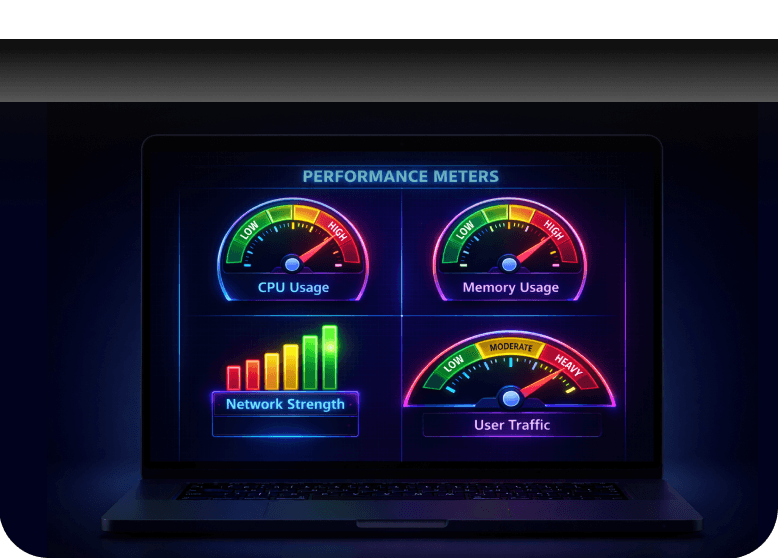
AI-Assisted Browser Test Execution With CoTester
Upload test scenarios written in plain English or structured formats and CoTester converts them into executable browser test scripts. During execution, AgentRx detects UI and attribute changes, automatically adapts selectors, and prevents test scripts from breaking when the application evolves.
Request Free Trial
Test Execution Built to Match Your Deployment Pace
TestGrid gives you all the tools to run tests comprehensively
Debug in seconds
Access built-in developer tools for each browser to diagnose UI and network issues quickly. Replay test sessions for visual clarity into what happened at every stage. Shorten investigation time.
Approach manually, too
Perform exploratory testing, UI reviews, and final approvals directly on real browser sessions. Use the TG Tunnel to validate internal builds and UI changes during development.
Always ship with confidence
Perform testing on real browsers, scale execution as needed, and resolve issues with full execution insight. TestGrid keeps your web testing stable and predictable across fast release cycles.
Frequently Asked Questions
Can I schedule automated web test case executions to run nightly or before releases?

Yes. TestGrid allows scheduled execution, enabling teams to run nightly regressions, pre-release validations, or recurring smoke tests without manual triggers. You can initiate executions from CI/CD pipelines based on deployment events.
Can I schedule automated web test case executions to run nightly or before releases?
Yes. TestGrid allows scheduled execution, enabling teams to run nightly regressions, pre-release validations, or recurring smoke tests without manual triggers. You can initiate executions from CI/CD pipelines based on deployment events.
What’s the difference between “web test execution” and “automated web test execution”?
Web test execution refers to any kind of test run on a web application, including both manual validation and automated test scripts. Automated web test case execution specifically focuses on running scripted tests, such as Selenium, Playwright, or Cypress, on real browsers without human intervention. In other words, all automated test runs are web test execution, but not all web test execution is automated.
What’s the difference between “web test execution” and “automated web test execution”?
Web test execution refers to any kind of test run on a web application, including both manual validation and automated test scripts. Automated web test case execution specifically focuses on running scripted tests, such as Selenium, Playwright, or Cypress, on real browsers without human intervention. In other words, all automated test runs are web test execution, but not all web test execution is automated.
What browsers and versions does TestGrid support, and how quickly are new versions added?
TestGrid provides real Chrome, Safari, Firefox, Edge, Opera, and Samsung Internet browsers across multiple versions. New versions are added shortly after public release, ensuring teams can validate compatibility without waiting for local updates or maintaining browser environments manually.
What browsers and versions does TestGrid support, and how quickly are new versions added?
TestGrid provides real Chrome, Safari, Firefox, Edge, Opera, and Samsung Internet browsers across multiple versions. New versions are added shortly after public release, ensuring teams can validate compatibility without waiting for local updates or maintaining browser environments manually.
Does TestGrid support testing browser-specific features such as geolocation, permissions, or camera/microphone access?
Yes. TestGrid supports geolocation overrides, permission controls, device-mode testing, and other browser-level capabilities so you can validate experiences that rely on contextual or hardware-driven features.
Does TestGrid support testing browser-specific features such as geolocation, permissions, or camera/microphone access?
Yes. TestGrid supports geolocation overrides, permission controls, device-mode testing, and other browser-level capabilities so you can validate experiences that rely on contextual or hardware-driven features.