CoTester 2.0 is LIVE! Your Always-Available AI Teammate for Testing.
- Privacy Browser Overview
- What Makes a Browser Good for Privacy?
- How We Evaluated the Best Privacy Browsers
- Best Browsers for Privacy in 2026
- Anonymity-Focused Browser
- Anti-Fingerprinting and Hardened Privacy Browsers
- Privacy-Focused Mainstream Browsers
- Privacy Browser vs Private Browsing Mode
- How to Choose the Best Browsers for Privacy
- Validate Web Experiences Across Privacy-Focused Browsers with TestGrid
- Frequently Asked Questions (FAQs)
Your browser can expose information about your device, preferences, and browsing behavior to websites and third parties, and trackers can connect your activity across different sites.
A privacy-focused browser can help you reduce some of this exposure by limiting tracking and unnecessary data sharing.
A study shows that 46% of internet users changed their browser settings in 2025 to prevent or limit cookies, and 29% used software to limit online tracking. This is precisely the reason why privacy browsers are gaining attention.
In this blog, we’ll compare the best browsers for privacy across their protections, usability, compatibility, platforms, and maintenance to help you pick one which fits how you browse.
Test cross-browser compatibility with TestGrid’s AI-powered testing. Request a free trial.
Privacy Browser Overview
TL;DR
- Tor Browser: Anonymity-focused browser for resisting tracking, surveillance, and censorship
- Mullvad Browser: Anti-fingerprinting browser for minimizing tracking and browser identification
- LibreWolf: Hardened Firefox fork for stronger privacy and security defaults
- Cromite: Chromium fork with built-in ad blocking and anti-tracking protections
- Brave: Chromium browser with tracker and fingerprinting protection
- Firefox: Customizable browser with built-in tracking and privacy controls
- DuckDuckGo Browser: Privacy browser with extensive tracking protection and one-click data clearing
- Vivaldi: Highly customizable browser with tracker and ad blocking
- Waterfox: Firefox-based mainstream browser with telemetry disabled by default
- Epic Privacy Browser: Chromium-based browser with aggressive tracking and privacy protection
What Makes a Browser Good for Privacy?
These are some of the most important aspects that’ll help you decide the features a good privacy browser should have.
1. Tracker blocking
The tracker blocking feature in privacy browsers allows you to prevent third-party tracking technologies from collecting information about your browsing activity. It can restrict third-party cookies, tracking pixels, scripts, cross-site tracking, and ad trackers by implementing cookie control, content blocking, and anti-tracking protections.
2. Fingerprinting protection
Fingerprinting protection enables you to reduce the amount of distinctive information websites can collect to identify your browser or device. Canvas and WebGL fingerprinting can identify browsers through rendering characteristics. Fingerprint resistance standardizes or obscures these characteristics to make users harder to distinguish online.
3. Private browsing vs true privacy
Private browsing (incognito or guest mode) mainly stops your browser from storing local data such as browsing history and cookies. True privacy goes further by limiting what websites, trackers, and network operators can learn about you.
Privacy-focused search engines like Startpage and SearXNG can limit the information associated with your searches.
So, to ensure true privacy, a browser should have settings like automatic HTTPS enforcement, Secure DNS, WebRTC protection, permission controls, and telemetry controls.
4. Open source vs closed source
Open source software makes its source code available for inspection, modification, and redistribution. Closed-source software keeps its implementation private.
Open-source browsers (e.g., Ungoogle Chromium) are generally more preferred for privacy because independent researchers can audit the code and identify security issues.
Open-source browser engines like Chromium’s Blink, Mozilla’s Gecko, and Apple’s WebKit also provide publicly available source code that can be reviewed independently.
Also Read: 14 Tips to Choose the Right Open Source Test Automation Tool
5. Built-in VPNs and privacy features
Privacy browsers must be able to provide protections beyond just tracker blocking. For example, a built-in VPN to conceal your IP address and HTTPS to encrypt browser-to-website traffic.
Capabilities like secure DNS can help protect DNS queries from network observers, and sandboxing isolates browser processes to limit the impact of compromised websites or malicious content.
How We Evaluated the Best Privacy Browsers
We tested the top privacy browsers available in the market, and assessed them based on the factors that influence their overall privacy, usability, performance, and compatibility.
We started with privacy defaults. This included checking whether important protections are enabled by default, whether privacy settings require technical configuration, and whether those protections interfere with websites, web apps, or extensions.
The next important area was how user-friendly the browsers were. So, we picked the browsers that were easy to install, navigate, configure, and start using. We also looked at every browser’s compatibility with operating systems, including Windows, macOS, Linux, Android, and iOS.
Taking privacy claims at face value isn’t enough. Therefore, we reviewed the internet browsers privacy policies, telemetry practices, and data-collection statements.
Apart from this, we also considered GDPR and CCPA requirements where relevant, particularly their implications for consent, data sharing, and user privacy choices.
And finally, we checked the development activity, update frequency, and security improvements before listing the best private browsers.
Also Read: Top 15 Cross Browser Testing Tools for QA Teams in 2026
Best Browsers for Privacy in 2026
| Browser | Best for | Engine | Privacy score | Supported platforms | Ratings G2 | Captera |
|---|---|---|---|---|---|
| Tor | Anonymous web surfing | Firefox ESR / Gecko | 9.5/10 | Windows, macOS, Linux, Android | 4.4/5 | 4.6/5 |
| Mullvad | Anti-fingerprinting | Firefox / Gecko | 9/10 | Windows, macOS, Linux | 4.6/5 | NA |
| Librewolf | Aggressive Firefox hardening | Firefox / Gecko | 8.5/10 | Windows, macOS, Linux | N/A |
| Cromite | Chromium-based browsing with built-in privacy | Chromium / Blink | 8/10 | Windows, Linux, Android | N/A |
| Brave | Privacy protections with minimal configuration | Chromium / Blink | 8/10 | Windows, macOS, Linux, Android, iOS | 4.6/5 | 4.7/5 |
| Firefox | Customizable privacy | Gecko | 7/10 | Windows, macOS, Linux, Android, iOS | 4.4/5 | 4.4/5 |
| DuckDuckGo | Built-in tracker protection | Blink (Android and Windows / WebKit (iOS and macOS | 8/10 | Windows, macOS, Android, iOS | 4.5/5 | N/A |
| Vivaldi | Broad Chromium compatibility with strong privacy | Chromium / Blink | 7.5/10 | Windows, macOS, Linux, Android, iOS | 4.5/5 | 4.8/5 |
| Waterfox | Privacy customization and reduced telemetry | Gecko | 6.5/10 | Windows, macOS, Linux, Android | N/A |
| Epic Privacy Browser | Robust tracker and cookie blocking | Chromium | 7.5/10 | Windows, macOS, Android | N/A | 4.6/5 |
Anonymity-Focused Browser
These privacy web browsers make users hard to identify online by protecting network identity and reducing browser fingerprinting. Anonymous web browsers generally leverage onion routing to route traffic through privacy networks, mask IP addresses from websites, and standardize browser characteristics.
1. Tor Browser
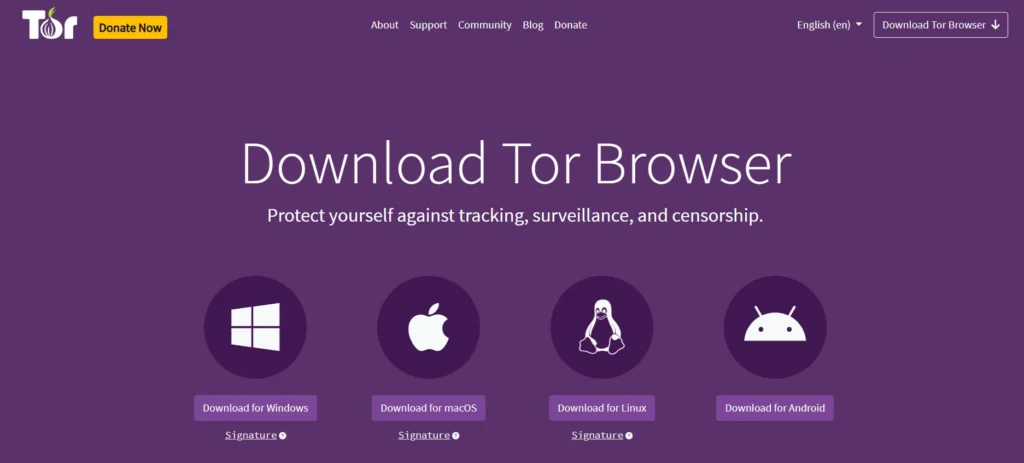
Tor Browser is one of the best browsers for privacy, which routes your traffic through the Tor network, hides your real IP address, blocks tracking, and protects you against surveillance and censorship. It’s particularly developed to resist online tracking. What makes Tor one of the best anonymous browsers is that it doesn’t keep any browsing history by default. Cookies are only valid for a single session.
Features
- Leverage defenses like letterboxing, user-agent spoofing, and first-party isolation, which make it harder for sites and third-party trackers to spot you online
- Use Tor relays to prevent websites from discovering your real IP address and approximate location
- Prevent eavesdropping, tampering, and man-in-the-middle attacks with the help of HTTPS-only mode
- Increase your security by choosing to disable JavaScript and certain web features that can be used to compromise your security and anonymity
Pros
- Users mention that the interface and the auto ad blocker feature are intuitive
- The browser routes the internet traffic from the client via the browser through a series of intermediary nodes, which makes tracking your online activities difficult
Cons
- Some users report that performance variability can create significant browsing delays
- Network congestion from bandwidth-intensive apps may affect overall responsiveness
Rating
- G2: 4.4/5
- Capterra: 4.6/5
Anti-Fingerprinting and Hardened Privacy Browsers
These private internet browsers use strict privacy configurations to limit the information websites can collect about your browser and device. They might restrict browser APIs, isolate cookies and site data, reduce fingerprinting signals, block trackers, and disable telemetry by default.
2. Mullvad Browser
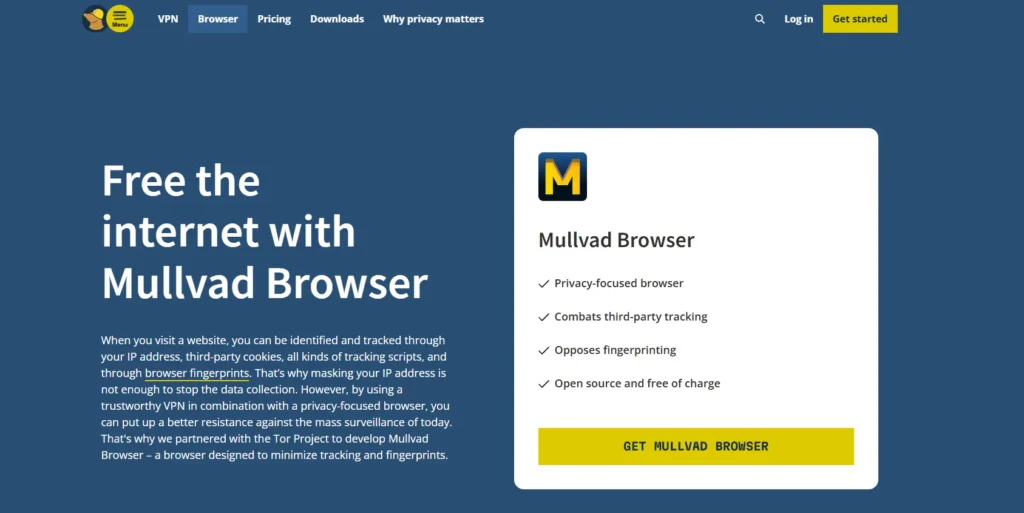
Mullvad Browser is a free privacy browser that helps you connect to the internet through the encrypted VPN tunnels and VPN servers of Mullvad. The browser collects telemetry only to improve its performance. It uses fingerprinting resistance features, standardized browser settings, and letterboxing to protect you against fingerprinting.
Features
- Block third-party trackers from identifying your identity with uBlock Origin
- Combat fingerprinting with Mullvad, which uses different techniques to give similar fingerprints to all users
- Make sure no cookies are saved between your sessions with the default Private mode
- Isolate third-party cookies in specific cookie jars during your session
Pros
- Anonymous account creation and payment
- Users say that the security features are comprehensive and robust
Cons
- The server network may not be as extensive as that of some other major VPN providers
- The browser may sometimes block internet access unexpectedly
Rating
- G2: 4.6/5
3. Librewolf
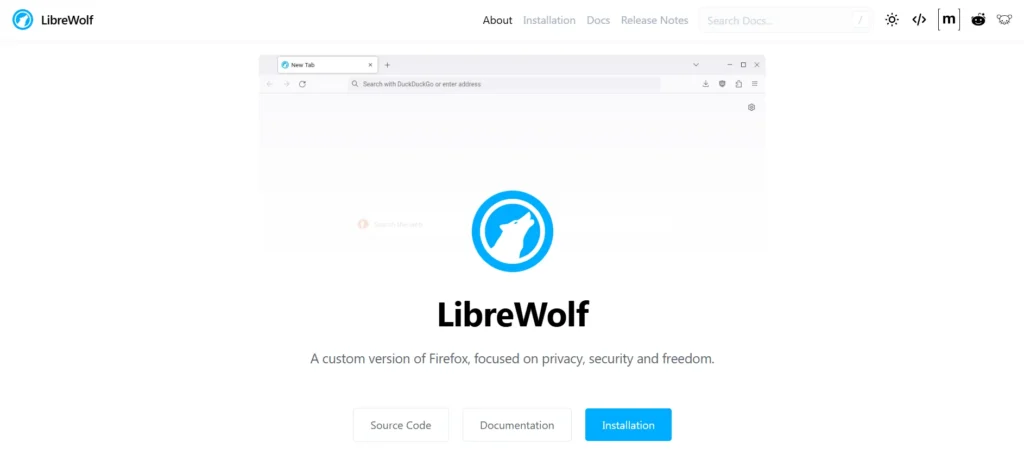
Librewolf is another of the best web browser for privacy that’s built to increase protection against tracking and fingerprinting techniques, and also includes security improvements. It’s a custom and independent version of Firefox, with the primary goals of privacy, security, and user freedom. LibreWolf also allows you to remove all the telemetry, data collection, and annoyances, as well as disable anti-freedom features like DRM.
Features
- Includes uBlock Origin with custom default filter lists and Tracking Protection in strict mode to block trackers and ads
- Prevents access to the location services of the OS, and uses Mozilla’s location API instead of Google’s API
- Disable annoyances like autoplay of media, search suggestions, ads, and sponsored content
- Enable HTTPS-only mode and stricter negotiation rules for TLS/SSL
Pros
- Offers strong cookie isolation
- It’s open-source and supports standard Firefox extensions and add-ons
Cons
- The browser can at times cause website compatibility issues
- Doesn’t provide automatic browser updates
Learn More: Website Testing: Types, Benefits, and the Role of Automation
4. Cromite
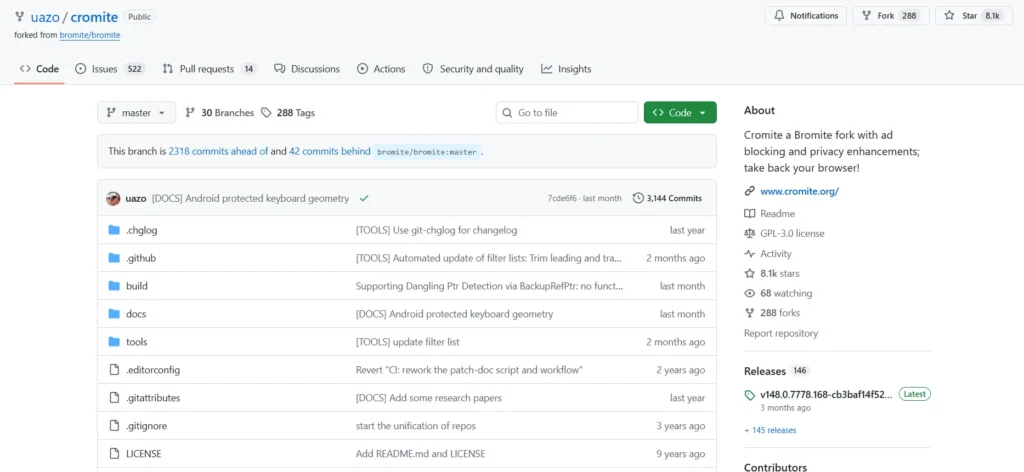
Cromite is a Chromium-based web browser that’s focused on ad blocking and enhancing privacy. The browser enables you to limit tracking and intrusive ads without having to depend on external integrations. Cromite prioritizes a user’s choice and control over web content, and therefore offers privacy settings and features like anti-fingerprinting and configurable filters to block unwanted elements.
Features
- Disable browser APIs that can expose device information, including Battery, Client Hints, Compute Pressure, WebGPU, WebGL, SpeechSynthesis, and Idle Detection
- Restrict access to high-entropy browser and device information, like full User-Agent versions, device memory, CPU information, and screen characteristics
- Standardize or limit potentially identifying information including system fonts, timezone, and viewport characteristics
- Partition MediaDevice identifiers to reduce cross-site tracking
Pros
- Automatically disables Google-related tracking and integrations
- It includes an internal firewall designed to block unauthorized browser connections
Cons
- It doesn’t have Google Sync, Google Translate, Data Saver, and Google’s IP Protection available
- Privacy hardening may sometimes affect website compatibility
Privacy-Focused Mainstream Browsers
These private web browsers help you balance everyday usability and website compatibility with built-in privacy protections. They come with tracker blocking, cookie controls, anti-tracking features, and privacy settings, and also have the ability to support modern websites, extensions, and browsing.
5. Brave
Brave is one of the best browsers for privacy for everyday browsing. It has strong privacy and security settings. It offers default, built-in protection for blocking ads, trackers, fingerprinting, and cookies, and allows you to easily customize your Shields settings or enjoy out-of-the-box protection. You can also encrypt and sync your Brave bookmarks, passwords, and tabs across your devices.
Features
- Get better results, AI answers, and zero profiling with Brave Search
- Block third-party content such as video ads, search ads, and social media ads on every website
- Save Wi-Fi bandwidth and mobile data, battery life and CPU
- Shield against tracking and fingerprinting with a premium VPN that can encrypt every connection
Pros
- Users say that the interface is intuitive and easy and hence there’s almost no learning curve involved
- It blocks trackers by default without needing extra extensions
Cons
- Some websites may occasionally break or render incorrectly because of the tracker blocking
- Troubleshooting website compatibility issues can take extra effort
Rating
- G2: 4.6/5
- Capterra: 4.7/5
6. Firefox
Firefox is one of the most popular web browsers that help you browse, read, manage tabs, and create workspaces, all while protecting your data and maintaining privacy. The browser comes with built-in tracker blocking from the start, which means you stay protected by default, without any extra configuration steps. Firefox’s Total Cookie Protection keeps each site’s cookies separate, so companies can’t follow you across your browsing.
Features
- Get help creating new passwords, auto-fill online forms and log in
- Automatically delete cookies and erase your browser history when you close it
- Block browser fingerprinting with built-in protections that reduce hidden tracking and help you protect your privacy online
- Clear your search history automatically when you’re done with Firefox Private Browsing
Pros
- Migrating to Firefox is easy because the UI is similar to other browsers, with a right-side panel
- It consumes less memory and allows you to run multiple apps without lagging
Cons
- The browser’s productivity may fall if you set up too many add-ons
- Strong cookie protections may break websites
Rating
- G2: 4.4/5
- Capterra: 4.4/5
7. DuckDuckGo Browser
DuckDuckGo is one of the best browsers for privacy that lets you block hidden trackers by default and helps you evade hackers, scammers, and companies that collect confidential data. It spots cookie pop-ups right away and, where possible, enables you to opt out automatically, so you don’t even see them. DuckDuckGo Search gives you private search results without compromising result quality.
Features
- Import, save, and encrypt your passwords with Sync & Backup
- Automatically set your cookie management preferences to maximize privacy and minimize cookies
- Erase traces of websites that you’ve visited and browsing session information with the Fire Button
- Get a fast and simple VPN, access to advanced AI models, a Personal Information Removal service, and an Identity Theft Restoration service
Pros
- Offers you multiple layers of anti-tracking protection
- Enables Global Privacy Control (GPC) by default
Cons
- Has limited customization options compared to other mainstream browsers
- Aggressive tracker blocking might affect website functionality
Rating
- Capterra: 4.5/5
Also Read: 11 Best AI Browsers in 2026 (Tested & Compared)
8. Vivaldi
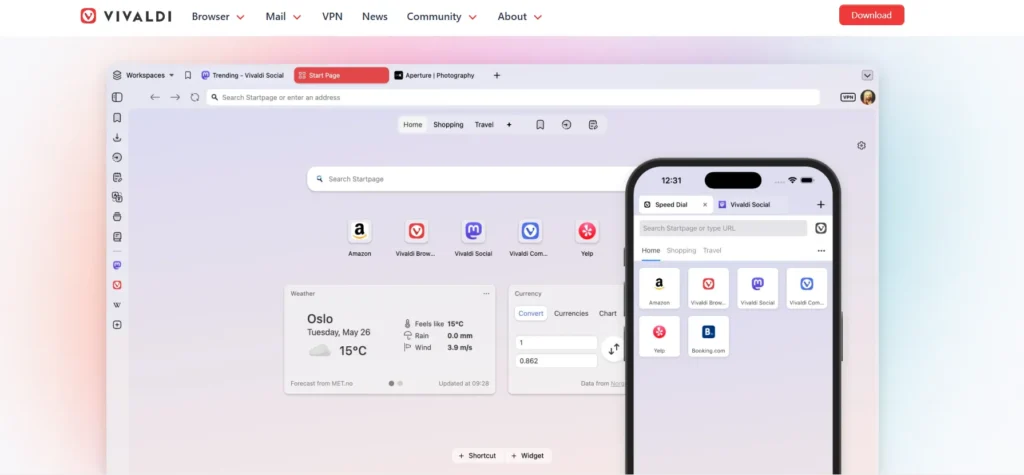
Vivaldi is a free, open-source browser that allows you to browse, take notes, manage emails, translate, take screenshots, and organize tabs while maintaining privacy. The browser keeps your data synced and end-to-end encrypted. You stay in complete control of how much or how little you want to protect your data. With one-click activation, you get enhanced privacy protections and all the VPN functionality you need.
Features
- Keep information about sites you visit, what you type in the browser, and your downloads secure on your local machine or encrypted
- Use the built-in tracker and ad blocker to protect your browsing
- Minimize what’s stored locally on your computer with the Private Browsing Mode
- Store your account login credentials in the browser, and access sites quickly and easily with a robust Password Manager
Pros
- Users mention that the UI is quite intuitive
- You can add websites you frequently visit for easy access in the speed dial
Cons
- Some website functionality may require changing privacy settings
- The browser can feel complex because of the extensive feature set
Rating
- G2: 4.5/5
- Capterra: 4.8/5
9. Waterfox
Waterfox is a free web browser with data collection and telemetry features disabled. It lets you manage filter lists, site exceptions, and search partner ads. You can hover over a link to see exactly where it leads as the full URL remains visible without any pop-up overlays. Waterfox also blocks known fingerprinting through Enhanced Tracking Protection and supports private browsing and cookie isolation.
Features
- Prevent unwanted adverts, trackers, pop-ups and overlays from loading with Waterfox’s built-in desktop blocker
- Keep your private tabs alongside your regular ones; Waterfox clears site data when you close your last private tab
- Encrypt DNS lookups and send them via an Oblivious HTTP relay
- Collapse a finished branch, drag an entire subtree, and reorganize all your research with a single action
Pros
- The browser automatically disables analytics, Normandy experiments, and new-tab ad feeds
- It supports extensive browser customization
Cons
- Some of the extensions may be incompatible
- Doesn’t provide anonymity or hide your IP address
10. Epic Privacy Browser
Epic Privacy Browser is a private, secure, Chromium-based web browser that’s developed to block ads, trackers, fingerprinting, cryptomining, and ultrasound signaling. This browser restricts certain types of WebRTC calls that can leak your IP address, even if you’re using an encrypted proxy or a VPN. Services such as address bar autofill are done locally on your system so your browsing doesn’t go through Epic’s servers.
Features
- Protect your browsing history with no profiling and no filter bubbles
- Install a free proxy / VPN extension to unblock websites wherever you are
- Block third-party cookie tracking by default; Epic includes granular protections against fingerprinting techniques
- See which companies and organizations are tracking you in your other browsers via Epic’s new tab page
Pros
- Users mention that the browser’s VPN functionality is robust
- Since it’s Chromium-based, the UI is familiar and easy to use
Cons
- Functionality may get affected if you keep multiple tabs open
- A few users report slow performance and crashes
Rating
- Capterra: 4.6/5
Privacy Browser vs Private Browsing Mode
Even though privacy browser and private browsing may sound similar, both have different purposes.
Private browsing mode (like Incognito) creates a temporary browsing session and limits what the browser retains locally. A privacy browser is generally developed to reduce the information that websites and third parties can collect during ordinary browsing.
The table below will help you understand the difference between the two better.
| Factor | Private browsing | Privacy browser |
|---|---|---|
| Website tracking | Cannot prevent websites from identifying or tracking you | May actively block trackers, tracking scripts, and other tracking mechanisms |
| Cookies and site data | Temporary session data is generally deleted when your session ends | Can restrict, partition, or automatically remove cookies and site storage |
| Fingerprinting | Doesn’t inherently prevent browser fingerprinting | Can restrict or standardize browser and device signals used for fingerprinting |
| IP address | Cannot hide your IP address | Depends on the browser you use; some offer VPN or proxy-based protections, while others do not |
| Network visibility | Doesn’t block your ISP or network administrator from observing network activity | Might provide additional protections such as encrypted DNS, proxying, or VPN integration |
| Best suited for | Using a shared device without leaving normal browsing records behind | Making privacy protections part of your normal web browsing |
How to Choose the Best Browsers for Privacy
The privacy browser that you finally select should fit your browsing habits as well as privacy requirements. Consider the websites and services you regularly use and functionalities that you absolutely cannot compromise. Then choose the one that protects without creating unnecessary restrictions.
Here are some factors you need to consider when evaluating the top private browsers before making a decision.
- Decide whether you want to reduce advertising tracking, avoid fingerprinting, or browse anonymously
- Make sure the browser supports the extensions you depend on without undermining its privacy design
- Check if the browser works reliably with the streaming services, web apps, and websites you use
- If you regularly switch between desktop and mobile, prioritize a browser ecosystem that covers the devices you prefer
- Pick a browser that lets you easily migrate and sync your existing bookmarks, passwords, and workflows across devices
- Ensure that its search engine, AI features, extensions, account services, or other integrated services align with your privacy expectations
Validate Web Experiences Across Privacy-Focused Browsers with TestGrid
Privacy-focused browsers can change how your websites handle cookies, scripts, storage, permissions, and browser APIs. That’s why testing your web experience across different browsers is especially important.
TestGrid is an AI-powered end-to-end software testing platform that allows you to test websites and web apps on real browser environments across operating systems and devices.
With TestGrid, you can:
- Test browser permissions such as camera, microphone, and location across browsers, including Firefox, Chrome, Safari, Edge, and Opera
- Simulate different network conditions to validate how privacy experiences behave across varying connection speeds and network environments
- Generate and execute test flows from plain English requirements, URLs, or user stories with CoTester
- Run tests on staging and localhost environments through TG Tunnel and verify sensitive web experiences before making them publicly accessible
- Capture screenshots, logs, and execution evidence to investigate browser-specific failures faster
TestGrid helps you ensure your website and web apps are dependable as users adopt browsers with different privacy architectures and security defaults. Request a free trial to explore the platform.
Frequently Asked Questions (FAQs)
What is the best browser for privacy?
Some of the best browsers for privacy are Brave, Mullvad, and Tor. Brave offers privacy protections for everyday browsing. Mullvad Browser emphasizes anti-fingerprinting, and Tor Browser is better suited for anonymity. Your choice should depend on your privacy goals, browsing requirements, and compatibility needs.
Which browser provides the highest level of anonymity?
Among the best browsers for privacy available, Tor Browser is considered one of the most preferred anonymous browsers. It routes traffic through the Tor network, hides your IP address from websites, and applies anti-fingerprinting protections to make users hard to distinguish.
Is incognito mode enough for private browsing?
No. Incognito mode can mainly stop your browser from retaining certain local data, such as browsing history, after the session ends. However, it usually doesn’t prevent websites from tracking you, hide your IP address, or stop your ISP or network administrator from observing your activity.
What is the best private browser for everyday use?
Some of the best browsers for privacy for everyday browsing are Firefox, Brave, DuckDuckGo, and LibreWolf. Firefox helps you balance privacy controls with broad compatibility. Brave has strong privacy protections by default. DuckDuckGo emphasizes easy, one-click control over browsing data and tracking. And LibreWolf comes with aggressive privacy hardening.
Are privacy-focused browsers safer than Chrome?
Not in every case. Privacy-focused browsers can offer stronger privacy protections than Chrome, particularly against trackers and data collection. But Chrome also has substantial security protections such as Safe Browsing, sandboxing, and automatic security updates. The decision actually depends on whether you prioritize privacy, security, usability, or compatibility.
Which are the most secure browsers for protecting personal data?
Some of the most secure browsers for privacy to protect your personal data are Tor, Mullvad, and Brave. Tor limits exposure of your IP address and routes traffic through multiple relays, and its fingerprinting defenses reduce linkability. Mullvad reduces identifying browser signals. Brave blocks trackers and cross-site tracking and follows a data-minimization approach.