 CoTester 2.0 is LIVE! Your Always-Available AI Teammate for Testing.
- Best SaaS Testing Tools Overview
- What Are SaaS Testing Tools?
- SaaS Testing Tools Comparison
- 20 SaaS Testing Tools in 2026
- 1. TestGrid – Unified Software Testing Platform
- 2. Selenium
- 3. JMeter
- 4. Robot Framework
- 5. Postman
- 6. Ranorex
- 7. ZAP
- 8. Tricentis Testim
- 9. SoapUI
- 10. TestComplete
- 11. Mabl
- 12. Katalon
- 13. Keysight Eggplant
- 14. QA Wolf
- 15. TestRail
- 16. Cypress
- 17. TestCraft
- 18. ReTest
- 19. Appium
- 20. Rainforest QA
- How Will You Choose the Right SaaS Testing Tool?
- Open-source vs. paid SaaS testing tools
- Summing Up
- Frequently Asked Questions (FAQs)
Software as a Service (SaaS) apps have nearly eliminated the headaches of heavy installations and maintenance. You can enjoy on-demand access through a browser and easily collaborate with your team, scale operations, and connect from literally anywhere.
The global SaaS market was valued at around $266 billion in 2024 and is projected to surpass $1 trillion by 2032, growing at a strong 20% CAGR, with North America leading the market share. This explosive growth is fueled by the rise of cloud adoption, integration with other tools, and the increasing need for scalable, data-driven platforms.
But as convenient as SaaS apps are, building and maintaining them isn’t easy. Because these apps run on the cloud and serve thousands of users at once, they must be reliable, fast, and secure. A small bug or performance issue can instantly affect hundreds of users.
This is why testing SaaS applications and ensuring every feature, update, and integration is foolproof is essential. In this blog, we’ll introduce you to the best SaaS testing tools of 2026 so you can confidently speed up releases and ensure uninterrupted user experiences.
To scale SaaS testing, opt for a free trial with TestGrid today.
Best SaaS Testing Tools Overview
Below our top picks for SaaS testing tools in 2026
- TestGrid – End-to-end AI-powered testing for SaaS apps with real device, cross-browser, API, and performance testing (cloud, on-premise, or hybrid)
- Selenium – Open-source automation framework for cross-browser testing with support for multiple programming languages including Java, Python, and C#
- JMeter – Load and performance testing tool for SaaS applications and APIs
- Robot Framework – Keyword-driven, open-source automation framework for acceptance testing and RPA
- Postman – API testing and monitoring platform for SaaS apps with features for automated test scripts, mock servers, and CI/CD integration
- Ranorex – Low-code test automation for web, mobile, and desktop SaaS apps with detailed reporting, CI/CD integration, and reusable test modules
- ZAP (OWASP Zed Attack Proxy) – Free and open-source security testing tool that detects vulnerabilities like SQL injection, XSS, and authentication flaws in SaaS applications
- Tricentis Testim – AI-powered test automation platform for SaaS and web apps with self-healing tests, smart locators, and NLP-based authoring for fast, low-code test creation
- SoapUI – Functional and performance testing tool for SOAP and REST APIs
- TestComplete – Scriptless UI automation across browsers, devices, and OS
What Are SaaS Testing Tools?
SaaS testing tools are software solutions used to test cloud-hosted, subscription-based applications for functionality, performance, security, and usability. Since SaaS applications are typically delivered through web browsers or cloud-connected desktop and mobile clients and updated continuously, testing focuses on validating the application across browsers, devices, networks, and integrations on every release.
Why organizations use SaaS testing tools
Teams building or maintaining SaaS products use these tools to:
- Catch functional and regression bugs before they reach production, especially in fast, iterative release cycles
- Validate performance and stability under real-world concurrent user load
- Identify security vulnerabilities (authentication flaws, data exposure, injection attacks) before they become compliance or trust issues
- Confirm a consistent user experience across browsers, operating systems, and devices
- Reduce manual QA effort through automation, low-code/no-code testing, and AI-driven test maintenance
- Support DevOps and shift-left testing practices by integrating testing directly into the CI/CD pipeline
SaaS Testing Tools Comparison
| Tool Name | Tool Type | Key Feature | Platform Support | Pricing |
|---|---|---|---|---|
| TestGrid | AI-powered all-in-one testing | Real-device, cross-browser, API, performance, and visual testing with AI CoTester | Web, Mobile (Android/iOS), Cloud & On-premise | Starts at $199 per month |
| Selenium | Automation framework | Cross-browser automation with WebDriver, Grid, and IDE | Web | Free (open-source) |
| JMeter | Load & performance testing | Simulates multi-protocol user loads (HTTP, FTP, SOAP, etc.) | Web, APIs | Free (open-source) |
| Robot Framework | Keyword-driven automation | Reusable, tabular test cases for ATDD and RPA | Web, Mobile, APIs | Free (open-source) |
| Postman | API testing & monitoring | End-to-end API lifecycle testing and documentation | APIs, Web | Free; $14–$49/user/mo |
| Ranorex | UI & functional automation | Drag-and-drop test design with detailed logs and CI/CD integration | Web, Mobile, Desktop | Custom (paid license) |
| ZAP (OWASP) | Security testing | Automated vulnerability detection (SQLi, XSS, auth flaws) | Web | Free (open-source) |
| Tricentis Testim | AI-based test automation | Self-healing, NLP-based test authoring with smart locators | Web, Mobile | Custom (paid) |
| SoapUI | API automation | Functional, regression, and performance testing for SOAP/REST | APIs | Free (open-source) |
| TestComplete | Functional UI automation | AI-powered object recognition, keyword-based scripting | Web, Mobile, Desktop | Base $4,108; Pro $7,799; Custom Enterprise |
| Mabl | Cloud-based automation | Low-code web & API testing with AI-driven stability checks | Web, Mobile | Custom (paid) |
| Katalon | AI-assisted test platform | Cross-platform no-code/low-code automation with analytics | Web, Mobile, APIs, Desktop | Free; $84–$168/user/mo; Custom |
| Keysight Eggplant | Model-based automation | Digital twin testing with visual recognition and AI insights | Web, Mobile, Desktop | Custom (paid) |
| QA Wolf | End-to-end test automation | Parallel cloud tests with visual diffing and accessibility checks | Web | Free (open-source) |
| TestRail | Test management | Centralized test case design, execution, and reporting | Web | $38–$76/user/mo |
| Cypress | Frontend automation | Real-time debugging, time travel & network control | Web (Frontend) | Free (open-source) |
| TestCraft | AI-powered no-code testing | GPT-based test creation and accessibility validation | Web | Free (open-source) |
| ReTest | Visual regression testing | Differential baseline testing to catch unintended UI changes | Web, Desktop | Custom (paid) |
| Appium | Mobile automation | Cross-platform mobile testing for native, hybrid, PWA apps | Android, iOS | Free (open-source) |
| Rainforest QA | No-code AI automation | English-based test scripts with visual validation | Cross-platform mobile testing for native, hybrid, and PWA apps | Custom (paid) |
20 SaaS Testing Tools in 2026
Testing your SaaS app can be a complex process. You have to make sure all moving parts of your app, including browsers, devices, APIs, and integrations, work as intended, as well as ensure a high-quality user experience.
To build this list, we evaluated each tool against the criteria that matter most for SaaS environments: breadth of testing types supported (functional, performance, security, API, and visual), ease of setup for both technical and non-technical users, CI/CD and integration support, pricing transparency, and how well the tool scales across web, mobile, and cloud-based apps.
Based on these criteria, here are the best SaaS testing tools.
1. TestGrid – Unified Software Testing Platform

TestGrid is an AI-powered, end-to-end software testing platform. From codeless automation and cross-browser and cross-device testing to real device, visual, and performance testing, it provides everything needed to validate application quality across web and mobile.
TestGrid combines a user-friendly interface with integrations for CI/CD tools such as Jenkins and CircleCI, while supporting Selenium, Cypress, JUnit, Python, Java, and C#. Its built-in analytics help teams quickly identify, investigate, and resolve test failures.
In addition, CoTester by TestGrid, an AI software testing agent, understands your application context, generates and executes test cases with your approval, and continuously updates them as your application evolves to keep test automation reliable.
Key Features
- Upload and inject images, QR codes, and barcodes into the device camera during tests so your app handles various formats, scans accurately, and extracts information reliably
- Detect even the slightest visual deviations without adding any external SDK with the visual testing feature
- Cover every level of scriptless testing on a single platform, from record and playback to low-code/no-code testing
- Test access controls and authentication flows with the help of CoTester
- Create custom dashboards to visualize performance test results
- Eliminate separate passwords while enhancing security by integrating it with enterprise authentication protocols like SSO, LDAP, and MFA
Pricing
- Starts: $199 per month
- Enterprise Test Infra (On-Prem / Hosted): Custom pricing (dedicated test lab for segregated enterprise teams)
Use cases
- Best for testing enterprise-scale SaaS apps
- Ideal if you need a flexible testing infrastructure (cloud and on-premises)
- Low-code/no-code test automation works well for both technical and non-technical users
How to use
Sign up for a free trial and log in to your account. Create a test case by adding a name, description, steps, and preferred device/browser. Click the Run button to execute the test and view live logs and detailed reports in minutes.
Limitations
The initial setup and feature exploration might require some effort, but that can be resolved with extensive documentation available on the site.
To scale SaaS testing, opt for a free trial with TestGrid today.
2. Selenium
Selenium is an automation testing framework that allows you to test your SaaS app on different browsers. It’s one of the SaaS testing tools that checks your app at different levels to ensure all scenarios are covered and the app does what it’s supposed to. It gives you the flexibility of writing tests in multiple programming languages and automating them across browsers.
Key Features
- Write detailed scripts to automate complex interactions on web pages, such as clicking buttons and filling forms with Selenium WebDriver
- Manage and distribute tests across a large number of physical and virtual machines with Selenium Grid
- Troubleshoot issues by pausing and inspecting the test execution at any point with Selenium IDE
- Record and playback test cases in a CI environment without any programming knowledge
Pricing: Free, as it’s an open-source tool
Use cases
- Ideal for cross-browser compatibility checks (Chrome, Firefox, Safari, and Edge)
- Allows you to write scripts in multiple languages, including JavaScript, Python, and C#
- Useful for automating browser interactions like form submissions or data scraping
How to use
- Install the Selenium WebDriver package for the language you prefer (Java, Python, or C#).
- Download the right WebDriver executable for your browser and make sure it’s accessible in your system’s PATH. Then write a simple script to launch a browser.
Limitations
Since Selenium is mainly designed for web apps, you might get limited support for mobile apps. Plus, the initial setup and configuration of Selenium WebDriver can be complex.
Related read: Selenium Testing Tutorial: A Complete Step-by-Step Tutorial
3. JMeter

Apache JMeter is a load testing tool for analyzing and measuring the performance of various services of your SaaS app. You can perform tests on static resources such as HTML, JavaScript, and CSS, as well as dynamic resources like APIs, server-side scripts, and database queries. This makes JMeter one of the top SaaS test automation tools for performance testing.
Key Features
- Run tests on various app layers and services, including HTTP, HTTPS, FTP, IMAP, SOAP, JMS, POP3, and more
- Extract data from popular response formats such as HTML, JSON, XML, and any textual format
- Use the built-in proxy server to record user interactions and create test scripts quickly based on actual user behavior
- Analyze and replay test results in cache or offline mode
Pricing: Free, as it’s open-source
Use cases
- Best for SaaS apps that receive high traffic and concurrent users
- Helpful for running tests from multiple machines to simulate high user loads
- As it’s open source, it’s ideal if you have a tight budget
How to use
Since it’s a free tool, you can easily start by downloading and launching it on your machine. Build a simple Test Plan with a Thread Group and an HTTP Request sampler. Now hit the run button and get live metrics to see how your app is performing under load.
Limitations
JMeter doesn’t support JavaScript, AJAX, or Flash natively. And since it works at the protocol level, it cannot render web pages like a browser.
4. Robot Framework
Robot Framework is an automation framework for Acceptance Test-Driven Development (ADD), Robotic Process Automation (RPA), and acceptance testing.
You can write tests using keywords and reuse them across different test cases to reduce redundancy. The framework is mainly written in Python, but can be extended with different libraries.
Key Features
- Write test cases in a tabular format, which makes them easy to read, understand, and organize
- Get detailed test execution logs and reports, including screenshots
- Test your app on various OS and libraries, including Windows, macOS, Linux, SeleniumLibrary, DataLibrary, and AppiumLibrary
- Benefit from a built-in set of generic keywords without the need for explicit imports
Pricing: Free, as it’s an open-source tool
Use cases
- Best for teams who want to adopt keyword-driven testing
- Meets your acceptance and integration testing needs
- Ideal if you need integration with external libraries written in Python, Java, and .NET
How to use
- Easily install Robot Framework and write a test using the built-in keyword, such as “log to console”. Run it via the “robot” command and get instant reports and logs in HTML.
Limitations
While the keyword-driven approach is user-friendly and works well for basic tasks, you might find it tough to write more complex logic. Also, heavy reliance on third-party libraries might add to the complexity in terms of maintenance.
5. Postman

Postman is a platform for developing, testing, and deploying your SaaS app’s APIs. It simplifies each step of the API lifecycle so you can create better APIs faster.
The tool allows you to create dynamic requests by defining variables that you can reuse across multiple requests and environments, like development, staging, and production. This makes Postman one of the most popular SaaS testing tools for APIs.
Key Features
- Test your API’s behavior, performance, and reliability with a JavaScript-based library of code snippets
- Automatically generate detailed API documentation from collections and share it with stakeholders
- Create and send various HTTP request types, including DELETE, GET, PUT, POST, and PATCH
- Create mock servers to simulate API endpoints to isolate components for testing
Pricing
- Free: $0
- Basic: $14 per user per month
- Professional: $29 per user per month
- Enterprise: $49 per user per month
Use cases
- Best for QA teams who want to scale API testing
- Useful when you want to monitor API response times and reliability
- Ideal for sharing collections, test scripts, and environments across teams for consistency
How to use
Sign up for Postman’s free plan, create a collection of API requests, and use the “Tests” tab to drop in a simple assertion, say, check that the status code is 200. Run your collection with the Collection Runner to execute all requests and check which tests are passing/failing.
Limitations
Postman might become slow if you’re working with very large collections or responses, particularly on machines with limited resources. Advanced features such as API monitoring and team workspaces with higher usage limits are available only in paid tiers.
Related read: Top 21 API Automation Testing Tools
6. Ranorex
Ranorex is one of the SaaS testing tools that supports functional UI automation for web, mobile, and desktop apps. It has a user-friendly interface with drag-and-drop functionality and a keyword-driven approach that allows you to create and maintain tests even without programming skills.
Key Features
- Build reusable test modules and share across different test cases to reduce manual maintenance
- Receive detailed reports and logs of test executions, including screenshots and video recordings
- Integrate with popular CI/CD tools such as Jenkins, Azure DevOps, and Bamboo for early issue detection
- Test your app across multiple browsers, including Chrome, Edge, Internet Explorer, and Firefox
Pricing: It offers all-inclusive licenses; contact sales for custom quotations
Use cases
- Suitable for teams who want to scale GUI testing
- Codeless and code-based automation that’s ideal for both technical and non-technical users
- Best if you use Microsoft technologies like C# and VB.NET
How to use
Install the Ranorex free trial and launch the Ranorex Studio. Create a new test solution using the built-in “RocketStart” wizard and record simple UI interactions such as clicking a button or switching between pages. Now run it and get a report showing if the test passed.
Limitations
Ranorex has a comparatively smaller community of users, which might make it harder to find support and resources. And it’s not compatible for testing on macOS devices.
7. ZAP
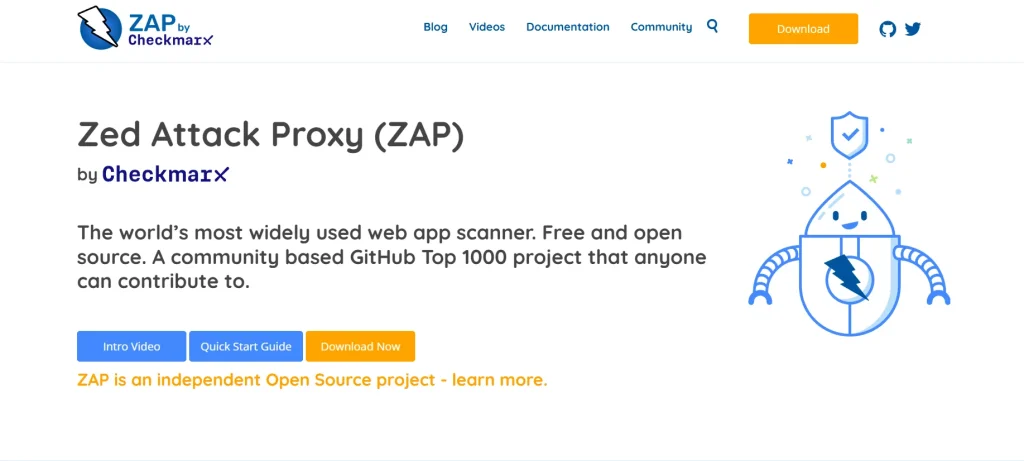
ZAP is one of the best SaaS testing tools for security testing. It’s published under the Apache license.
You can use it as a proxy server to manipulate all traffic that passes through it, including HTTPS-encrypted traffic. It’s mainly designed for web apps and is efficient in identifying compromised authentication, SQL injection, and sensitive data exposure.
Key Features
- Find potential vulnerabilities by using known attacks against the selected targets with Active Scan
- Use breakpoints to intercept a request from your browser and change it before it’s submitted to the app you’re testing
- Switch to Protected mode to ensure you only target attacks on sites you mean to
- Use notes to record details of extra tests that you want to perform on a request
Pricing: Free, as it’s an open-source tool
Use cases
- Best for teams who are looking for robust security testing
- Suitable if you want to run penetration tests
- Helpful for enterprises that have strict audit and compliance needs
How to use
As this is a free tool, you can easily download, launch, and start testing. Feed in your target URL in the ‘Quick Start’ tab and click “Attack” to begin an automated scan. You’ll instantly get security alerts and insights into potential vulnerabilities in your app.
Limitations
ZAP’s automated scans might be slower on larger sites because of less optimized algorithms. Support for JavaScript-driven apps is limited.
8. Tricentis Testim
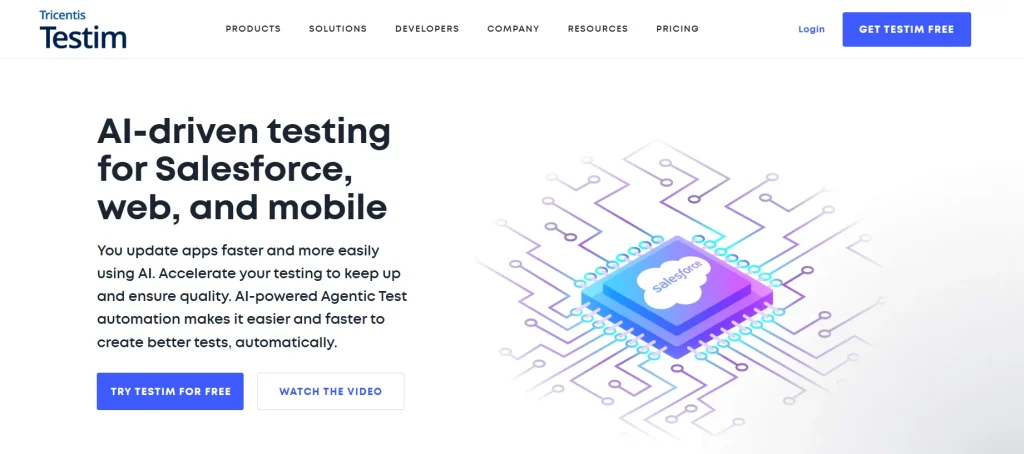
Tricentis Testim, one of the most popular SaaS tools, is AI-powered and helps your agile team speed up the app release process with faster and more accurate test building.
You can author your tests and capture even complex actions with its AI-based recordings. Plus, the auto-grouping feature allows you to quickly identify similar steps when testing and automatically suggest shared groups as replacements.
Key Features
- Participate in testing through low-code, NLP-based test authoring
- Use Proprietary Smart Locators to automatically lock in elements without manual intervention
- Test your app on iOS and Android devices in real usage situations with Tricentis Device Cloud
- Reduce test maintenance and improve stability with self-healing
Pricing
- Testim Salesforce
- Testim Web
- Testim Mobile
- Testim Copilot
Custom pricing available for all plans.
Use cases
- Suitable for agile teams who need fast test creation
- Ideal if you want to speed up UI testing
- Best when you need to scale across browsers, platforms, and devices in parallel
How to use
You can start with a free trial first. Install the Testim browser extension and create a new project. Click on Create Test and record a simple user flow, such as clicks or swipes, and then save it. Hit Run to execute the test and receive results and an HTML report.
Limitations
This tool relies heavily on JavaScript, which may not be suitable for teams that prefer no-code tools. Since most plans need custom quotes, transparency is limited.
Related read: How to Use JavaScriptExecutor in Selenium
9. SoapUI
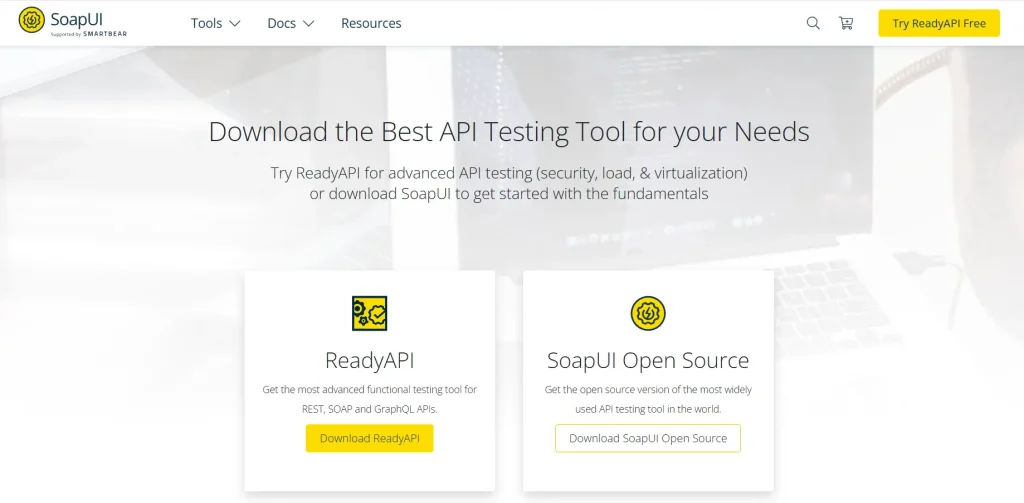
SoapUI is an API automation tool for testing and debugging SOAP and REST APIs that operate within a client/server infrastructure. It allows you to perform functional testing, regression testing, performance testing, and interoperability testing.
Key Features
- Improve your test quality and follow test flows, variables, properties, and context with test debugging
- Check if your API is vulnerable to stack overflows using the XML Bomb Scan
- Read and loop test data from external sources, including Excel, XML, JDBC, and files with DataSource TestStep
- Create and run even the most complex test scenarios with drag-and-drop actions
Pricing: Free, as it’s open-source
Use cases
- Best for running functional tests on APIs
- Helpful when you want to create and manage API mocks
- Offers you a detailed and comprehensive API test report
How to use
Create a new free SOAP Project by specifying a name and providing a WSDL URL. The tool will automatically generate the necessary service and operations, and then you can send a request and view the response to verify the service’s functionality.
Limitations
SoapUI is heavy and can consume a lot of CPU memory. It works well for small-scale projects, but load testing complex scenarios may be tough to handle.
10. TestComplete
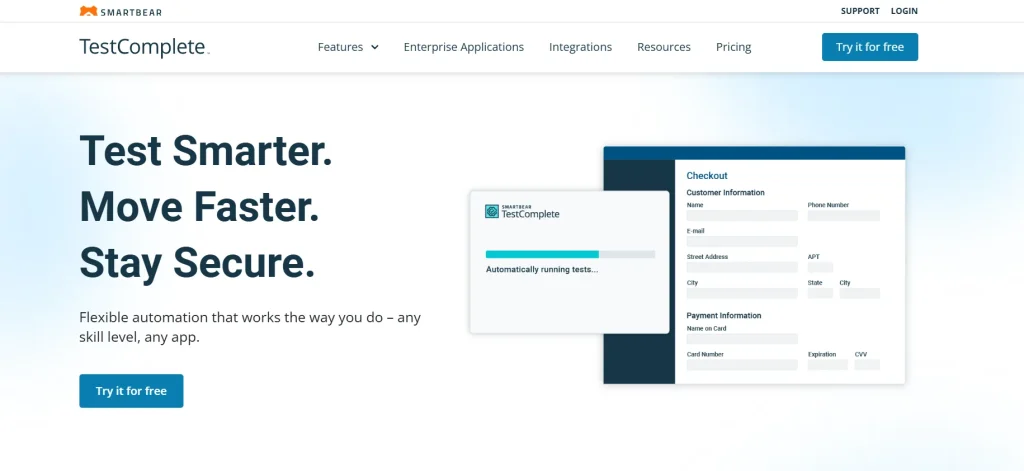
TestComplete is one of the most reliable SaaS testing tools for functional UI automation. Its visual recognition helps you identify dynamic UI elements and allows you to manage objects in a single repository. Plus, you can run keyword-based tests on browsers, OS, and devices, and identify and fix bugs faster.
Key Features
- Minimize the time required to run large test suites with parallel execution across multiple machines
- Create test scenarios in Gherkin syntax, which uses the Given/When/Then format
- Handle complex scenarios with simple point-and-click actions
- Ensure UI elements in your app are identified reliably, even when properties change with AI-powered object recognition
Pricing
- TestComplete Base: $4108 (fixed)
- TestComplete Pro: $7799 (fixed)
- TestComplete Pricing: Custom Pricing
Use cases
- Useful when you want to automate UI tests for desktop and mobile SaaS apps
- Keyword-driven testing is ideal if you have a team of technical and non-technical users
- Best for projects that need hybrid object recognition
How to use
First, install and launch the tool on your machine. Create a new project: File → New → New Project. Choose your SaaS app type (mobile or web).
Now you just have to use the Test Record feature to perform actions on your app, and TestComplete will automatically generate test steps. Finally, you have a test ready to run.
Limitations
Licensing can be complex and pricey. Plus, users report inconsistent stability because of errors and crashes, as well as occasional reliability issues.
11. Mabl

Mabl is a testing platform that allows you to test your app on web and mobile devices. You can also perform API testing, along with an option to import tests from Postman or create your own end-to-end low-code API tests. This is a top choice if you prefer cloud-based SaaS testing tools.
Key Features
- Generate JavaScript snippets to handle complex testing scenarios with natural language
- Identify potential flakiness and get context to improve test stability
- Save time and avoid device overload with cloud-powered parallel testing
- Improve productivity with powerful CLI and local test execution
Pricing: Custom pricing available on request
Use cases
- Helpful for teams that want to adopt low-code automation
- Works well for testing end-to-end user journeys
- Suitable for those who want AI-driven test maintenance
How to use
Since Mabl is cloud-based, you don’t need to install it. Just sign up for the free trial and create a workspace. Define your app and environment, and then launch a Browser Test via Mabl Trainer to record clicks and assertions in your app. Click Run, execute the test, and get results.
Limitations
New users might face a steep learning curve. Compared to competitors, Mabl has fewer customization options available, which could be restricting if you need highly tailored testing environments.
12. Katalon
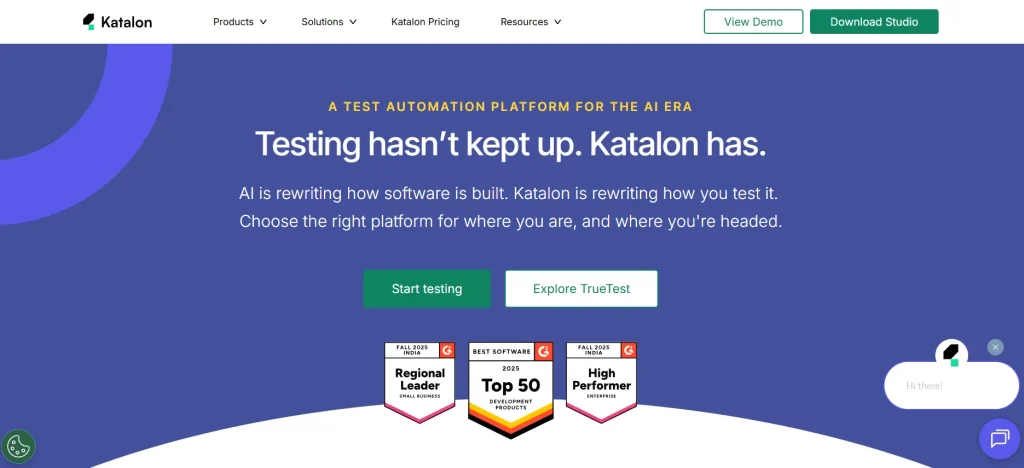
Katalon is one of the AI-powered SaaS testing tools that help you perform regression tests modeled on real user behavior.
It supports flexible on-premises execution for your CI/CD pipeline, as well as parallel and scheduled test execution. You can use its centralized testing common center for AI-powered optimizations and advanced analytics.
Key Features
- Create test cases easily in minutes with flexible coding options, as well as no-code/low-code features
- Reuse test scripts across web, mobile, and API testing environments to speed up testing cycles
- Flag a 1-pixel shift as a failure with pixel-level comparisons
- Read input values for test scripts from CSV files, Excel files, internal test data, and databases
Pricing
- Free: $0
- Create: $84 per user per month
- Expand: $168 per user per month
- Scale: Custom pricing
Use cases
Best for QA teams who want to scale regression testing
Suitable if your team has both technical and non-technical users
Useful for scaling AI-driven test maintenance
How to use
Download the free version of Katalon Studio and create a new project. You can use the Web Recorder or Spy tool to record browser interactions (login), save it, and click ‘Run’. Receive test execution results in minutes.
Limitations
If you’re running large test suites or working with complex projects, Katalon can consume a lot of memory and CPU, which might lead to performance issues. Plus, users report Katalon IDE lagging when handling heavy test scripts.
You can also check out: Regression Testing Tools That Actually Make Testing Easier
13. Keysight Eggplant

Keysight Eggplant is a test automation tool that uses a model-based digital twin-testing approach to maximize test coverage and speed up release cycles. The tool interacts with your app like a real user and gives you smart, actionable feedback without needing access to your source code.
Key Features
- Interact with your app as a real user would, with image recognition and smart computer vision with optical character recognition
- Speed up API evaluation and ensure consistency from back-end operations to the UI layer
- Accelerate your CI/CD pipeline with adapters for Jenkins, GitHub, and Bamboo
- Generate actionable insights with AI-powered exploratory testing
Pricing: Custom pricing available on request
Use cases
- Best for model-based and AI-driven test automation
- Helpful when you want to automate complex user journeys and workflows
- Ideal for various industries, including defense and aerospace
How to use
Sign up for Eggplant Test and launch the studio or web interface. Use the Visual Editor to capture UI elements, drag actions like “click,” and replay the flow to execute tests.
Limitations
Model-based testing may feel complex for teams who are unfamiliar with abstract modeling. Building accurate models of complex systems might need higher upfront effort.
14. QA Wolf
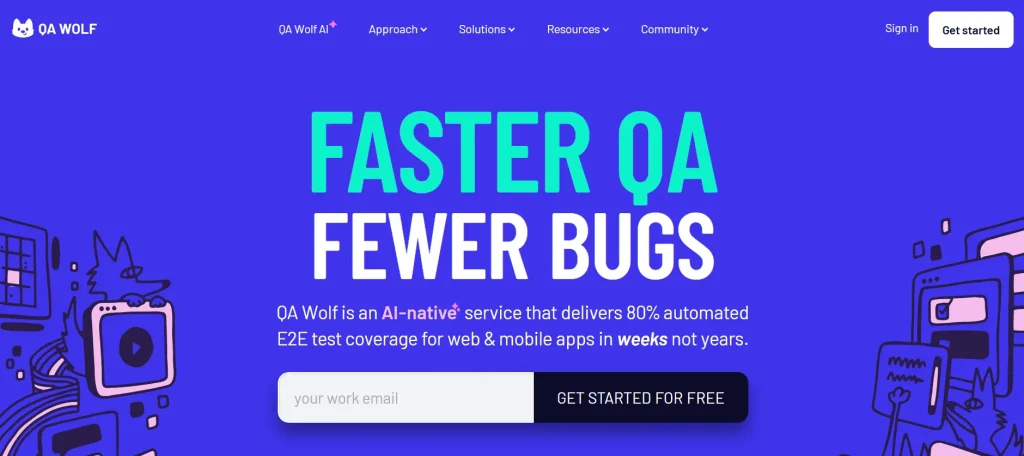
QA Wolf is one of the SaaS testing tools that helps agile teams achieve 80% end-to-end test coverage within four months.
The tool is mainly built to provide speed and scalability, and it also takes care of both the infrastructure and the actual writing of your tests. QA Wolf’s human-in-the-loop model makes sure that no tests go unsupervised by expert engineers.
Key Features
- Catch pixel-level regression that standard selectors might miss with visual diffing
- Run automated end-to-end tests on your pull requests before they’re merged to catch issues early
- Check for regressions in your app’s compliance with WCAG, Android accessibility guidelines, and Apple’s Human Interface Guidelines (HIG)
- Use parallel test runs to simulate heavy loads on database operations, either through a direct API call or the UI
Pricing: Free, as it’s an open-source tool
Use cases
- Helpful when you want to reduce manual testing efforts drastically
- Best for scaling test coverage with speed
- Apt for running parallel tests in containerized environments
How to use
Start by simply signing in to the platform and creating a test project. Record your first user journey, execute the test, and view results, including detailed logs and videos for easy analysis.
Limitations
QA Wolf is mainly Chromium-based and hence has limited browser compatibility. The packaged-for-you model offers less control.
15. TestRail
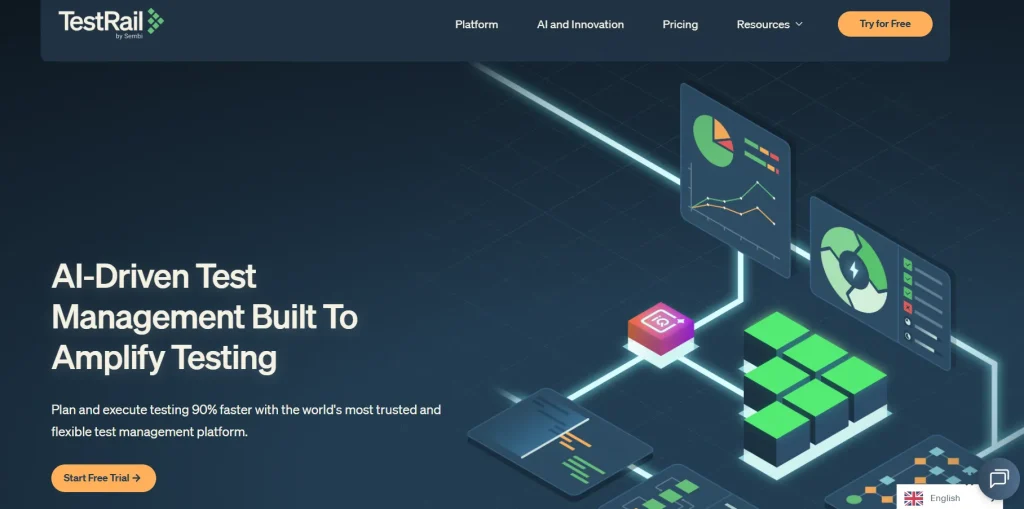
TestRail is a web-based test case management tool that helps you manage, track, and organize your testing efforts. You can design test cases, manage them, and track results, all from an easy-to-use interface. TestRail’s to-do lists and filters help you coordinate test runs and enhance productivity.
Key Features
- Use reusable test cases organized in folders within a central repository to design your tests
- Record test results across different environments and versions, generate defect reports, as well as add screenshots and attachments
- Track open, completed, and failed tests with built-in email notifications and reports
- Get a detailed history of your past test results to plan your future test runs
Pricing
- Professional Plan: $38 per seat per month
- Enterprise Plan: $76 per seat per month
Use cases
- Helpful when you want to manage comprehensive test case repositories
- Ideal if you need in-depth test tracking features and customizable reports
- Useful for predicting test execution times and milestones
How to use
Once you sign up, just go to Test Suites and Cases, create a test suite, and click Add Test Case. Type in your test’s title, preconditions, steps, and expected results, and save it. That’s it. You have a test ready for execution.
Limitations
Limited custom fields and configurations, which might be an issue for teams that want highly tailored workflows. Plus, you might face performance lags, particularly in real-time updates during heavy test cycles.
16. Cypress
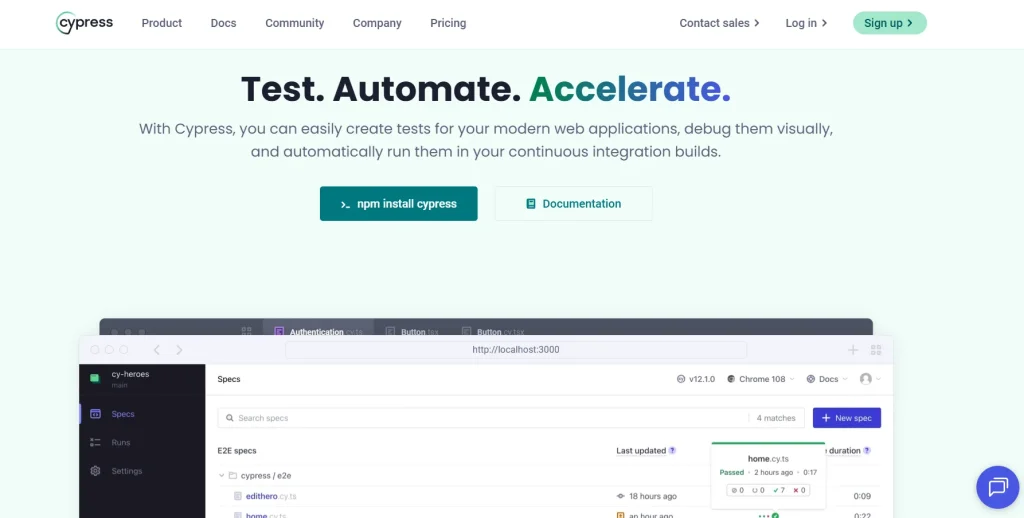
Cypress is a frontend automation framework that runs on Linux, macOS, and Windows. It has a user-friendly interface and integrates seamlessly with real-time development workflows, which makes it one of the most effective SaaS testing tools for UI automation and debugging.
You can use Cypress Intercept to monitor and control your app interactions with web services or third-party APIs.
Key Features
- Click and record each interaction with your app to create tests with Cypress Studio
- Locally manage your project health or rerun and debug tests recorded to Cypress Cloud
- Time travel for a step-by-step review of your app’s performance during test execution or watch it in real time
- Get detailed insights for failed tests and use the test replay feature to analyze console logs, network events, and DOM changes
Pricing: Free, as it’s open-source
Use cases
- Ideal for testing that needs complex user interaction simulations
- Useful if you want API testing within the same suite
- Helps with component testing in isolation
How to use
Install Cypress on your machine, and launch the interactive Test Runner. From there, you can create a new test file, write your test, and run it to get real-time feedback and snapshots in moments.
Limitations
Cypress doesn’t have any native support for mobile app testing. Also, you cannot automate two browsers at the same time.
Related read: Cypress for Test Automation: A Step-by-Step Guide
17. TestCraft

TestCraft is an AI-powered testing tool that offers a range of codeless tests to help even your non-technical team members create and run tests.
Leveraging the power of GPT-4, you can create tests in multiple programming languages. Plus, the tool’s AI helps you brainstorm new test ideas and create customizable test suites.
Key Features
- Convert test ideas into automated tests and streamline your workflow for maximum productivity
- Make your project more inclusive by identifying potential accessibility issues and getting actionable suggestions
- Avoid bottlenecks in the ideation phase and ensure full-scale test coverage with innovative test idea recommendations
- Generate automated tests for major automation frameworks and programming languages (JavaScript, Python, C#) using AI
Pricing: It’s an open-source tool, so it’s free
Use cases
- No-code and drag-and-drop interface helpful for non-technical users
- Best for accessibility testing in compliance with standards like WCAG
- Useful for quick test creation using AI
How to use
First, you need to install the TestCraft Chrome extension. Then you click Pick Element to select a UI element on your app. Now TestCraft instantly suggests new test ideas, as well as generates automation code for your preferred framework and language.
Limitations
TestCraft mainly works for web apps and has limited support for mobile app testing. And advanced customizations may require manual intervention.
18. ReTest
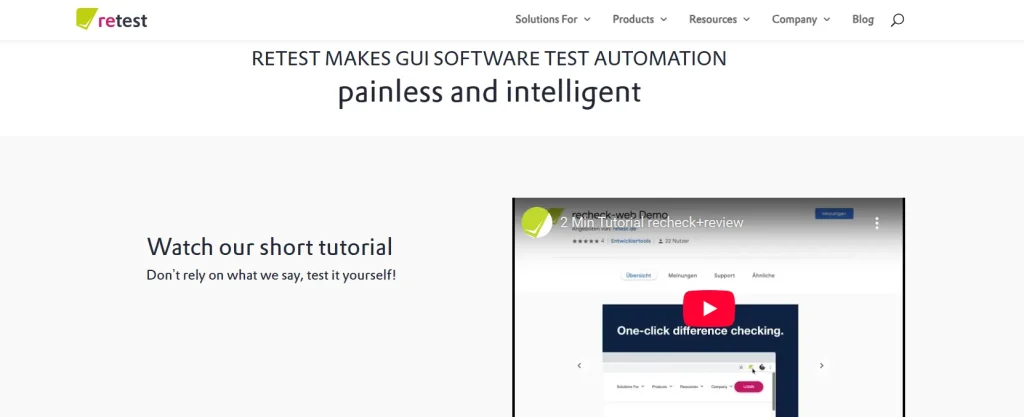
ReTest is one of the SaaS testing tools that takes a differential testing approach to create smart baselines of your app and flag any unintended visual or functional changes, no matter how minor. You don’t need to script or specify expected outcomes in painstaking detail.
Key Features
- Create automated tests that can survive almost any UI change and are unbreakable
- Understand the natural variances in UI elements and focus only on actual anomalies
- Create tests with a virtual and constant retest ID to replace brittle CSS or XPath classifiers
- Spot differences in manual regression testing with powerful filters
Pricing: Custom pricing available on request
Use cases
- Best for GUI test automation
- Helpful for robust visual regression testing
- Ideal if you want to minimize your test maintenance efforts
How to use
Running visual regression tests is a breeze with ReTest. Just log in and the platform automatically captures the current state of your app and compares it with the baseline to highlight visual differences, including detailed reports with snapshots.
Limitations
Because ReTest is visualization-heavy, it might highlight inconsequential visual differences. You may need additional training and vendor guidance for learning the tool.
19. Appium

Appium is an automation testing tool for mobile apps, including native, PWA, and hybrid. You can use it across mobile operating systems such as Android and iOS. Appium allows you to test the exact binary you submit to the app store and ensures that what you test is what you roll out.
Key Features
- Write tests in any language you’re comfortable with, including Java, Ruby, Python, JavaScript, C#, and PHP
- Automate complex gestures such as tap, swipe, zoom, and pinch for modern mobile apps with rich touch interactions
- Test your app on real devices and iOS simulators, and emulators without needing any modification or recompilation
- Receive support from an active community and extensive documentation
Pricing: Free to use, as it’s an open-source tool
Use cases
- Best for end-to-end mobile app testing
- Integration with cloud platforms enables seamless Real Device Cloud Testing.
- Useful for continuous mobile app testing via CI/CD pipeline integration
How to use
Let’s say you want to test your app on Android. Install Appium and set up a driver like UiAutomator2 for Android. Write a test script using a client library in the language you prefer and run the script to test your app behavior.
Limitations
Installing and configuring various dependencies, including SDKs, drivers, and frameworks, might be challenging for beginners.
20. Rainforest QA
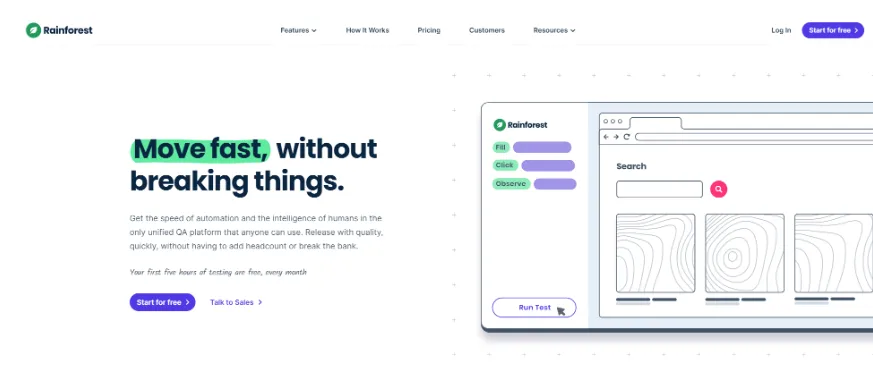
Rainforest QA is one of the SaaS automation tools that helps you create and manage tests with the use of AI. It records test execution as it happens, including every click to capture user interactions accurately.
Key Features
- Write automated test scripts in plain English and update and interpret them in an intuitive interface
- Interact and evaluate the visual layer of your app’s UI just like your users would
- Avoid false-positive test failures and reduce the time spent on maintenance with AI
- Ensure your tests don’t break with identifiers that automatically locate elements in your app, including screenshots and DOM selectors
Pricing: Custom pricing available upon request
Use cases
- Useful for teams looking for no-code test automation
- Beneficial for frequent release cycles
- Helpful when you want to maximize test coverage
How to use
First, you have to sign in to Rainforest QA. Now you can use the Visual Editor to create your first test by selecting UI elements and defining actions in plain English. Run the test on-demand or schedule it for parallel execution across environments.
Limitations
Failed tests might need manual fixes. Customizing test scripts and workflows for complex scenarios is limited.
How Will You Choose the Right SaaS Testing Tool?
Out of all the SaaS testing tools or SaaS development tools discussed in the blog, selecting the right one can be tricky. And picking the wrong one will only add complexity and slow down your testing process.
Fret not, these quick pointers will help you narrow down your choices:
- Ease of use: A user-friendly interface and an intuitive design are critical so you can easily set up and start using it with minimal training. A steep learning curve can discourage adoption.
- Test coverage: The SaaS testing tools you select must support various testing types, including performance, functional, and security testing, as well as cover different levels of testing, such as unit testing, integration testing, and system testing, to improve coverage.
- Integration capability: The SaaS testing tools must integrate easily with other development tools such as version control systems (e.g., Git), issue tracking systems (e.g., Jira), and CI/CD pipelines.
- Budget: Determine your budget before you pin down a testing tool. This will help you figure out whether to select open-source or paid tools. Apart from the subscription/licensing fees, also consider add-ons, integrations, training, and maintenance.
- Support from different platforms and environments: The tool you choose must be able to run tests across web, mobile, desktop, and cloud-based apps.
Open-source vs. paid SaaS testing tools
If budget is your main constraint, tools like Selenium, JMeter, Robot Framework, ZAP, SoapUI, Cypress, Appium, QA Wolf, and TestCraft are free and open-source, a strong starting point for smaller teams or early-stage SaaS products. As testing needs grow to include AI-driven maintenance, real device labs, enterprise support, or all-in-one coverage across testing types, paid platforms like TestGrid, Tricentis Testim, TestComplete, and Katalon typically offer faster setup and lower long-term maintenance effort in exchange for licensing costs.
Summing Up
Now that you know about all the best SaaS testing tools available in the market, the one you finally select will determine the success of your testing process. Take a moment to reflect on what you’ve learned, weigh your options, and back it up with a clear plan.
Remember, the best SaaS testing tool isn’t just about the features; it’s about how well the tool aligns with what you want to achieve and where your team stands regarding experience and expertise.
If you want to start your testing journey right away, start your free trial with TestGrid today and streamline your SaaS testing process from day one.
Frequently Asked Questions (FAQs)
What is SaaS testing?
SaaS testing is a process of validating SaaS apps for their functionality and verifying whether they meet specified requirements or not. It also includes uncovering and addressing all possible bugs and errors.
Which SaaS testing tools can handle complex apps?
TestGrid, Selenium, Testim, Ranorex, and Mabl are some of the top testing tools that can handle complex SaaS apps. These tools support different test environments, integrate with CI/CD pipelines, and allow data-driven testing, making them capable of managing large-scale workflows.
Can SaaS testing tools integrate with other tools and frameworks?
Yes. Most SaaS testing tools like TestGrid, Cypress, TestComplete, and Postman can integrate with CI/CD tools, version control systems, collaboration tools, and test management frameworks.
What is the difference between SaaS testing tools and traditional testing tools?
SaaS testing tools are built specifically for cloud-hosted, multi-tenant applications that update continuously, so they focus heavily on cross-browser compatibility, API integrations, and performance under shared infrastructure. Traditional testing tools were designed for installed, single-tenant desktop software with far less frequent releases, so they generally offer weaker support for CI/CD pipelines, cloud scalability, and real-time browser/device coverage.


