 CoTester 2.0 is LIVE! Your Always-Available AI Teammate for Testing.
Consider a scenario: A shopper visits your app through Safari, adds an item to the cart, and reaches the checkout page, but finds out that the payment button doesn’t work. Frustrated with the experience, they abandon the purchase and switch to a competitor’s site.
The result? Lost revenue and a damaged brand reputation.
The thing is, testing your web app on a large number of browsers can be tiresome. But to provide a flawless user experience, it’s vital to ensure that your product looks and behaves properly on every platform and browser.
Luckily, modern software development has made this task easier and even more fun with cross-browser testing tools that allow developers to run automated testing on hundreds or thousands of browsers or platforms simultaneously.
And this is also why demand for cross-browser testing is growing fast. A report shows that the global cross-browser testing tool market size, which was valued at $1.5 billion in 2024, is expected to reach $5.2 billion by 2033.

Here are the best cross browser testing tools you should be using right now to ensure the quality of your web applications in 2026 and beyond.
Top 15 Cross-Browser Testing Tools
Cross-browser testing online is a non-functional testing type that evaluates or analyzes the behavior and functionality of a website across different browser environments. It is one of the most time-consuming testing methods, and testing tools help automate and facilitate cross-browser testing.
The top cross-browser testing tools are as follows:
| Tool name | Browser/Device coverage | Key Integrations | Pricing | G2 Ratings |
|---|---|---|---|---|
| Selenium | Chrome, Edge, Firefox, Safari | WebdriverIO, Watir, Robot Framework, Capybara | Free | 4.2 |
| TestGrid | Safari, Chrome, Firefox, Opera, Samsung Internet, iOS, Android | Selenium, Appium, CircleCI, TravisCI, GitLab, Jira, Slack, Teams | Starts at $99; free trial available | 4.6 |
| Cypress | Chrome, Edge, Firefox, Chromium, Windows, macOS, Linux | Puppeteer, Webpack, Cucumber, Docker, Applitools | Starts at $67; free trial available | 4.7 |
| BitBar | Chrome, Firefox, Safari, Edge, IE, iOS, Android | Selenium, Appium, Jenkins, Flutter, Java, Slack | Starts at $46; free trial available | 4.0 |
| SmartBear TestComplete | Edge, IE, Chrome, Firefox, Windows, iOS, Android | Jira, Jenkins, Azure DevOps, GitLab, TeamCity, Bamboo | Starts at $4318; free trial available | 4.2 |
| Katalon Studio | Chrome, Firefox, Safari, Edge Chromium, IE, Windows, macOS, Linux | Azure DevOps, Jira, Zephyr, TestRail, CircleCI, Bamboo, GitLab | Starts at $84; free plan available | 4.5 |
| QA Wolf | Chrome, Firefox, Webkit, Edge, Android, iOS | CircleCI, Jenkins, GitLab CI, GitHub Actions, Azure DevOps | Custom | 4.8 |
| Headspin | Chrome, Firefox, Safari, and Edge, Android, iOS | Appium, Cucumber, Junit, TestNG, Playwright, Jenkins, GitLab | Starts at $39 | 4.5 |
| Browsershots | Chrome, Opera, Edge, Samsung Internet, Brave, iOS, Android | JavaScript, REST API | Starts at $9.99; free plan available | NA |
| Ranorex Studio | Chrome, IE, Edge, Firefox, Safari, Android, iOS | Azure DevOps, Jenkins, Bamboo, Jira, Bugzilla, TestRail | Custom; free trial available | 4.2 |
| Testim | Chrome, Firefox, Safari, Edge Chromium, Android, iOS | Azure Pipeline, Bamboo, Codeship, Jenkins, TeamCity, GitLab | Custom; free trial available | 4.5 |
| Perfecto | Edge, Safari, Android, iOS | Robot Framework, Cypress, Jest, Botium, Espresso, Watir | Starts at $83; free plan available | 4.4 |
| SBOX | Chrome, Safari, Edge, Firefox, Android, iOS | Jenkins, Jira, Travis CI, CircleCI, Cucumber | Custom | 4.5 |
| Functionize | Edge, Firefox, Chrome, Safari, Android, iOS | CircleCI, Jira, GitLab, Jenkins, Pager Duty, Azure DevOps, Slack | Custom; free trial available | ≈4.4 |
| Playwright | Chrome, Safari, Firefox, Edge, Android | GitHub Actions, Docker, Jenkins, CircleCI, Azure Pipelines | Free | 4.7 |
1. Selenium
Selenium is an open-source test automation software that can automatically test web-based apps on different platforms and multiple browsers. It has integrated support for multiple continuous integration and delivery tools.
Selenium is one of the most popular cross-browser testing tools. Because it has open-source code, great community support, and is compatible with many programming languages, you can easily design test scripts in the language of your choice and troubleshoot issues by consulting the extensive documentation.
Best features
- Automate testing for Windows, Linux, or UNIX with the help of Selenium WebDriver
- Easily create browser-based regression automation suites and distribute scripts across many environments
- Run tests on several machines and against a vast combination of browsers and operating systems with Selenium Grid
Pricing
- Free, as this is an open-source tool
2. TestGrid
TestGrid cross-browser testing tool has an integrated cross-browser test feature that lets you test your website or app on real devices hosted on the cloud or your premises. You can run automated or manual tests to guarantee faster release times.
Team leaders can work with the business and testing teams to create and run tests without the need for programming expertise.
TestGrid browser testing tool allows you to automate tests on a safe, stable, and scalable Selenium network, either on-premise or in the cloud, and also test locally hosted or privately hosted sites for a flawless launch.
It also provides support for the latest and older devices at the moment. In addition, you can integrate TestGrid with your favorite CI/CD tool for continuous testing, such as Jenkins and many others.
Best features
- Execute your tests across all major browsers, including Firefox, Safari, Chrome, and Edge, as well as mobile devices, operating systems, screen resolutions, and hardware configurations
- Test every feature of online forms, buttons, navigation, and beyond, and make sure they work across all browsers
- Evaluate your website’s speed, responsiveness, and stability across browsers under real user conditions; get detailed results after every execution
Pricing
- Starter Package: $199 per set per month
- Growth Package: Custom
- Enterprise Test Infra (On Prem/Hosted): Custom
3. Cypress
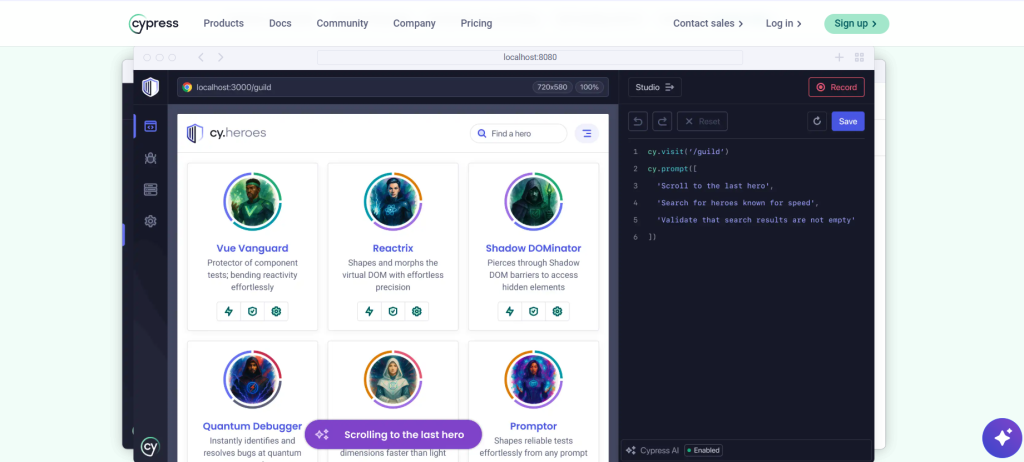
Cypress is another top cross-browser testing tool that helps you write, run, and debug tests efficiently. The best part is that you can watch your end-to-end and component tests in real time as you develop your apps. Plus, this tool allows you to record interactions, get smart AI recommendations, or describe flows in natural language.
Best features
- Interact with your app the same way your users do to identify intermittent bugs
- Debug your failed tests using the in-browser developer tools that you already know
- Use test parallelization, load balancing, and spec prioritization for enhanced testing
Pricing
- Starter: Free
- Team: Starting at $67 per month
- Business: Starting at $267 per month
- Enterprise: Custom
4. BitBar
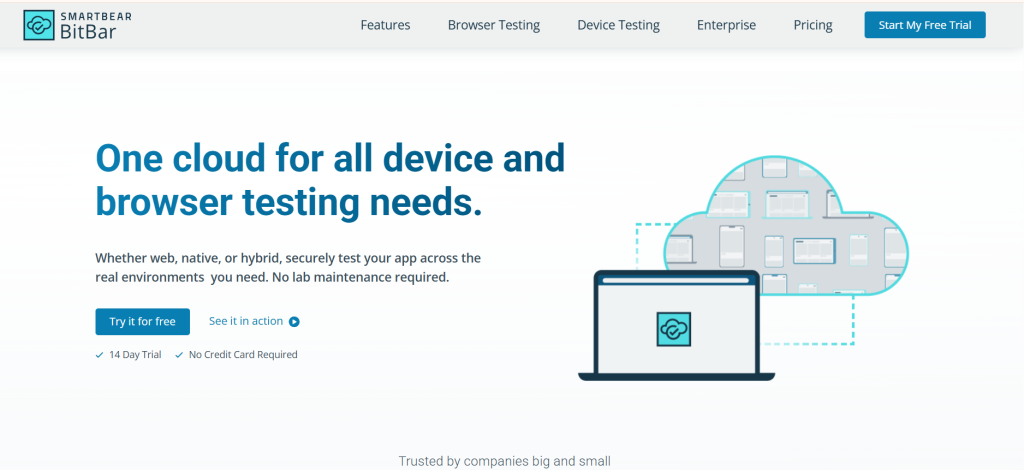
BitBar lets you test your app on the most recent and popular real-world devices and browsers.
Improve your testing capabilities by expanding test coverage while reducing the time to test by performing automated tests across devices and browsers, including Chrome, Firefox, Safari, and Edge. BitBar seamlessly integrates with your existing tech stack or the CI/CD pipeline. Refrain from spending your time managing environments.
Best features
- Leverage the single cloud solution that’s compatible with web, native, and hybrid app testing across real browsers
- Test your app with realistic customer scenarios without the hassle of maintaining a device lab
- Run hundreds of tests at once on a scalable, parallel testing grid
Pricing
- Live Testing: $46 per parallel per month
- BitBar Unlimited: $210 per parallel per month
- Enterprise: Custom
5. SmartBear TestComplete
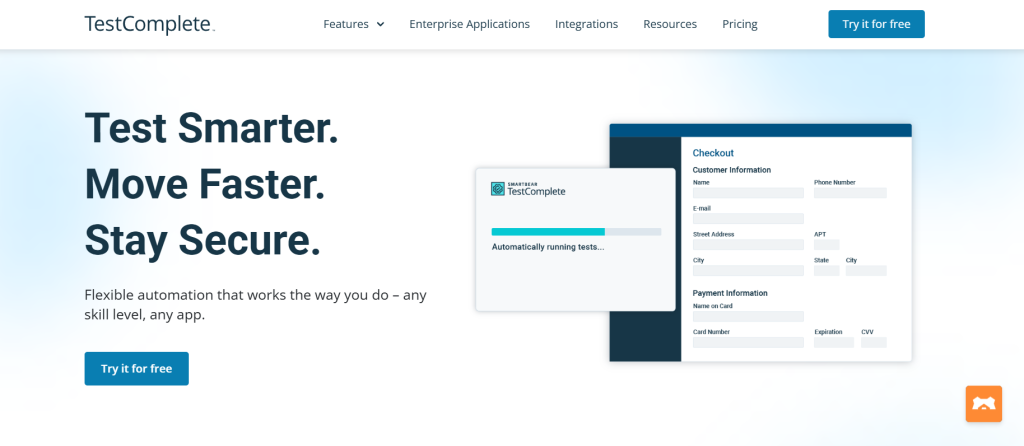
A commercial tool, SmartBear TestComplete, enables GUI-based and scripted testing, has strong object identification capabilities, and can be used for functional and regression testing. It is more expensive than some of the other options on this list. It can be difficult for those who are not programming experts.
Best features
- Test 2,000+ environments in a matter of minutes without any setup or configuration
- Create your tests by scripting in modern languages like JavaScript and Python, or by using record and replay
- Reduce the burden of test maintenance by automatically adapting to UI changes; focus on more strategic tasks
Pricing
- TestComplete Base: $4,318 (fixed)
- TestComplete Pro: $7,799 (fixed)
- TestComplete Advanced: Custom
6. Katalon Studio
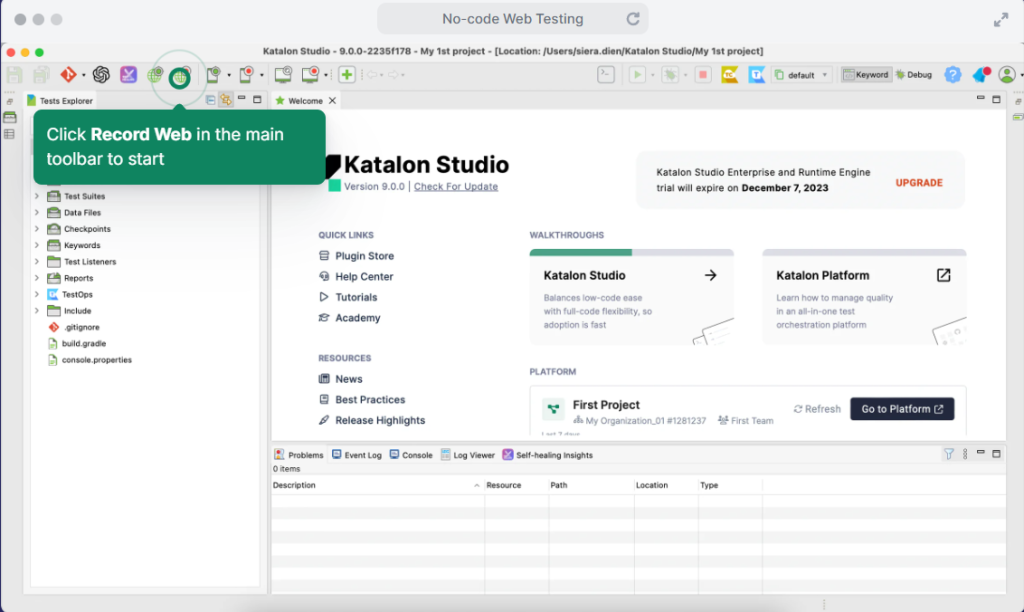
Katalon Studio is a cross-browser testing tool with an easy-to-use GUI. It includes support for Selenium WebDriver, Appium, and JavaScript code. Katalon Studio can execute tests in the cloud or on-premises and has a powerful API to automate testing. The tool works well with all the major browsers, is highly compatible with different integration and delivery tools, and integrates nicely with tools like Azure DevOps, Jira, Zephyr, CircleCI, and more.
Best features
- Create and execute your tests with flexible coding options like no-code, low-code, full-code, and AI
- Speed up test execution with parallel testing, self-healing automation, and detailed reports for thorough analysis
- Run tests on Chrome, Firefox, Safari, Edge, Windows, macOS, Android, and iOS
Pricing
- Free: Free forever
- Create: Starting from $84 per user per month
- Expand: Starting from $168 per user per month
- Scale: Custom
7. QA Wolf
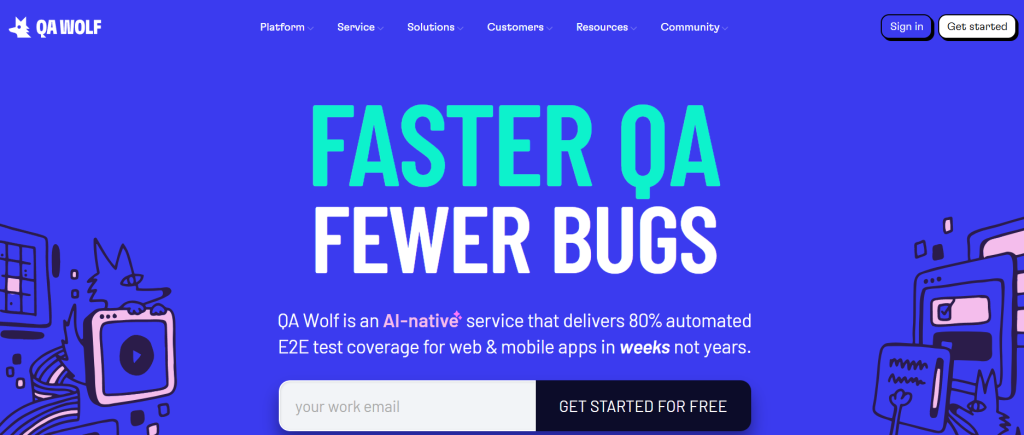
QA Wolf’s AI-powered code generation engine stands out and earns it a spot on our list. When browsing a website, QA Wolf automatically generates clean test code that’s enough for anyone to make and maintain easily. The platform also offers agentic automated testing that helps you write E2E test scripts just from a prompt.
Best features
- Call APIs, seed databases, mock external dependencies, and adjust feature flags through automated tests
- Reproduce bugs seamlessly by following the test steps
- Run thousands of tests in minutes without a device farm, Grid, or TestNG
Pricing
- Pay per test pricing structure
8. Headspin
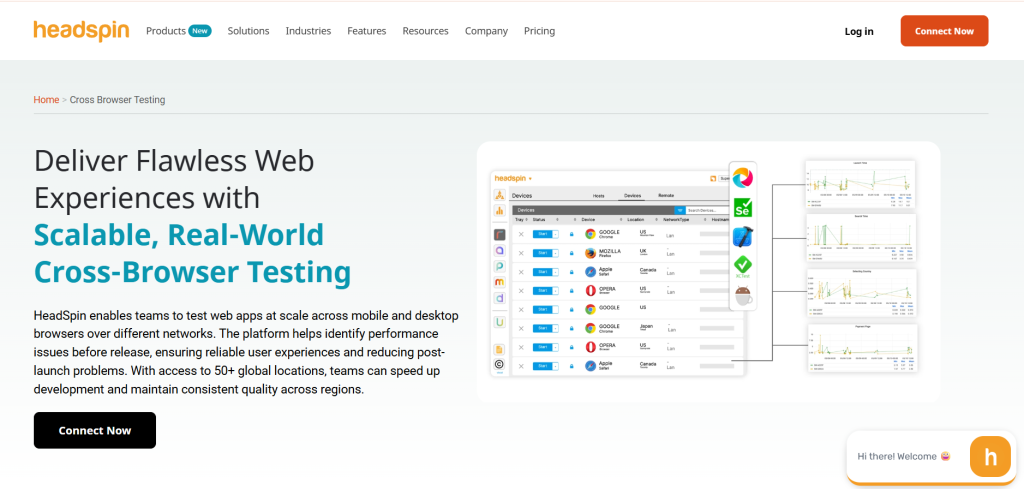
Headspin offers a scalable, cross-browser functional and performance testing with access to real mobile and desktop browser devices. You can test user experiences across Chrome, Safari, and Firefox and efficiently catch browser-specific issues. Headspin gives you flexible deployment options like cloud, on-premise, and air-gapped status.
Best features
- Test user flows such as login, payments, transactions, and multi-request interactions to ensure your app’s core features are reliable
- Track 130+ KPIs such as page load, battery usage, and CPU performance in a time-series view with screen recording and error logs, so you can resolve issues faster
- Detect regressions by comparing builds and get real-time alerts to ensure consistency across releases
Pricing
- CloudTest Lite: Starts from $39/month
- CloudTest Go: Starts from $125/month
- CloudTest Pro: Custom
9. Browsershots
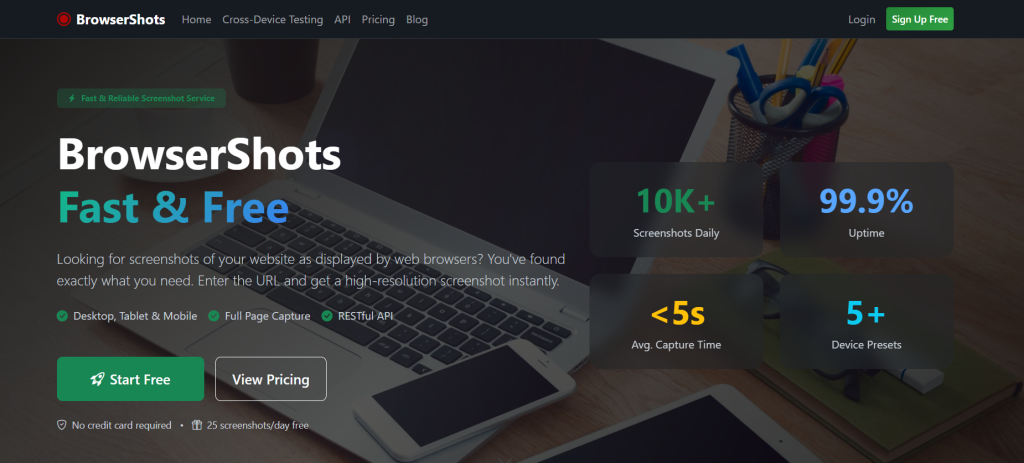
Because of its advanced features and customization options, Browsershots is a widely used tool for testing browser compatibility.
Run browser-specific compatibility with precision by selecting your desired browser type, operating system, screen size, and colour depth, and enabling or disabling JavaScript. Enter your website URL and click on submit to generate cross-browser screenshots.
Best features
- Capture professional images of your website, perfect for presentations, portfolios, and promotions
- Uncover CSS and HTML issues in your test environment and spot visual faults before your users do
- Get desktop, tablet, and mobile screenshots with realistic viewport emulation for cross-device testing
Pricing
- Free: $0
- Standard: $9.99 /month
- Super User: $99.99 /month
10. Ranorex Studio
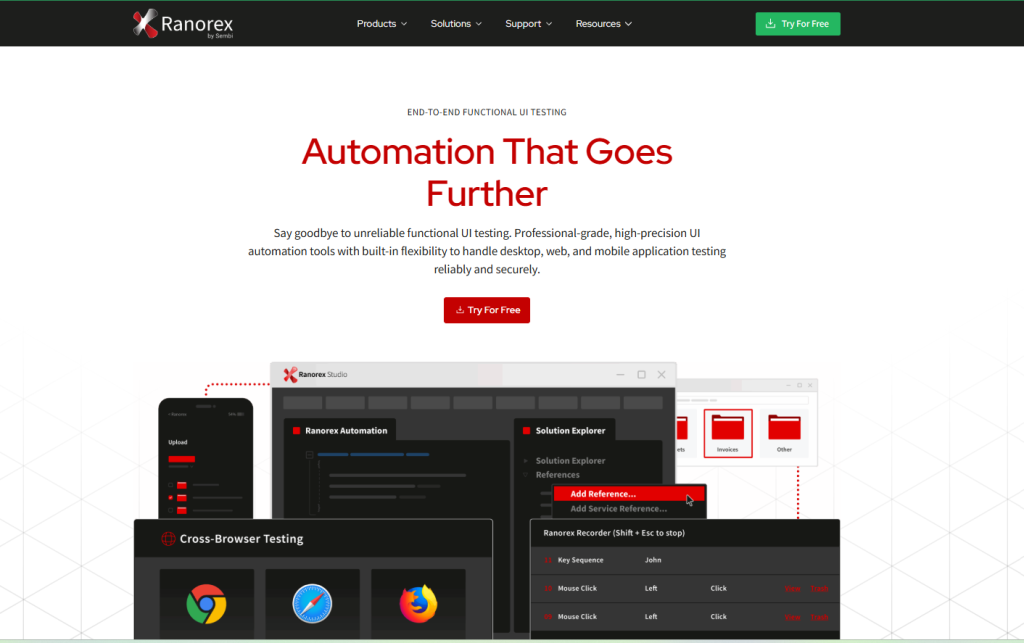
Ranorex is a commercial automated testing tool that lets you test web-based apps across various browsers. It supports most browsers, including Chrome, Edge, Safari, and Firefox, and can easily be integrated with various continuous delivery and integration tools. The platform offers you both full-code and low-code testing options, and allows test execution on real devices and cloud-based emulators.
Best features
- Leverage Ranorex’s accurate element identification through advanced object recognition to ensure reliable execution across dynamic interfaces
- Effortlessly create and maintain your UI tests with an intuitive recorder
- Reuse pre-built or custom logic across test cases
Pricing
- Request a quote for custom pricing
11. Testim
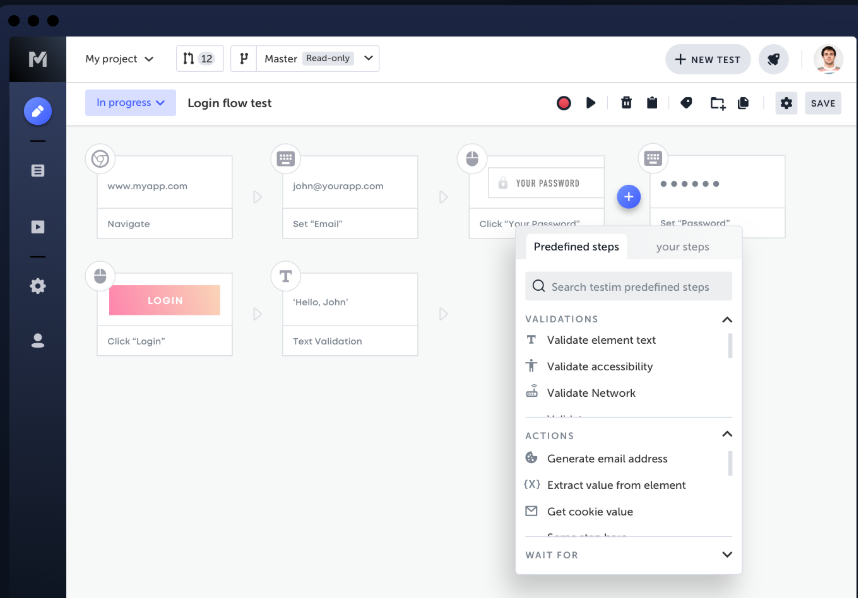
Testim is an AI-powered cross-browser testing tool that enables you to run various tests, including coding, codeless, and both. It helps you speed up test authoring, reduce test maintenance, and make high-quality apps accessible to end users quickly.
You can run parallel, cross-browser web tests on Testim’s cloud or Selenium-compatible grid. Moreover, Testim integrates with your CI/CD pipelines and allows testing across browsers, including Google Chrome, Safari, and Firefox.
Best features
- Author your tests by recording simple actions like clicks and text entry, as well as more complex actions like drag-n-drop and multi-tab use cases
- Easily diagnose failed tests and identify the root causes through error aggregation, root cause suggestions, screenshots, and logs
- Integrate with tools like Jenkins, CircleCI, Jira, GitHub, and TestRail for effective testing
Pricing
- Testim Salesforce
- Testim Web
- Testim Web
Custom pricing for all plans is available on request.
12. Perfecto
Perfecto is an AI-powered testing platform that unifies test creation, execution, visual validation, and AI analysis. It can efficiently handle even the toughest testing use cases, including biometrics, geolocation, virtualization, and more.
The platform provides you with a secure and reliable cloud test infrastructure. And it allows you to run automated test scripts across real and virtual devices, browsers, and operating systems.
Best features
- Use the drag-and-drop feature to execute tests across multiple combinations of devices and browsers
- Create enterprise-grade tests in seconds with AI test authoring
- Detect issues fast across UI and device layers with AI-driven root cause analysis
Pricing
- Starter: Free
- Basic: $83 per month
- Pro: $125 per month
- Enterprise: Custom
13. SBOX
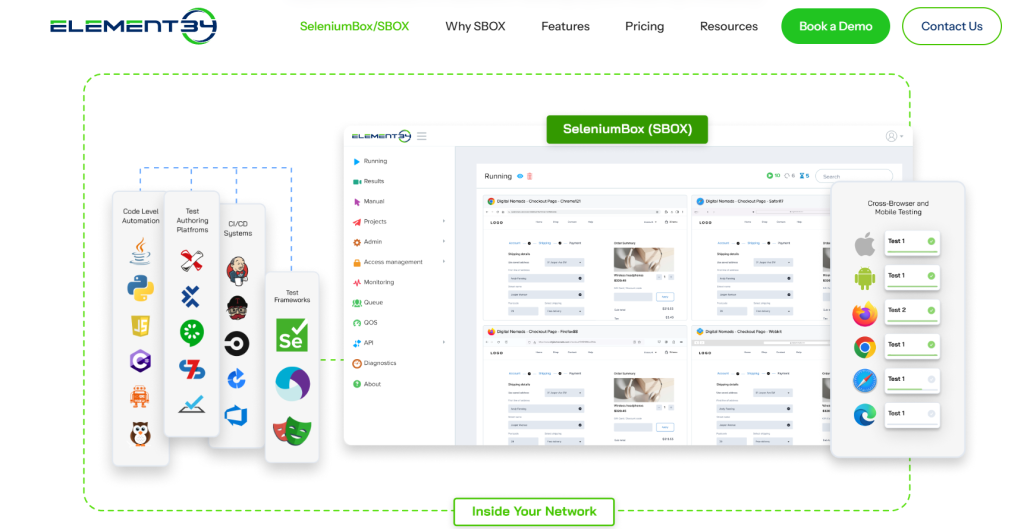
SBOX is one of the most comprehensive, secure, behind-the-firewall, and automated testing platforms. It ensures data privacy and security, essential for apps in banking, insurance, healthcare, and government.
This cross-browser and mobile testing platform is deployed behind the firewall and meets security, performance, and scalability requirements. It runs inside your network infrastructure, eliminating access to your VPN or tunnels.
Best features
- Run behind the firewall so that no data leaves your network, ensuring a high level of security
- Integrate seamlessly with your enterprise workflows and existing CI systems
- Execute tests up to 5x to 10x faster compared to other SaaS solutions and eliminate latency issues
Pricing
- Custom quote available on request
14. Functionize
Functionize is an AI-powered test automation platform for enterprises. It leverages deep-learning models to create end-to-end tests with realistic user data. With this automation tool, you can accelerate your development process, reduce development costs, and improve quality in the CI/CD environment.
Best features
- Test apps, databases, APIs, .pdf files, Excel sheets, and other digital assets across browsers
- Smart-schedule tests to avoid overlapping or conflicting times with other commitments or events
- Reduce false positives with AI-driven anomaly detection
Pricing
- Customized pricing on request
15. Playwright
Playwright is an end-to-end testing platform that supports all modern rendering engines, including Chromium, WebKit, and Firefox. You can test your apps across Windows, Linux, macOS, or locally. The platform comes with dynamic content handling, has built-in test runners and test generators, and can be integrated easily into your CI/CD pipelines.
Best features
- Test scenarios that span multiple tabs, origins, and users
- Eliminate flaky tests by capturing execution trace, videos, and screenshots
- Save the authentication state of the context and reuse it in all the tests to bypass repetitive login operations in each test
Pricing
- Free, as it’s an open-source tool
Future Trends in Cross Browser Testing
Cross-browser testing is now transitioning from manual script-based testing to autonomous automation, which is helping QA teams focus more on test strategy and quality improvements and offload the repetitive test creation and execution to intelligent agents.
These are some developments we can expect to see more of in the next few years.
1. No-Code Automation
No-code or codeless testing is on the rise because it’s allowing testers to create comprehensive tests for complex scenarios with visual builders or plain-language prompts. In fact, the codeless testing market is expected to grow at a CAGR of 15.6% from 2025 to 2035.
This shift is making automation accessible to product managers, QA analysts, and business analysts, reducing dependency on automation engineers, and accelerating testing and release cycles.
2. AI-Driven Self-Healing Tests
Many AI software testing tools now have self-healing capabilities, and we can expect even more tools offering it in the future. This is because self-healing automatically updates your selectors or locators and prevents tests from failing due to UI element changes.
In turn, this is helping minimize the time testers have to spend on updating test scripts after every change.
3. Ephemeral Browser Grids
Ephemeral browser grids are temporary testing environments that spin up browser instances as per branch, pull request, or pipeline run and then automatically tear down after execution is complete.
The reason why ephemeral browser grids are getting popular is that they improve isolation, reduce infrastructure costs, and help you eliminate configuration drift.
4. AI DOM Diffing with UX Heuristics
Testing platforms are now combining DOM diffing with UX heuristics. Here, the tool compares your app’s underlying page structure and visual layout between versions, as well as evaluates usability signals like pacing, element placement, and interaction patterns.
This helps you spot UI regressions that traditional regression testing may not always catch. And focusing on usability is actually showing measurable results.
A study found that organizations that invested in a human-insight platform to improve usability and customer understanding achieved a 415% ROI over three years, with a payback period of less than six months.
5. Rising Use of Privacy Browsers
We can see growing adoption of privacy-focused browsers like Brave and Arc, particularly in cloud testing platforms’ browser and device catalogs. These browsers block trackers and ads so you can check how your app behaves when third-party scripts are restricted.
Final Thoughts
This article talked about the top cross-browser testing tools that are popular in 2026 and beyond. They offer easy-to-use interfaces, robust automation capabilities, and high scalability for enterprise organizations looking to maximize efficiency across their DevOps pipelines.
If you’re looking for a way to streamline your cross-browser testing efforts or want insight into what the future holds for this space, TestGrid should be your first choice! Request a free trial today.
Frequently Asked Questions about Cross-Browser Testing Tools
How to choose the best cross-browser testing tools?
Choosing the best cross-browser testing tool depends on your specific needs and budget. Some factors to consider include: supported browsers, ease of use, compatibility with your development environment, reporting capabilities, scalability, pricing, integration with your existing tools, and reviews from users and experts. Many tools offer free trials so you can try them and determine how well they align with your specific project needs.
Can we do cross-browser testing manually?
Yes, you can do cross-browser testing manually. But it takes a lot of time and effort, as you need to test your app on multiple combinations of browsers, devices, and OSes. To do it manually, you need to buy the hardware, install operating systems, and download different browsers. Hence, it is costly and less effective.
What is a cross-browser testing tool?
A cross-browser testing tool is a software application that facilitates and automates the testing of an application across different browsers, OS, and device combinations.
Can Selenium do cross-browser testing?
Yes, Selenium is a free and open-source software application for automated cross-browser testing.


