CoTester 2.0 is LIVE! Your Always-Available AI Teammate for Testing.

- What Are Mobile Testing Tools?
- Best Mobile Testing Tools & Automation Frameworks
- Open Source Mobile Automation Tools
- Low-Code/No-code Mobile Application Testing Tools
- Developer-Centric Mobile Testing Frameworks
- Mobile Device Cloud Testing Platforms
- AI-Powered and Self-Healing Test Automation Tools
- How to Choose the Right Mobile App Testing Tool: Features and Aspects to Look for
- Mobile Testing Tools Comparison
- Rounding Off
- Frequently Asked Questions (FAQs)
Testing mobile apps isn’t easy, is it?
There are endless devices, operating systems, and edge cases to think about, even with the right mobile app automation testing tools and mobile testing frameworks. These mobile app automation tools also help teams streamline repetitive checks and maintain consistency across devices.
No matter how much you test, there’s always that lingering worry: What if something slips through? Worse, more than half of users delete an app if it doesn’t perform as expected.
It doesn’t have to feel this daunting. The right mobile application testing tools can help you focus on what matters, cut through the noise, and ensure your platform is ready for the real world.
Look for mobile test automation tools that match your app type and team expertise.

Regardless of the scale of your project, having access to reliable mobile testing tools that integrate with your existing stack makes the entire QA process significantly more manageable.
But with so many options, how do you choose one that fits your needs?
That’s where this guide comes in.
We’ll break down the best mobile app testing tools that are practical, reliable, and built to make your job easier. Most teams today also evaluate mobile automated testing tools to ensure consistent results across devices.
Whether you’re automating repetitive tasks, testing on real devices, or managing cross-platform apps, there’s always a tool that serves the exact purpose.
Let’s dive in and find what works best for your next project.
Test your app’s compatibility, security, and usability throughout its lifecycle with TestGrid. Request a free trial.
TL;DR
- TestGrid: End-to-end AI-driven mobile test automation on real devices (cloud, on-premise, or hybrid)
- Appium: Open-source cross-platform testing for native, hybrid, and web apps on iOS & Android
- Espresso: Android UI testing framework that runs directly within the app for fast and stable test execution
- XCUITest: Apple’s UI testing framework for validating iOS app behaviour within the Xcode ecosystem
- ACCELQ: AI-powered enterprise-grade automation across mobile, web, API, and packaged apps
- Ranorex: Codeless automation and UI testing for mobile, web, and desktop apps
- testRigor: Test automation platform with built-in support for testing real user workflows and third-party integrations across mobile apps
- Kobiton: Real-device cloud testing with UX, performance, and scriptless automation
- Maestro: Open-source mobile testing framework that uses simple YAML flows to define user interactions
- WebDriverIo: Node.js-based automation framework supporting both web and mobile testing through multiple protocols
- Detox: End-to-end testing framework for mobile apps that operates with app synchronisation
- Perfecto: Cloud-based testing platform providing access to real devices and enterprise testing capabilities
- Sauce Labs: AI-powered testing platform for running automated tests across browsers and mobile devices at scale
- BrowserStack: Comprehensive test stack with manual and automated testing; robust test management and reporting
- Applitools: A visual testing and monitoring platform that validates UI using AI-based comparison
- CoTester: AI-powered testing tool focused on autonomous test creation and execution
- Testim: Test automation platform that combines codeless authoring with code-based flexibility
- Mabl: Low-code test automation platform with integrated functional, API, and performance testing
What Are Mobile Testing Tools?
Mobile testing tools are basically software platforms or apps that are meant for developers, testers, and QA engineers to thoroughly check mobile apps, find issues, and resolve them before launch.
You test the app across different device configurations, OS versions, and screen sizes and resolutions to confirm that no features malfunction or negatively affect user experience.
Mobile app testing tools can be both manual and automated.
Testers use the manual tools mainly for exploratory testing, where they manually interact with the app like swiping, tapping, or completing user flows to simulate real user behaviour and spot unexpected bugs.
Automated testing tools, on the contrary, help you automate most of your testing process. You design test scripts, which run tests automatically within your CI/CD pipeline, shortening the testing cycle and catching defects consistently.
That said, mobile testing automation tools don’t replace human judgment; they free up your team to focus on exploratory and edge-case testing that truly requires a human eye.
| Manual testing tools | Automated testing tools |
|---|---|
| You explore the app by clicking, interacting, and observing to find defects using these tools | These tools run tests for you via the scripts you create; no need for constant human involvement |
| Feedback is entirely based on human judgement (e.g., did this UI feel right?) | Feedback depends on predefined conditions (pass/fail, expected vs actual results) |
| Slower for large-scale or repetitive tasks because you do everything manually | Can scale a lot faster; you can run hundreds of tests within minutes |
| Best used when you want to think like a user and discover new issues | Best used when you want to ensure stability and catch regressions consistently |
In this blog, we’ll be focusing on automated testing tools, especially because their adoption continues to grow and is expected to reach a market size of $84.22 billion by 2034 from $24.25 billion in 2026.
We have divided the top mobile testing tools into particular categories so it’ll be easier for you to find the ones that align with your testing and infrastructure needs.
Best Mobile Testing Tools & Automation Frameworks
Mobile testing isn’t just about running tests; it’s about choosing the right tools that fit your workflow, tech stack, and release speed. With so many options available, from open-source frameworks to AI-powered platforms and real device clouds, it can be hard to know where to start.
To make that easier, here’s a curated list of the best mobile testing tools and automation frameworks for Android and iOS.
Open Source Mobile Automation Tools
Open-source mobile testing tools are a great starting point for teams that want full control over their testing setup without upfront licensing costs.
1. Appium
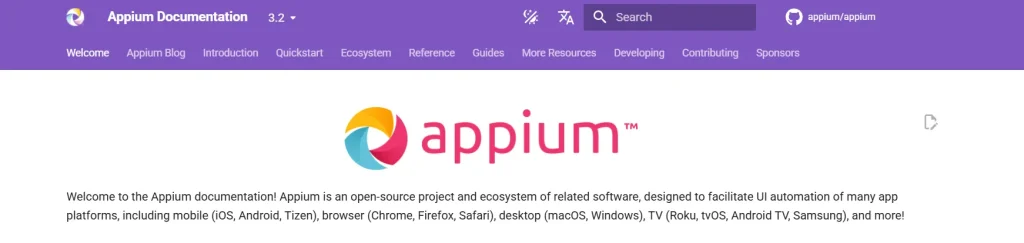
Appium is a widely used mobile automation testing tool, preferred mainly by open-source communities. It allows you to automate testing for native, hybrid, and web applications on iOS and Android platforms. It supports a variety of programming languages, including Java, Python, Ruby, and C#. Check out this detailed Appium testing tutorial.
Key features
- Run tests across multiple platforms with cross-platform compatibility
- Test hybrid applications combining native and web elements
- Perform parallel testing to run numerous test scripts simultaneously
- Access extensive documentation and support from a large community of users and contributors
Supported platforms
- Mobile (iOS, Android, Tizen), browser (Chrome, Firefox, Safari), desktop (macOS, Windows), TV (Roku, tvOS, Android TV, Samsung)
Best for: Cross-platform mobile test automation using a single codebase across Android and iOS
Pricing: Free as it’s open-sourced
2. Espresso
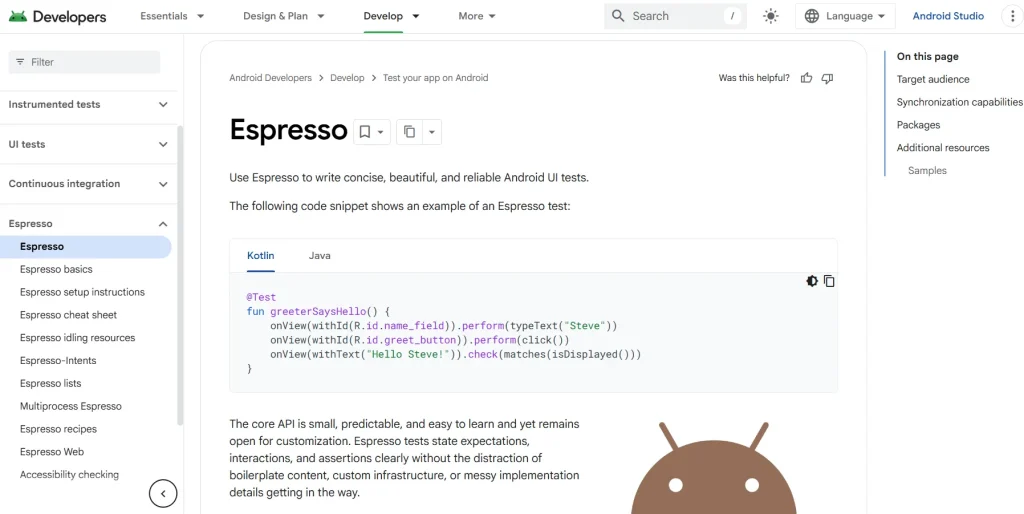
Developed by Google, Espresso is one of the best mobile automation testing tools for Android apps. Its core API is small, predictable, and easy to learn. Espresso is also highly customizable. It eliminates the need for waits, syncs, and polls by allowing you to interact with and assert on the application UI when it is in a stable state. See how Espresso fares against Appium.
Key features
- State expectations, interactions, and assertions clearly without the distraction of boilerplate content or custom infrastructure
- Perform the corresponding UI action or assertion until the message queue has no messages that need to be immediately processed.
- Use it for black-box testing if you’re familiar with the app’s codebase under test
- Use lightweight APIs to make maintenance easier
Supported platforms
- Mainly Android devices; supports many versions like Android 11 to Android 15
Best for: Fast native Android UI testing with deep integration into the Android framework
Pricing: Free as it’s open-sourced
3. XCUITest
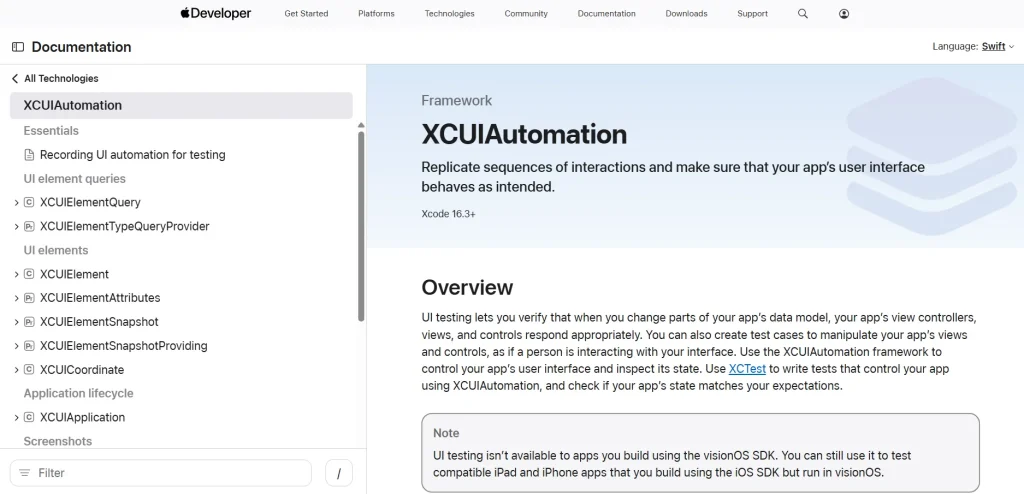
Developed by Apple, XCUITest is used to test iOS apps. With Xcode IDE, you can create scripts and run UI tests. It simulates actions like typing, swipes, and taps to confirm whether the mobile elements behave as they should and react correctly to user inputs.
Key features
- Write test cases in Swift or Objective-C, key programming languages in iOS app development, mainly packed in an IPA runner
- Find elements by their title, label, value, or placeholder value with the unique “accessibility identifier” feature
- Test the iOS app’s functionality even if you don’t know its internal structure and implementation
- Run tests directly from the IDE and view results in the Test Navigator
Supported platforms
- Exclusively Apple platforms (iOS, iPadOS, tvOS, and watchOS apps)
Best for: Native iOS UI testing has integration with Xcode and the Apple ecosystem
Pricing: Available for free on the Mac App Store
Low-Code/No-code Mobile Application Testing Tools
Writing test scripts isn’t always feasible, especially when your team is small or your release cycles are tight. That’s where low-code and no-code mobile application testing tools come in. They make it possible for anyone on the team, not just developers, to create, run, and maintain tests without getting buried in code.
1. ACCELQ
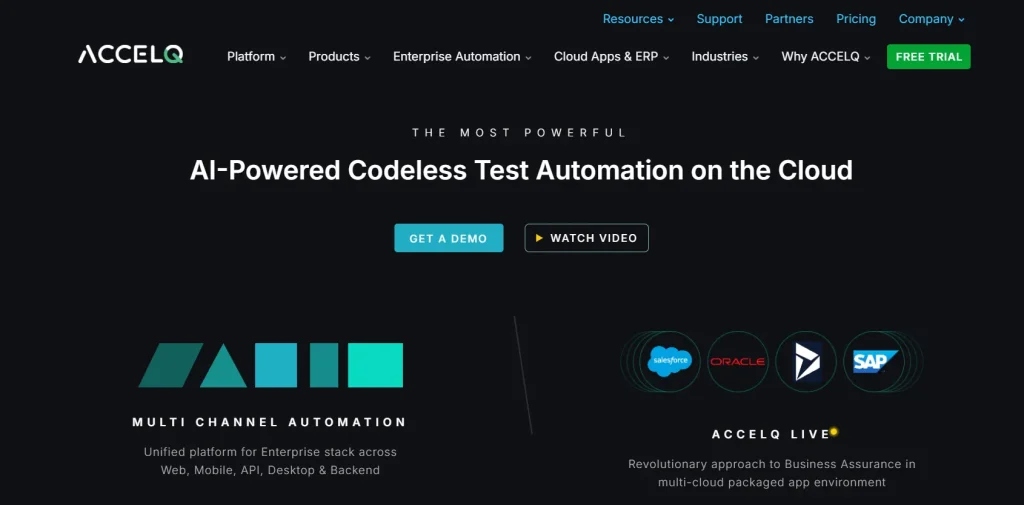
ACCELQ is one of the mobile automation testing tools, also recognised among the best mobile app testing software for cross-platform apps, that helps you deliver high-quality apps faster. It offers a comprehensive solution for testing various types of apps, including mobile, web, API, database, and packaged apps, through a single platform. You can handle complex real-world scenarios with no coding needed.
Key features
- Automate testing across the entire software development lifecycle
- Utilise AI and machine learning to adapt to application changes, reducing maintenance effort
- Integrate with popular testing frameworks and CI/CD tools
- Promote collaboration with a centralised platform for test design, execution, and reporting
Supported platforms
- Android and iOS (both hybrid and native apps)
- OS environments like Windows, macOS, and Linux
- Browsers (Chrome, Firefox, Safari, Edge, and legacy Internet Explorer versions)
Best for: AI-powered codeless test automation; you can design, run, and maintain e2e tests without code
Pricing
- Automate Web
- Automate Mobile
- Automate API
- Automate Manual
Custom pricing is available for all the pricing plans.
2. TestGrid – Low-Code Testing

TestGrid offers a comprehensive suite of features for end-to-end mobile test automation, from performance testing to load testing. It allows users to conduct manual and AI-based codeless automation. Teams comparing different mobile testing software often look for real-device coverage and AI-driven automation, both of which TestGrid handles exceptionally well.
With its AI-driven scriptless approach, TestGrid automates functional, visual, and compatibility testing. You can dive deep with TestGrid and gauge your app on several metrics, including network strength, battery life, and lighting conditions.
What’s more? Check out the advanced AI features.
Key features
- Use AI-driven auto-heal to reduce maintenance by automatically identifying and fixing defects, making it one of the leading mobile automation testing tools for enterprise teams
- Integrate with custom scripts or code for greater flexibility in the testing process
- Leverage cross-platform visual assurance to deliver visually stunning apps
- Create custom dashboards to visualise performance test results
- Integrate seamlessly with popular CI/CD tools to automate the entire testing process
- Reserve devices for exclusive access when testing specific apps or features
Supported platforms
- iOS and Android
- Browsers like Safari, Chrome, Firefox, Opera, and Samsung Internet
Best for: AI-powered no-code test automation and scalable testing infrastructure
Pricing
- Starts: $199 per month
- Enterprise Test Infra (On-Prem / Hosted): Custom pricing (dedicated test lab for segregated enterprise teams)
3. Ranorex
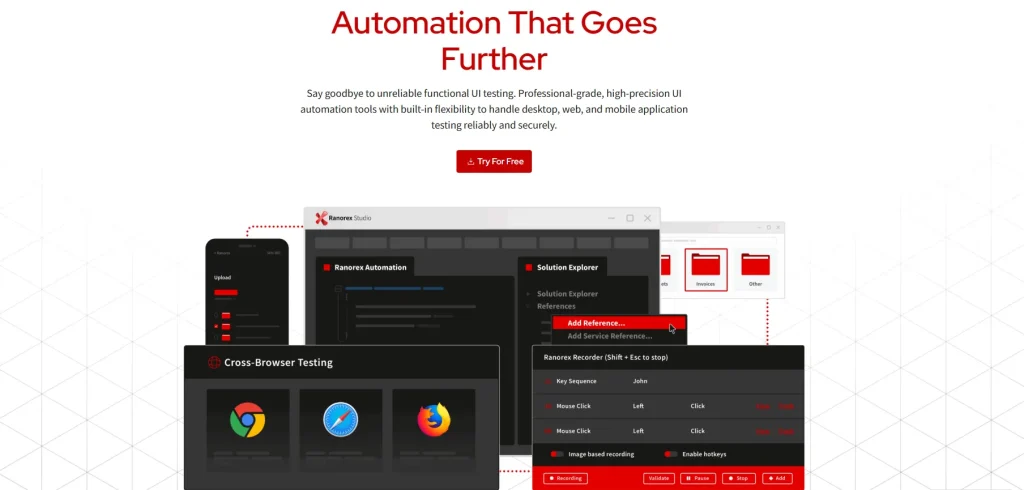
Ranorex is powerful testing software for automating desktop, web, and mobile apps. It is easy to use, even for non-technical users, and supports a wide range of programming languages. You can benefit from its codeless automation via a capture-and-replay feature.
Key features
- Identify UI elements with a powerful object recognition engine
- Leverage the flexibility of mobile automation testing tools using C# and VB.NET
- Integrate with tools like Jenkins, Jira, and TestRail to automate the entire testing process
- Perform software testing on various browsers, including Chrome, Firefox, Edge, and Internet Explorer
Supported platforms
- Android and iOS
- Web browsers (Chrome, Firefox, Edge, Safari)
Best for: Low-code test automation for desktop, web, and mobile apps
Pricing: You can request pricing to get a customised quote
4. testRigor
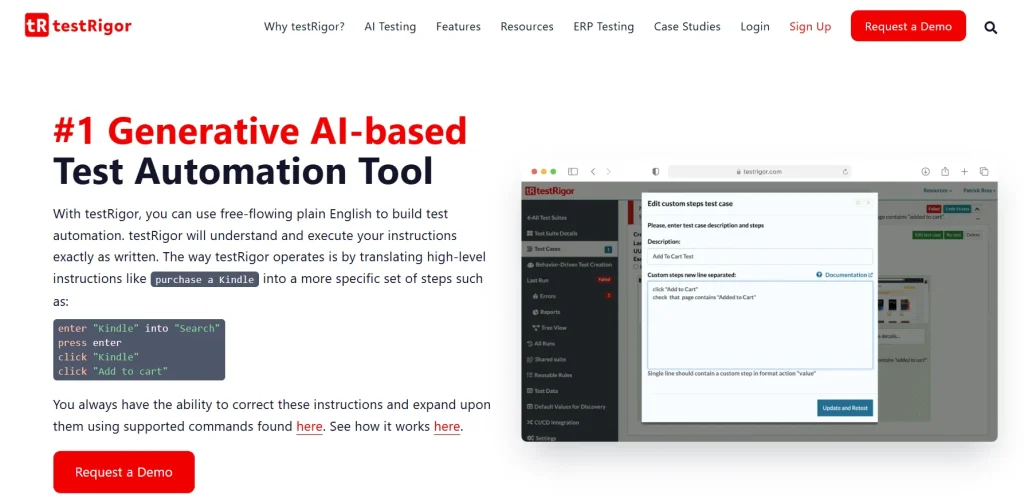
testRigor is an AI-based test automation tool for mobile application testing on iOS and Android. It covers both native and hybrid apps. It uses Generative AI to write and execute test cases. You can actually write test cases in plain English, and it will translate your instructions into a structured set of commands.
Key features
- Get support on 3,000+ combinations of browsers and devices on multiple operating systems
- Identify elements as you see them on the screen instead of using element locators
- Perform tests on multiple devices simultaneously with parallel execution
- Make it work as long as your specifications in plain English remain true
Supported platforms
- iOS and Android native and hybrid apps
- Chrome, Safari, and Edge browsers
Best for: Test automation using plain English, which helps you easily to create, read, and maintain tests
Pricing
- Public Open Source: Free
- Private Complete: 2-week trial
- Enterprise: Custom pricing
5. Kobiton
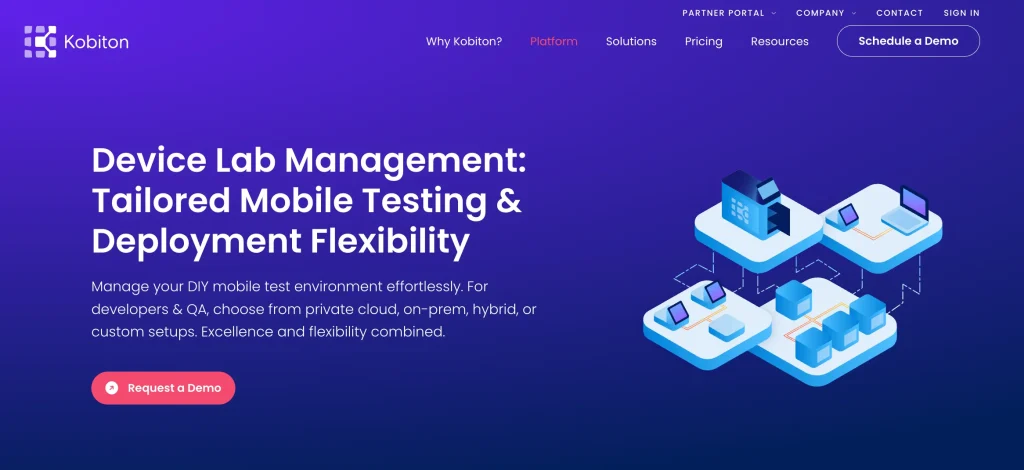
Kobiton is a mobile-first testing tool that helps you streamline your testing processes, combining mobile device testing tools and mobile automation testing tools in a single platform. It offers you many features to automate testing, including scriptless automation, visual testing, and performance testing. Through Kobiton’s user-friendly API, you can easily upload your app to the device cloud, facilitating dynamic and versatile test scripting.
Key features
- Achieve accurate UX testing by assessing battery usage, push notifications, and more
- Visualise mobile app performance across various screen resolutions and brightness levels
- Access hundreds of the latest devices on a flexible real device testing cloud
- Detect performance anomalies such as CPU spikes, battery drain, and latency
Supported platforms
- Android, iOS, and iPadOS
- Windows and macOS
- Google Chrome
Best for: AI-powered script generation that automatically converts your manual test sessions into reusable scripts
Pricing
- Startup: Starting at $83/month
- Accelerate: Starting at $399/month
- Scale: Annual Only
- Enterprise: Custom
Developer-Centric Mobile Testing Frameworks
If your team lives in the terminal and ships via CI/CD, GUI-based tools probably feel like a step backwards. Developer-centric mobile testing frameworks are designed around how engineers actually work close to the code, fast to iterate, and easy to plug into automated pipelines without any friction.
1. Maestro
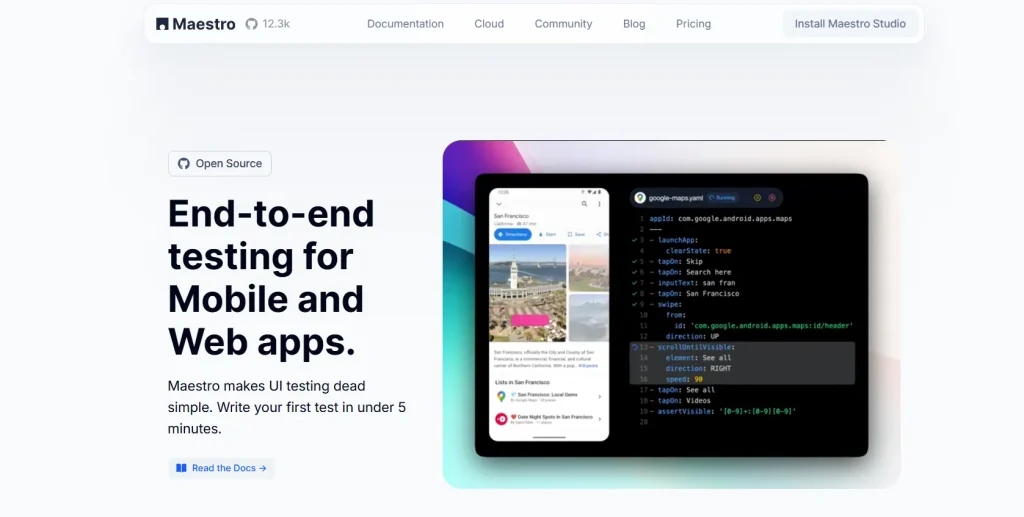
Maestro is an end-to-end testing platform for web and mobile apps. If your team is building apps with tools like React Native, Flutter, .NET MAUI, and NativeScript, you can test those apps easily using Meastro. Integrate the platform into your CI workflow and execute tests pre-release, nightly or on pull requests.
Key features
- Find instantly what you’re looking for with Maestro Studio’s element inspector; there’s no need of guessing the correct element selector
- Interact with your app to generate the correct test command for you
- Use the MaestroGPT to generate commands or get answers to any questions that you may have
- Run your tests in parallel on Maestro’s cloud infrastructure to scale testing
Supported platforms
- Android and iOS
- React Native and Flutter
- Chromium
Best for: Writing and running comprehensive tests in a simple, human-readable format
Pricing: Free; it’s an open source tool
2. WebdriverIO
WebDriverIO allows you to run small and lightweight component tests and also e2e tests on mobile devices. The WebdriverIO test runner has a CLI with which you can create your test setup in less than a minute. The best thing about this tool is that it has a thriving community to help you troubleshoot issues fast.
Key features
- Test in the actual browser or mobile devices that your users access
- Automatically wait for elements to appear before you interact with them
- Automate hybrid or native mobile apps running in an emulator or simulator, or on a real device
- Integrate with tools like Jenkins, Bamboo, GitHub Actions, and Selenium Grid
Supported platforms
- macOS and Windows
- Hybrid and native mobile apps
Best for: Unified automation for web and mobile via a single JavaScript framework with flexible protocol support
Pricing: Free as it’s open-sourced
3. Detox

Detox is a testing tool for React native apps. It’s made for continuous integration workflows, and therefore, you can easily run your tests on platforms like Travis CI, CircleCI, or Jenkins. Ship with confidence by testing your mobile apps on a device or simulator just like a real user.
Key features
- Write your cross-platform end-to-end tests in JavaScript
- Enable reliable breakpoints in asynchronous tests with a modern async/await API
- Stops flakiness by monitoring asynchronous operations in your app
- Use the set of APIs provided by Detox with any test runner or without it
Supported platforms
- iOS and Android
Best for: Gray box mobile testing, which helps you sync tests with your app’s internal state
Pricing: Free, as it’s an open-source tool
Mobile Device Cloud Testing Platforms
Here’s the hard truth: no matter how thorough your emulator tests are, they won’t catch everything. Real users run your app on real devices, and that’s exactly what mobile device cloud testing platforms replicate. You get access to a wide range of physical devices on demand, so you can catch device-specific issues before they reach your users.
1. TestGrid – Real Device Cloud
TestGrid’s real device cloud offers you a wide range of real devices and browsers hosted on the cloud, on-premise, or hybrid, using which you can check your app’s features and layout on real devices, and deliver memorable experiences to your users.
Test on smartphones like iPhone 16 Pro, Samsung S24 Ultra, Google Pixel 9, and many more to ensure your app performs its best regardless of the device your users use.
Simulate real-world conditions like GPS simulation, biometric login, gesture automation, camera input, and orientation shifts, and assess the responsiveness of your app. Diagnose issues using Appium Inspector integration, DevTools, network capture, logs, crash reports, and video playback.
Key features
- Test your app on hundreds of real devices, including Android, iOS, Samsung, Oppo, and Pixel
- Use your existing test frameworks and run automated tests directly on real devices in the cloud
- Execute parallel tests on different browsers and OS versions
- Track your system’s CPU, memory, battery drain, network usage, and UI responsiveness during live test sessions
- Add, swap, or retire devices as and when your requirements change
- Provision devices, enforce enterprise security policies, and monitor device usage in real time
Supported platforms
- Android and iOS (both iPhones and iPads)
Best for: Enterprise-grade mobile device management; MFA and biometric authentication
Pricing
- CoTester Starter Package: Starts at $199 per seat/month (minimum 4 seats; includes 4 devices/browsers and 5,000 tokens)
- CoTester Growth Package: Custom pricing (includes all Starter features + marketplace integrations)
- Enterprise Test Infra (On-Prem / Hosted): Custom pricing (dedicated test lab for segregated enterprise teams)
2. Perfecto
One of the best mobile testing tools is Perfecto, which unifies test creation, execution, visual validation, and AI analysis on one platform and helps you test across 200+ devices, both real and virtual. You get instant access to all these devices and test securely in a private or hybrid cloud.
Key features
- Test on mobile devices from manufacturers like Xiaomi, Motorola, LG, Samsung, and Apple
- Create zero-maintenance tests across web, mobiles, APIs, and UX
- Verify the complex elements of your app, like carousels, progress rings, nested tables, and embedded maps
- Combine tests with your existing Selenium, Appium, or Quantum scripts
Supported platforms
- Android and iOS
- Windows 11, Ventura
- Safari 18.2 and later, Microsoft Edge
Best for: Enterprise-grade real device testing with advanced analytics and built-in reporting
Pricing
- Starter: Free
- Basic: Starting at $83 per month
- Pro: Starting at $125 per month
- Enterprise: Custom
3. Sauce Labs
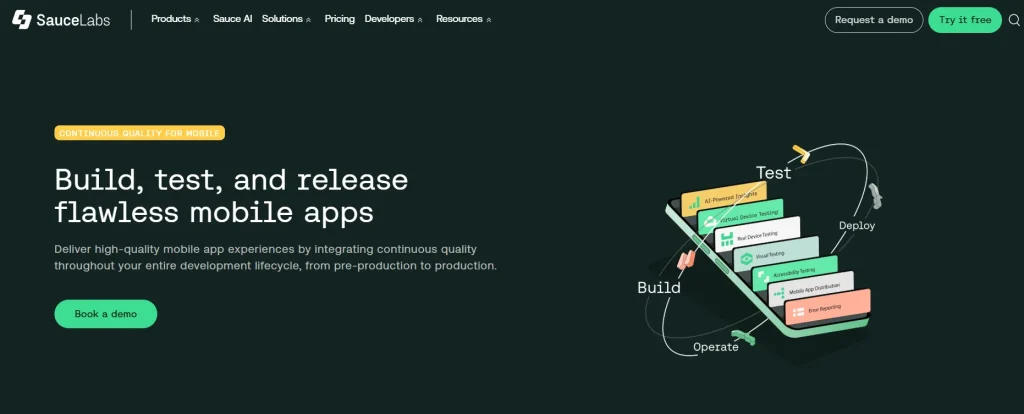
Sauce Labs is a full lifecycle AI quality assurance platform that has features like virtual device testing, visual testing, error reporting, and AI-powered test analytics, which allow you to build and release high-quality mobile apps. Plus, you can get actionable insights from Sauce AI to optimise your quality strategies across the SDLC.
Key features
- Access a wide range of Android and iOS devices, and test on them anytime and anywhere
- Get a comprehensive diagnostic suite for better scale, coverage, and speed
- Spot visual regressions, check designs, and deliver polished visual experiences
- Capture, prioritise, and quickly resolve your app errors with deep visibility into root causes of failures
Supported platforms
- iOS, Android
- Firefox, Safari, Chrome, Edge
Best for: Scalable cross-platform testing has a massive cloud infrastructure for running tests across browsers and real mobile devices in parallel
Pricing
- Live Testing: $49 per month
- Virtual Cloud: $199 per month
- Real Device Cloud: $249 per month
- Enterprise: Custom
4. BrowserStack
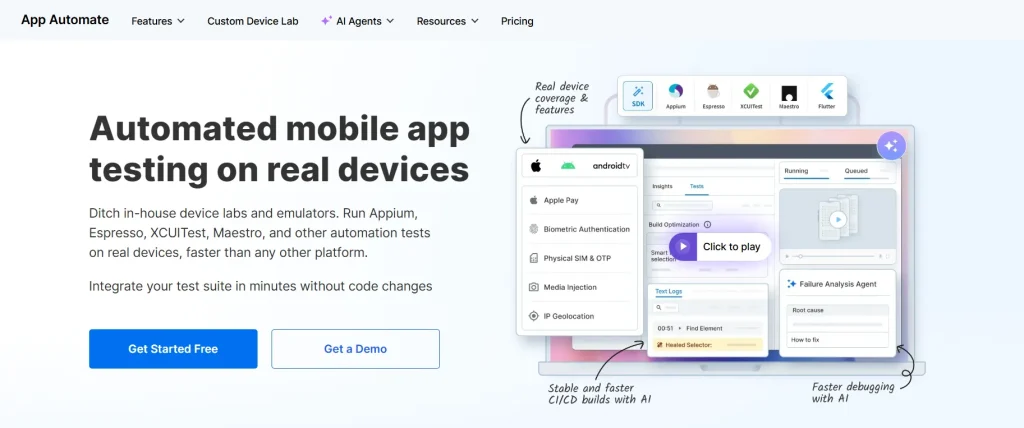
BrowserStack’s app automation feature helps you run your Appium, Espresso, XCUITest, Maestro, and other automation tests on real devices like smartphones and tablets. This is one of the most well-known automated mobile app testing tools that allows you to verify your app across OS versions, resolutions, OEMs, and orientations to ensure that mobile experiences are consistent, no matter which devices your users have.
Key features
- Catch critical bugs that emulators and simulators can’t replicate by testing on 30000+ Android and iOS devices
- Get access to the new devices and OS version just after launch, so you can resolve issues before your users run into them
- Check complex workflows and scenarios like Apple Pay, biometrics, and SIM-based authentication
- Spot performance regressions early; capture real-time CPU, memory, and battery usage metrics
Supported platforms
- Android, iOS
- Windows, macOS (Tanhoe, Sequoia, Sonoma, Ventura)
- Chrome, Safari, Edge, Firefox, Yandex
Best for: Instant access to a real device cloud where you can test your mobile apps on many combinations of devices and browsers
Pricing
- Device Cloud: $199 per month
- Device Cloud Pro: $249 per month
AI-Powered and Self-Healing Test Automation Tools
Ask any QA engineer what eats up most of their time: it’s usually fixing tests that broke because a button moved or a label changed. AI-powered and self-healing test automation tools take that problem off your plate. They detect UI changes on their own and update the tests accordingly, so your team can stay focused on shipping, not firefighting.
1. Applitools
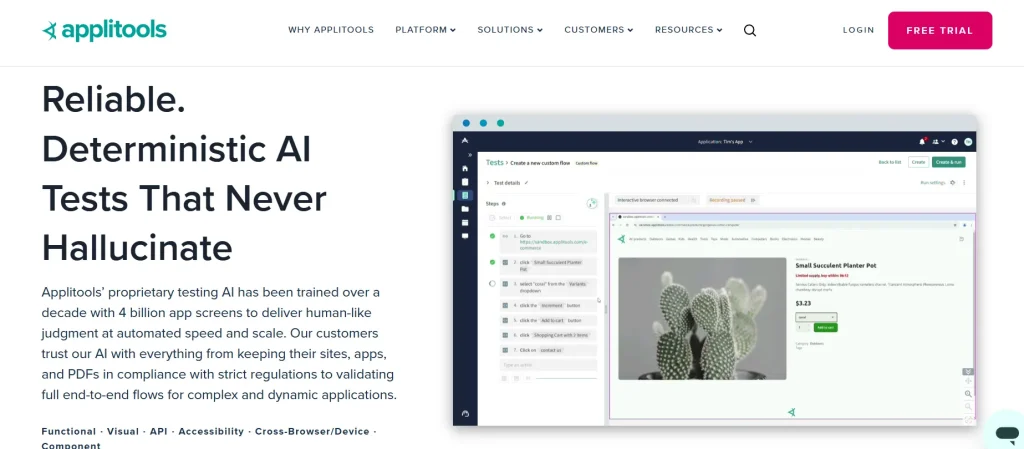
Applitools is an all-in-one AI testing platform where you can create your tests easily using natural language, catch more bugs across any UI, and eliminate your tedious test maintenance process with the help of self-healing automation. The platform helps you test your UI for functional, visual, and accessibility errors with just a single command.
Key features
- Author your tests in plain English, with a test recorder, or even using your favourite automation frameworks
- Execute those tests across thousands of different browsers and devices
- Automate how you analyse and update tests; build powerful dashboards and pinpoint errors
- Test PDFs and other docs that are important for your business
Supported platforms
- Android, iOS
- Chrome, Firefox, Safari, Edge, and IE
Best for: AI-powered visual testing, which automatically detects the smallest UI changes on mobile apps with high accuracy
Pricing
- Starter: Custom
- Public Cloud: Custom
- Dedicated Cloud: Custom
2. CoTester AI Test Agent
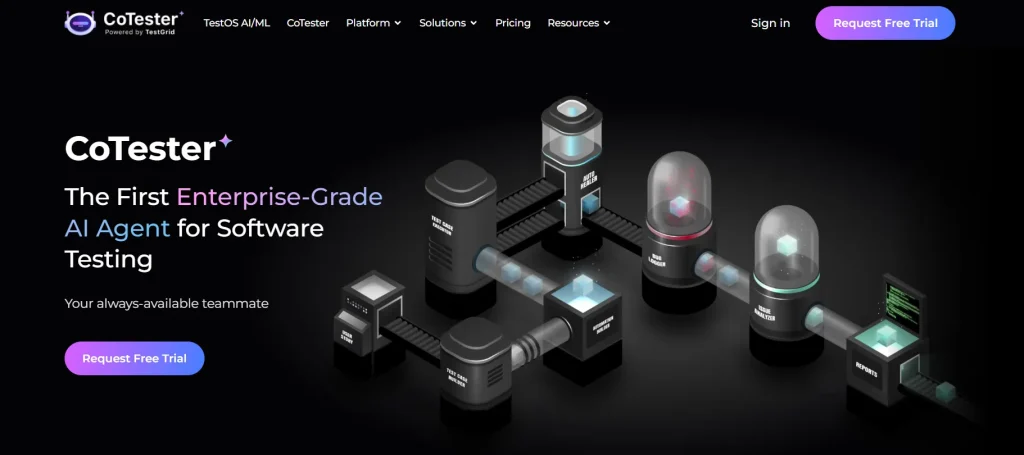
CoTester is an enterprise-grade testing agent which assists you in your entire mobile app testing journey. The agent helps you create robust tests by switching between scriptless, record and play, or code mode.
For building tests with CoTester, all you have to do is upload docs, paste a URL, or describe what you want to test, and the agent figures out how to design tests while keeping you in the loop. And you can use the natural language chat interface or an editor to tweak your test steps or update workflows.
Key features
- Turn your specs into structured tests by uploading or linking your Jira stories
- Leverage the self-healing engine, AgentRx, to update locators automatically when you change UI elements or redesign layouts
- Detect, flag, and log bugs during test execution; your team gets visibility into issues the moment they happen
- Schedule your test runs as and when you need them; it could be before a major release or for routine regression tests
- Get consistent test results with reliable, rule-based execution
- Edit and customise scripts directly inside CoTester’s IDE
Supported platforms
- Android, iOS
- Chrome, Edge, Safari, Firefox
Best for: Autonomous test creation and intelligent self-healing automation
Pricing: Customised pricing available on request
3. Testim
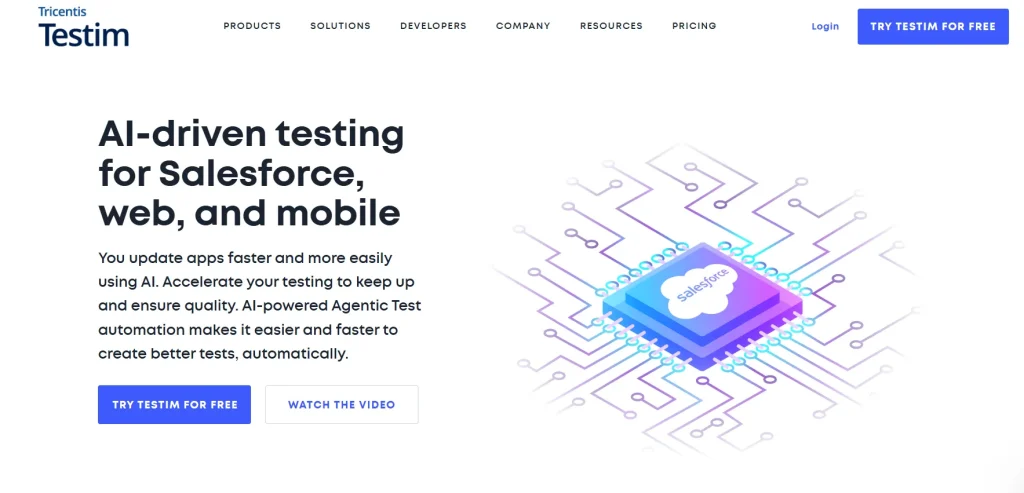
Testim is another top mobile testing tool in our list, with which you can design tests using AI, reduce your time and costs of fixing tests, and make testing a part of your release process via complete test automation. You can reduce potential issues in production by identifying and eliminating blind spots.
Key features
- Click through your mobile apps to create robust tests; if you want you can also avail the coding feature for flexibility
- Increase the stability of your tests through custom AI/ML locators that identify elements and self-heal tests when your apps change
- Speed up root cause analysis with error aggregations, screenshots, suggestions, and log analysis
- Run cross-browser tests in parallel on Testim cloud or Selenium-compatible grids
Supported platforms
- Android and iOS (cross-platform and hybrid apps)
- Chrome, Firefox, Safari, Edge Chromium
Best for: Improving test automation stability; smart AI-powered locators can adapt to UI changes
Pricing
- Testim Salesforce
- Testim Web
- Testim Mobile
All pricing plans are customised.
4. Mabl
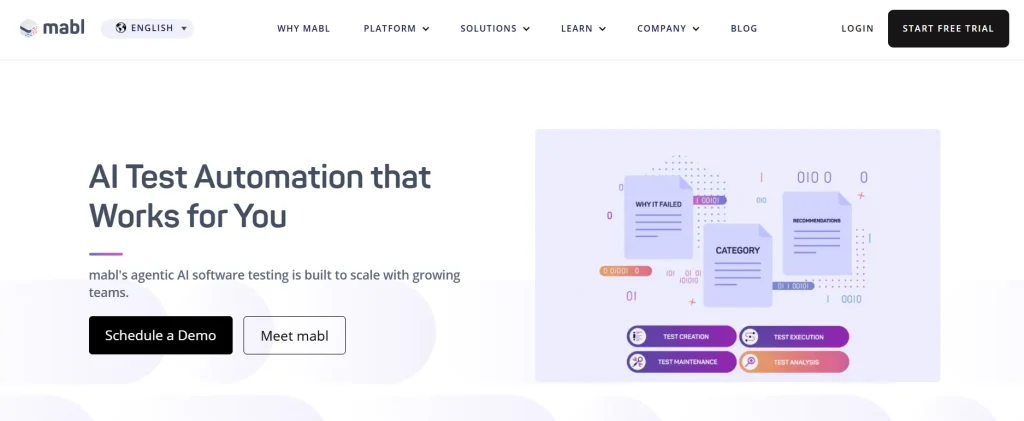
Mabl is one of the automated mobile apps testing tools that work like your testing teammate, helping you create tests 10x faster, expediting test execution, automating test analysis, and minimising test maintenance. With simple natural language descriptions, you can smoothly validate complex user scenarios as well as AI features, visuals, and chatbots in your app.
Key features
- Describe your intent or user story for Mabl to autonomously plan and create robust tests
- Reduce maintenance with adaptive auto-healing, which leverages multimodal AI to adapt execution to your app
- Eliminate overscoping by running the most relevant test for a code change
- Prevent UI issues and poor user experiences; mabl spots unexpected UI problems via computer vision
Supported platforms
- iOS, Android
- Edge, Firefox, Chrome, Safari (Webkit)
Best for: Handling the repetitive work of test creation, execution, analysis, and maintenance via agentic automation
Pricing: Request a quote for pricing
How to Choose the Right Mobile App Testing Tool: Features and Aspects to Look for
It helps to know what separates a good testing tool from the rest. And picking the right one can significantly impact your app’s quality.
1. Real devices over emulators and simulators: Emulators and simulators work well for early-stage testing, but can only take you so far. Testing on real devices gives you a more accurate picture of how your app will perform in real-world conditions.
Look for tools that make it easy for you to switch between emulators for quick checks and real devices for deeper testing.
Use this mobile app testing checklist to make your decision.
2. Check the app types the tool covers: The kind of app you’re testing determines the best framework for the job. For native apps, you’ll need tools like Appium to simulate user interactions. If you’re testing web apps, frameworks like Selenium are better suited for simulating browser behaviour.
3. Cross-platform compatibility: If your app needs to run on multiple platforms like iOS, Android, or Windows, go for a platform that supports all of them. The best mobile app testing tools let you write your tests once and execute them across different platforms without extra effort.
Cross-platform mobile testing tools also reduce the overhead of maintaining separate test suites for Android and iOS, which is a significant time saver for growing teams.
4. Think about your budget: Testing tools come in all price ranges, from free and open-source options to enterprise-grade solutions. Select one that fits your budget without sacrificing the features you need. You can also test the free trials before you invest.
5. Gauge scalability: As your app grows, your testing needs will increase, too. Search for mobile app testing tools that support parallel test execution, handle large test suites efficiently, and offer cloud testing capabilities to scale seamlessly.
6. Evaluate third-party integration capabilities: Your testing tool should be in sync with the tools you already use, such as JIRA, Trello, Slack, or GitHub. These integrations make managing workflows and sharing insights with your team easier.
Note: When evaluating automation tools for mobile app testing, always check whether the tool supports your team’s current CI/CD setup and bug tracking workflow. Seamless connectivity is what turns a good tool into a great one.
Mobile Testing Tools Comparison
Every automation tool for mobile app testing we talked about in this blog has unique strengths. But how do they actually compare? This simple table evaluates them against aspects that matter the most for QA teams.
| Tool Name | Tool Type | Best For | Platform Support | Pricing | Free Trial |
|---|---|---|---|---|---|
| TestGrid | Commercial; low-code; unified | Real device testing; codeless automation | Android, iOS, web, cross-platform | Starting at $199 per month | Yes |
| Appium | Open-source; full-code | Cross-platform mobile automation | Android, iOS | Free | Free (open-source) |
| Espresso | Open-source; full-code | Android UI test automation | Android | Free | Free (open-source) |
| XCUITest | Commercial; full-code | Native iOS Ui testing | iOS | Free | Free |
| ACCELQ | Commercial; low-code | Codeless end-to-end automation of packaged apps | Android, iOS, Cross-platform | Custom | Yes |
| Ranorex | Commercial; Low-code | GUI test automation | Android, iOS, Web, Desktop | Custom | Yes |
| testRigor | Commercial; low-code | Plain English test creation | Android, iOS, Cross-platform | Custom | Yes |
| Kobiton | Commercial; Low-code and full-code | Real device cloud testing | Android, iOS | Starting at $83 per month | Yes |
| Maestro | Open-source; full-code | YAML-based E2E testing | Android, iOS, React Native, Flutter | Free | Free (open-source) |
| WebDriverIO | Open-source; full-code | JavaScript-based test automation | Hybrid and native mobile apps | Free | Free (open-source) |
| Detox | Open-source; full-code | Grey-box mobile testing | iOS, Android | Free | Free (open-source) |
| Perfecto | Commercial; low-code and full-code support | Enterprise cloud testing | Android, iOS, web, cross-platform | Starting at $83 per month | Yes |
| Sauce Labs | Commercial; low-code | Cross-browser continuous testing | Android, iOS, API, web, cross-platform | Starting at $49 per month | Yes |
| BrowserStack | Commercial; full-code and low-code options | On-demand cloud testing | Android, iOS, cross-platform, web | Starting at $199 per month | Yes |
| Applitools | Commercial; low-code | Visual AI test validation | Android, iOS, web | Custom | Yes |
| CoTester | Commercial; no-code, low-code, full-code | Self-healing automation; autonomous testing with guardrails | Android, iOS, cross-platform | Custom | Yes |
| Testim | Commercial; low-code | AI-powered test stability | Android, iOS, cross-platform | Custom | Yes |
| Mabl | Commercial; low-code, no-code | Agentic test automation | Web, Android, iOS | Custom | Yes |
Rounding Off
Picking out one testing tool from this long list can seem daunting. Honestly, it doesn’t have to be.
Take the time to reflect on what matters most for your app—speed, coverage, ease of use and let that guide your choice of mobile automation testing tool.
The good news is that today’s mobile testing automation tools are more accessible than ever. Whether you’re a solo developer or part of a large QA team, there’s an option built for your workflow.
And if you want to skip this bit and try something that you know will fit into your testing process, check out TestGrid. The platform offers you a secure device cloud to test your apps on, scalable on-premises infrastructure, codeless automation, agentic testing, and dedicated support for your cloud and ERP mobile apps.
If you want to know more about TestGrid’s intelligent automation features, request a free trial today!
Frequently Asked Questions (FAQs)
What are the best mobile testing tools for small teams?
The best mobile testing tools, particularly for small teams, include CoTester, Mabl, Perfecto, WebDriverIO, Maestro, and Detox. These tools have free and affordable pricing plans, support codeless/full-code testing, and offer end-to-end tests in a single interface.
Can I use the same tool for Android and iOS?
This depends on which automation tools for mobile testing you’re using. TestGrid, Ranorex, Sauce Labs, BrowserStack, and Testim allow you to test apps on both Android and iOS devices. These enable you to maintain a single test suite for multiple platforms, saving time and effort.
What is the difference between mobile automation tools and manual mobile testing tools?
Manual testing tools are mainly used by manual testers who explore the app themselves, like interacting with elements on the page, completing a checkout process, or trying out different features to find edge cases. Mobile testing automation tools run pre-written test scripts automatically as part of your CI/CD pipeline, validate results, and generate reports.
Is Appium still used for mobile testing?
Yes. Appium is still very much used for mobile testing. This is because this one of the top automation mobile testing tools that’s open-source, supports both Android and iOS apps, is flexible, and helps you write test scripts in multiple programming languages, including Java, JS, Ruby, and Python.
Which mobile app testing tools support CI/CD integration?
Most of the automation testing tools for mobile applications available today support CI/CD integrations. The popular ones that integrate with the major CI/CD tools like Jenkins, CircleCI, AzureDevOps, and GitHub Actions include TestGrid, Appium, ACCELQ, Maestro, Sauce Labs, BrowserStack, and WebDriverIO.